
Discover how to enjoy your favourite TV channels and streaming content legally on your Android device without breaking the bank. With numerous options available, selecting the right IPTV app can be daunting, but we’re here to guide you through the process.
Understanding the technology behind IPTV streaming and identifying legitimate sources are crucial for a seamless viewing experience. This guide will walk you through the legal considerations of consuming IPTV content and help you optimize your streaming experience on Android devices.
By exploring various applications and services, you’ll learn how to set up, troubleshoot, and enhance your IPTV streaming experience, ensuring you get the most out of your device.
Key Takeaways
- Understand the basics of IPTV technology and its legal implications.
- Learn how to choose the right IPTV app for your Android device.
- Discover how to optimize your IPTV streaming experience.
- Identify legitimate IPTV content sources.
- Troubleshoot common issues with IPTV streaming on Android.
Understanding IPTV Technology
IPTV stands at the forefront of modern television, offering a unique viewing experience. It’s a service that allows users to stream media content directly to their devices via the internet.
What Is IPTV and How Does It Work?
IPTV, or Internet Protocol Television, is a technology that enables users to watch television on their smartphones, tablets, or smart TVs without traditional broadcast methods. It works by streaming content directly from the internet to the user’s device, providing a flexible and personalized viewing experience.
The Difference Between IPTV and Traditional TV
The key differences between IPTV and traditional TV lie in their delivery methods and viewing experiences. Here are some main distinctions:
- IPTV delivers content individually to each viewer upon request, unlike traditional TV’s broadcast model.
- IPTV offers greater flexibility with features like time-shifting and on-demand content, and the ability to watch on multiple devices.
- The channel selection with IPTV can be virtually unlimited and global.
These differences highlight how IPTV is changing the way we consume television and media.
Legal Considerations for IPTV Streaming
When exploring IPTV streaming options, it’s crucial to consider the legal implications. IPTV services operate in a complex legal landscape, particularly concerning copyright laws and content distribution.
Copyright Laws and IPTV Content
Copyright laws play a significant role in determining the legality of an IPTV streaming service. Legal IPTV services obtain proper licensing for the content and channels they offer. Users should be cautious of services that provide premium channels without clear licensing agreements.
- Legal IPTV services have professional websites with clear terms and privacy policies.
- Authorized services advertise their licensing agreements and display partner logos.
How to Identify Legal IPTV Sources
To identify a legal IPTV service or IPTV service, look for transparency in their operations. Legitimate providers secure personal and payment information and provide official receipts.
- Pricing that’s unusually low or free for premium content is a red flag.
- Free IPTV content from legal sources includes public domain material or channels allowing free redistribution.
- Legitimate free IPTV options include official network apps and ad-supported platforms.

What You Need to Watch IPTV Free on Android
To enjoy IPTV on your Android device, you’ll need to ensure your hardware and internet connection meet specific requirements. A smooth streaming experience depends on both.
Required Hardware Specifications
Your Android device should have sufficient processing power and memory to handle IPTV streaming. A modern smartphone or tablet with a multi-core processor and at least 2GB of RAM should provide a good experience. Ensure your device is running a relatively recent version of Android to support the latest IPTV apps.
Internet Connection Requirements
A stable internet connection is crucial for buffer-free IPTV streaming. Consider the following factors:
- Minimum speed requirements vary by content quality: 3-5 Mbps for standard definition, 5-10 Mbps for HD content.
- A wired connection provides more stability than wireless, though modern Wi-Fi standards can deliver excellent performance.
- Unlimited data plans are recommended as IPTV streaming consumes significant bandwidth.
By ensuring your hardware and internet connection meet these requirements, you can enjoy a seamless IPTV streaming experience on your Android device and watch IPTV content without interruptions.

IPTV Extreme: Feature-Rich Player
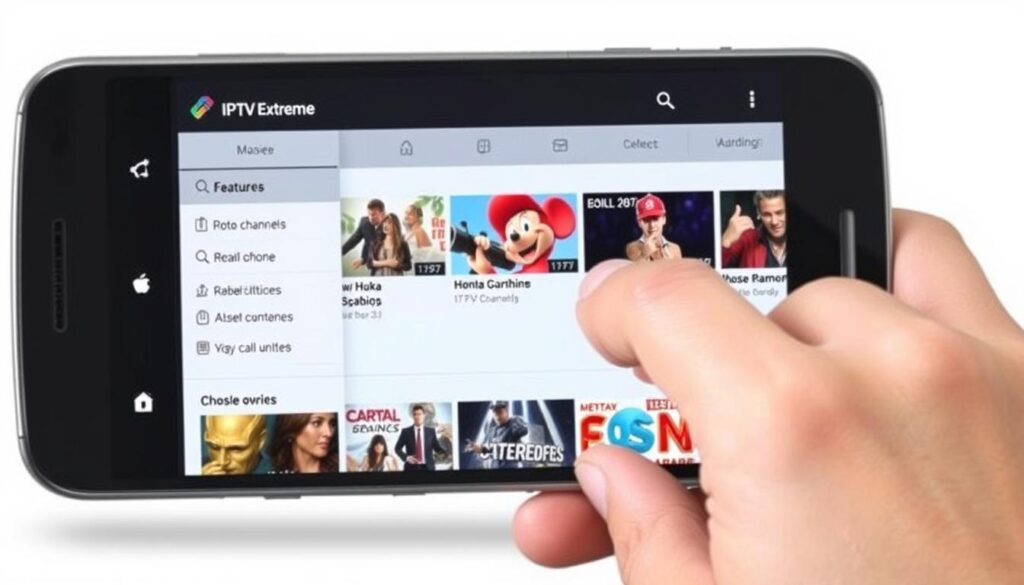
For Android users seeking a robust IPTV solution, IPTV Extreme stands out. This app offers a comprehensive viewing experience with various features that enhance user engagement.
Key Features and Functionality
IPTV Extreme boasts an impressive array of features, including the ability to record live streaming with a time limit. The app also supports multiple playlists and provides a user-friendly interface to manage your channels and content effectively.
Parental Controls and PIN Protection
The IPTV Extreme app includes comprehensive parental control features, allowing parents to restrict access to adult content or inappropriate channels. You can set a PIN protection to secure individual channels and entire playlists, ensuring that your private content remains protected.
- Customizable filtering criteria for restricted content
- PIN protection for individual channels and playlists
- Multiple profile support with different restriction levels
- Channel blocking across all content sources
- PIN protection for app settings
- Scheduled parental controls for flexible screen time management
- Parental control features available in the free version
TiviMate IPTV Player: Premium Experience
TiviMate IPTV Player is designed to deliver exceptional performance on Android devices, making it an ideal choice for streaming live TV channels.
User Interface and Navigation
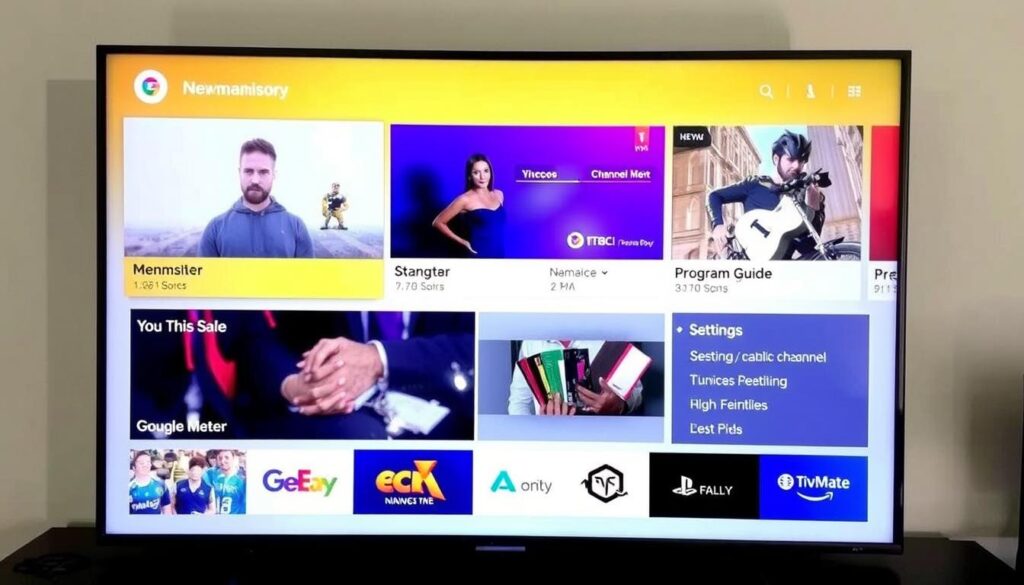
TiviMate offers an intuitive user interface that is easy to navigate. The app is optimized for different screen sizes and resolutions, providing a seamless viewing experience across various devices.
Device Compatibility
TiviMate is compatible with a range of Android devices, including smartphones, tablets, Android TV boxes, and smart TVs. It works particularly well with devices like NVIDIA Shield and Sony Android TVs, offering enhanced remote control navigation.
OTT Navigator IPTV: Versatile Streaming Solution
With its extensive customization options, OTT Navigator IPTV emerges as a leading streaming solution for Android users seeking a personalized viewing experience. This free-to-download entertainment client serves as a platform to watch IPTV content, offering a range of features that cater to diverse user preferences.
Multi-Device Support
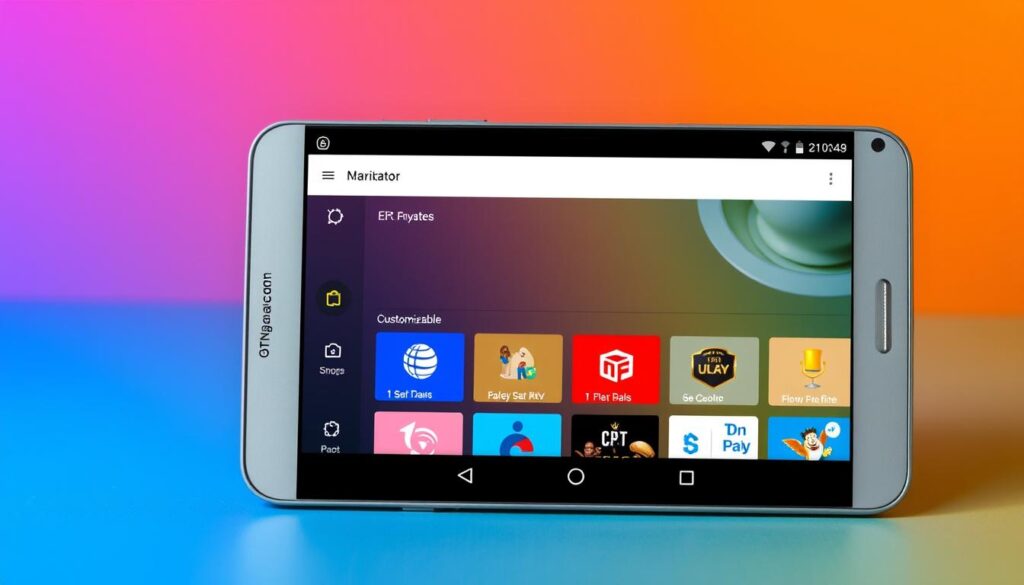
OTT Navigator IPTV is designed to be compatible with multiple devices, making it a versatile choice for users across different platforms. The app’s flexibility ensures a seamless viewing experience, whether you’re watching on a smartphone, tablet, or Android TV.
Customization Options
The app boasts extensive customization options, allowing users to tailor their viewing experience to their preferences. Key features include:
- Multiple view modes for channel lists, including grid, list, and thumbnail views, with adjustable density and information display preferences.
- Customizable player interface with adjustable control overlays, information displays, and gesture controls.
- Support for custom EPG sources with adjustable refresh intervals and display formats.
- Extensive visual personalization options, including custom backgrounds, channel logos, and theme options.
These features make OTT Navigator IPTV a highly configurable IPTV player that can be personalized to suit individual tastes, enhancing the overall viewing experience.
Smart IPTV Xtream Player: Simplified Viewing
For a hassle-free IPTV experience on Android, Smart IPTV Xtream Player is a top choice. This free-to-download multimedia platform allows you to watch movies, TV series, and live events from your IPTV service provider.
Movies and TV Series Support
Smart IPTV Xtream Player offers robust support for movies and TV series, making it easy to access your favorite content. With its intuitive interface, you can browse through various channels and categories.
Live Events Streaming
The app excels in live events streaming, particularly for sports. It provides features like event reminders, notifications for upcoming matches, and enhanced stability during high-demand events. Live event categories are organized by sport type or event name, and the app includes a live events calendar with detailed broadcast information.
IPTV Player Expert – Smart 4K: High-Quality Streaming
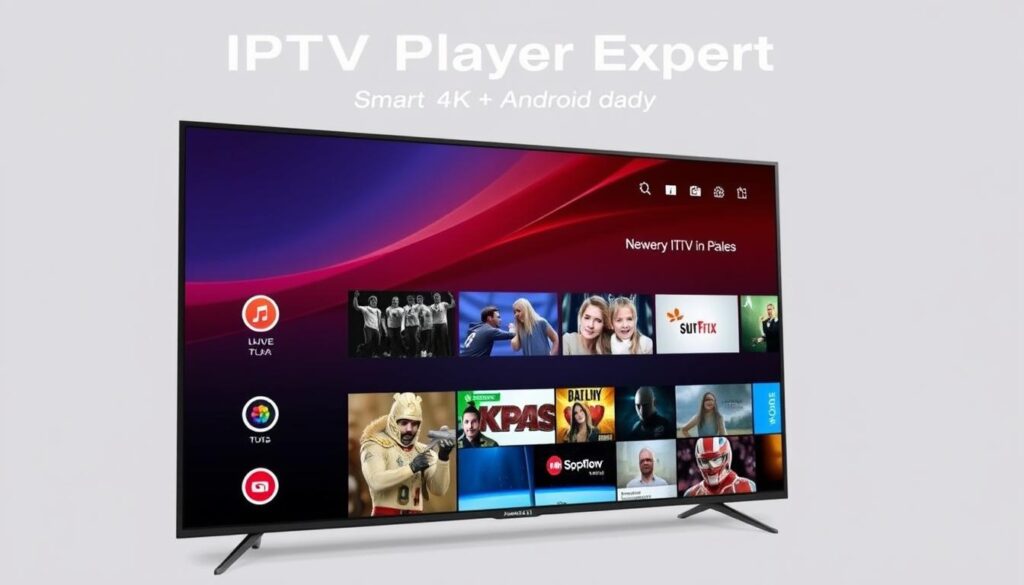
Discover the ultimate IPTV streaming experience on Android with IPTV Player Expert – Smart 4K, engineered for outstanding 4K playback. This free app is designed to leverage the full potential of your Android device, ensuring a seamless viewing experience.
4K Streaming Capabilities
IPTV Player Expert – Smart 4K employs sophisticated hardware detection to utilize dedicated video decoders in modern Android hardware, delivering exceptional 4K performance with minimal battery drain. This results in a smooth and immersive viewing experience.
Performance on Various Android Devices
The app is optimized for a range of Android devices, from flagship models with powerful processors to mid-range devices. It includes specific optimizations for popular Android TV devices like NVIDIA Shield and Fire TV Stick 4K, ensuring stable performance across different hardware configurations.
For more information on choosing the best IPTV providers, visit our guide on how to choose the best IPTV providers for.
LUDIO Player: Beginner-Friendly Option
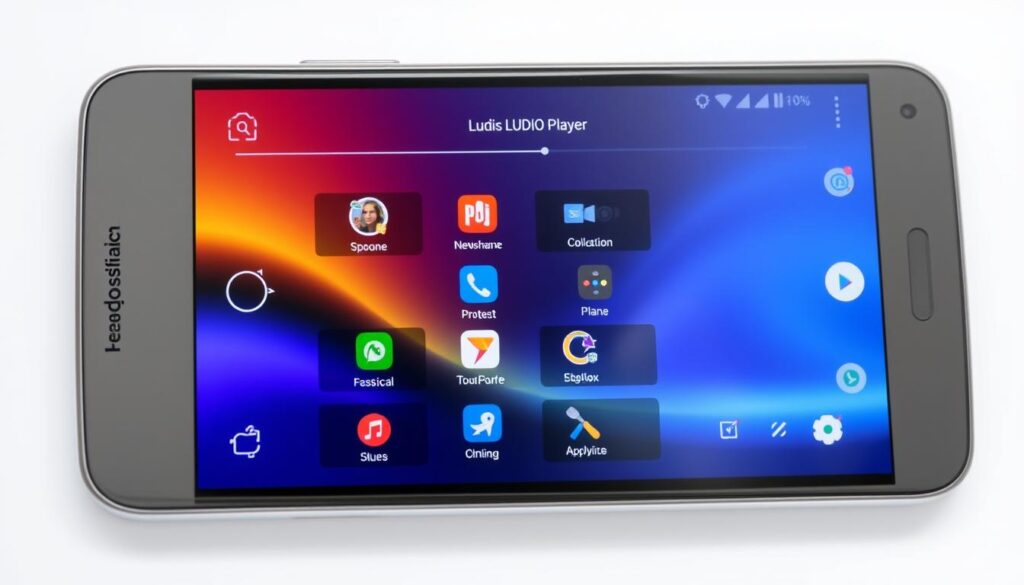
LUDIO Player stands out as a user-friendly IPTV player that simplifies the process of watching live TV on Android devices. It’s designed to provide an intuitive streaming experience, making it perfect for beginners.
Easy Setup Process
The LUDIO Player offers an easy setup process, allowing users to quickly start streaming their favorite channels. Its straightforward installation and configuration make it accessible to users of all skill levels.
Playlist Management
LUDIO Player excels in playlist management, offering features like drag-and-drop organization, multiple playlist support, and automatic updates. You can easily manage your channels, prioritize content, and switch between different playlists with its simple tabbed interface.
The app also includes channel filtering and search functions, making it easy to find specific content within large playlists. Additionally, LUDIO Player supports importing playlists from cloud storage services, further enhancing its versatility.
How to Set Up M3U Playlists on IPTV Apps
Configuring M3U playlists on IPTV apps is a simple step towards a more personalized streaming experience. To get started, you need to understand the process of finding legal M3U playlist sources and adding them to your IPTV app.
Finding Legal M3U Playlist Sources
Finding legal M3U playlist sources is crucial for a seamless streaming experience. You can visit reputable websites that offer free or premium M3U playlists. For instance, you can check out resources like IPTV M3U Playlist Guide for more information.
When searching for M3U playlists, ensure they are from legitimate sources to avoid any potential legal issues. You can also explore online forums and communities that discuss IPTV and streaming.
Adding Playlists to Your IPTV App
Once you’ve found a legal M3U playlist source, you can add it to your IPTV app. Most IPTV apps, such as those described in IPTV Setup Guide, support multiple methods for adding M3U playlists, including direct URL input, local file import, and QR code scanning.
- For direct URL input, simply paste the playlist link into the app’s designated field.
- For local file import, download the M3U file to your device and browse to it within the IPTV app’s import menu.
- Many modern IPTV players also support QR code scanning for instant addition.
Electronic Program Guide (EPG) Integration
Enhancing your IPTV experience involves more than just accessing channels; it requires a seamless Electronic Program Guide (EPG) integration. An EPG provides viewers with a comprehensive schedule of available programs, making it easier to navigate through various channels.
What Is EPG and Why It’s Important
The Electronic Program Guide (EPG) is a feature that allows users to view a schedule of upcoming programs on their IPTV player or app. This feature is crucial as it enables users to plan their viewing, browse through available programs, and set reminders for their favorite shows.
Setting Up EPG on Your IPTV App
To set up EPG on your IPTV app, you typically need to configure it through the settings section. Most quality IPTV apps allow manual EPG configuration by entering the URL of an XMLTV file. Some key considerations include:
- Manually configuring EPG through a dedicated settings section
- Using playlists that include embedded EPG URLs
- Configuring the app to download and cache EPG data locally for optimal performance
- Ensuring proper channel mapping for accurate program data
By following these steps, you can enjoy a more streamlined and user-friendly IPTV viewing experience with a well-integrated EPG.
Recording Live TV on Android IPTV Apps
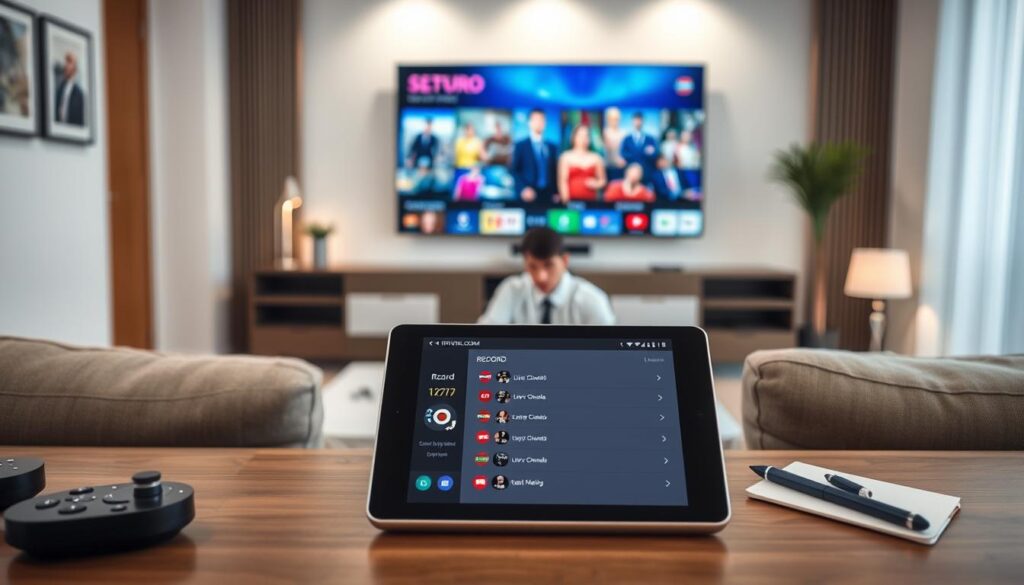
The capability to record live streaming is a significant advantage in several Android IPTV apps, allowing users to capture their favorite shows and events for later viewing.
Apps That Support Recording
Some IPTV apps, like IPTV Extreme, allow you to record live streaming, although with a time limit. When choosing an IPTV app, look for those that offer recording capabilities to enhance your viewing experience. You can explore more options on the Google Play Store.
Managing Your Recorded Content
Managing recorded content is crucial for a seamless viewing experience. Most IPTV apps with recording capabilities include a dedicated library section where recordings are organized by date, channel, or user-defined categories. Key features to look for include:
- Storage management options to automatically delete older recordings or set maximum storage limits.
- Metadata retention to preserve program information and thumbnails.
- Export functionality to save recordings in standard formats like MP4.
- Content editing features to trim unwanted segments.
- Cloud synchronization to backup recordings to services like Google Drive.
Troubleshooting Common IPTV Streaming Issues
When streaming IPTV on your Android device, you may encounter issues that disrupt your viewing experience. Common problems include buffering and playlist loading errors.
Buffering Problems and Solutions
Buffering can be caused by a slow internet connection or network congestion. To resolve this, ensure your internet speed meets the requirements for IPTV streaming. You can also try using a VPN to bypass network restrictions, as explained in our guide on fixing IPTV buffering with VPN settings.
Playlist Loading Errors
Playlist loading errors can occur due to various reasons such as URL expiration, format compatibility issues, or syntax errors. To troubleshoot, check if the playlist URL is valid and try importing it into an alternative IPTV player to identify compatibility problems. Additionally, clearing the app’s cache or checking for typos in the playlist URL can often resolve the issue.
Enhancing Your IPTV Streaming Experience
You can enhance your IPTV streaming experience by exploring external video players and optimizing your app settings. To start, let’s look at how using external video players can improve your viewing.
Using External Video Players
Using an external video player can offer more flexibility and better performance for IPTV streaming. Some IPTV apps allow you to open content in an external player, which can be particularly useful if you’re experiencing compatibility issues or want advanced features like hardware acceleration. For more information on using IPTV, you can check out this guide on how to use IPTV.
Optimizing App Settings for Better Performance
Optimizing your IPTV app settings can significantly enhance your streaming experience. Key settings to adjust include buffer size, hardware acceleration, and resolution limitations. For instance, increasing the buffer size can improve stability on inconsistent connections, while reducing it can decrease channel switching time. You should also consider minimizing background processes and managing cache regularly to maintain optimal performance on your device.
Comparing Free vs. Premium IPTV App Features
When exploring IPTV apps, understanding the differences between free and premium features is crucial for making an informed decision. IPTV apps offer various functionalities, but the availability of these features often depends on whether you’re using a free or premium version. This comparison will help you decide which type of app best suits your streaming needs.
Free Version Features
Free IPTV app versions typically offer basic features such as access to a limited channel lineup and standard streaming quality. You can expect to find some advertisements within the interface, and features like recording or advanced EPG might be restricted or unavailable. For instance, you can start with a free IPTV trial to explore available features.
Benefits of Premium Upgrades
Upgrading to a premium IPTV app can significantly enhance your viewing experience. Premium versions often include advanced recording functionality, multi-device synchronization, enhanced EPG features, ad removal, performance optimizations, and advanced customization options. For example, comparing different IPTV players like TiviMate vs. Sparkle IPTV Player can help you choose the best premium features for your needs.
| Feature | Free Version | Premium Version |
|---|---|---|
| Recording Functionality | Limited | Unlimited, Scheduled, Series Recording |
| Multi-Device Synchronization | No | Yes |
| EPG Features | Basic | Enhanced, Custom Categories, Advanced Search |
| Advertisements | Yes | No |
| Performance Optimizations | Standard | Priority Server Connections, Enhanced Buffering |
| Customization Options | Limited | Advanced, Custom Skins, Personalized Channel Logos |
Conclusion
The Android ecosystem offers a diverse range of IPTV apps, catering to different user requirements and enhancing the streaming experience. Whether you’re a sports enthusiast or a movie buff, there’s an IPTV player that suits your needs. From beginner-friendly options like LUDIO Player to feature-rich solutions such as IPTV Extreme and TiviMate, the choices are vast.
Understanding the legal landscape of IPTV streaming is crucial for responsible viewing. Most modern Android devices can handle standard definition and HD content, while 4K streaming demands more powerful specifications. Proper setup and configuration significantly impact your IPTV experience.
As streaming technology continues to evolve, IPTV apps are improving with new features and performance enhancements. Whether you stick with free IPTV versions or invest in premium upgrades, the current generation of IPTV players offers unprecedented flexibility and functionality.

