
Transform your streaming experience with the right IPTV playlist. With thousands of live channels at your fingertips, you can access a vast array of content from around the world.
To get started, you’ll need to understand the different types of IPTV playlists available. You can explore setting up your IPTV portal to learn more about the process.
Whether you’re a casual viewer or a dedicated cord-cutter, choosing the right IPTV playlist solution can be overwhelming. In this guide, we’ll examine the key differences between free and premium options, helping you make an informed decision.
Key Takeaways
- Understand the different types of IPTV playlists available
- Learn how to access thousands of live channels from around the world
- Discover the key differences between free and premium IPTV playlist options
- Find out how to choose the right IPTV playlist solution for your entertainment needs
- Get insights into setting up and using your IPTV portal
Understanding IPTV Playlists
Understanding IPTV playlists is crucial for anyone looking to stream content over the internet. An IPTV playlist is essentially a list of multimedia streams that can be accessed through various devices with an internet connection.
What Is an IPTV M3U Playlist?
An IPTV M3U playlist is a text-based M3U file that contains information about various multimedia streams. The “M3U” format, which stands for MP3 URL, was originally developed for audio playlists but has been adapted for video streaming due to its simplicity and compatibility. This file format serves as a digital roadmap, directing media players to live TV channels, video-on-demand content, and radio stations available over the internet.
How IPTV Playlists Work
IPTV playlists function as directories that connect media players to content servers hosting live streams. They contain crucial information such as channel details, stream URLs, and metadata. For premium content, security tokens are often included to ensure authorized access. To set up an IPTV playlist, you can follow a step-by-step guide, such as the one provided by G-IPTV for configuring IPTV on Windows.
| Component | Description |
|---|---|
| Channel Information | Details about the TV channels available |
| Stream URLs | Links to the actual media streams |
| Metadata | Additional data about the content, such as descriptions or logos |
| Security Tokens | Authorization details for accessing premium content |
As noted by a streaming expert, “The flexibility of IPTV playlists allows for a personalized viewing experience, making it a preferred choice for many cord-cutters.” IPTV playlists have evolved significantly, transforming from simple text files to sophisticated content delivery systems that put viewers in control of their entertainment experience.
Free vs. Premium IPTV Playlists
As the demand for IPTV services continues to grow, the debate between free and premium playlists has become increasingly important. When choosing an IPTV playlist, users must weigh the pros and cons of each option.
Free IPTV Playlist Options
Searching for “free m3u playlist” might yield thousands of results, but the reality is that most free playlists suffer from significant drawbacks. These include:
- Inconsistent availability, with channels frequently going offline
- Poor video quality, often limited to 480p or lower
- Buffer issues caused by overloaded servers
- Potential security risks, including malware or data collection
- Legal concerns, as many distribute content without proper licensing
Premium IPTV Services

Premium IPTV services have become the go-to solution for serious streamers. These paid subscriptions offer numerous benefits, including:
- Stable, high-quality streams up to 4K resolution and HDR support
- Dedicated servers with minimal buffering
- Legal content distribution through proper licensing
- Regular updates to channel lists and features
- Customer support for troubleshooting
- EPG (Electronic Program Guide) integration for a more traditional TV viewing experience
- Multi-device compatibility and simultaneous streams
With access to thousands of live channels, premium IPTV services provide a comprehensive streaming experience that is hard to match with free options.
Setting Up Your IPTV Playlist
With the right guidance, setting up your IPTV playlist can be a hassle-free experience that opens up a world of entertainment options. To get started, you’ll need to follow a few simple steps that will have you streaming your favorite channels in no time.
Step-by-Step Configuration Guide
To configure your IPTV playlist, begin by choosing a reputable IPTV service provider that offers compatibility with your devices and a robust channel lineup. Once you’ve subscribed, obtain your unique M3U playlist URL, which typically ends in .m3u or .m3u8. Next, select a suitable IPTV player application, such as VLC Media Player, IPTV Smarters Pro, or TiviMate, and configure it using your M3U URL. Most modern IPTV players have a straightforward setup process: open the app, navigate to settings, add your M3U URL, and refresh to load channels. For a detailed guide on setting up IPTV on smart TVs, you can refer to this comprehensive guide.
Troubleshooting Common Setup Issues
While setting up your IPTV playlist is generally straightforward, you may encounter some common issues. These can include connection problems, playlist loading errors, or EPG configuration challenges. To resolve these issues, ensure that your M3U URL is correct and that your internet connection is stable. If you’re experiencing persistent problems, contact your IPTV service provider’s customer support for assistance. They can help you troubleshoot and get your IPTV playlist up and running smoothly.
Best Devices and Players for IPTV Playlists
With numerous options available, choosing the right device and player for your IPTV needs can be a bit overwhelming, but we’re here to guide you through it. The key to a great IPTV experience lies in selecting the right combination of devices and players that offer the best compatibility and features.
Top IPTV Players
The market offers a variety of IPTV players, each with its unique features and compatibility. Some of the top IPTV players in 2025 include:
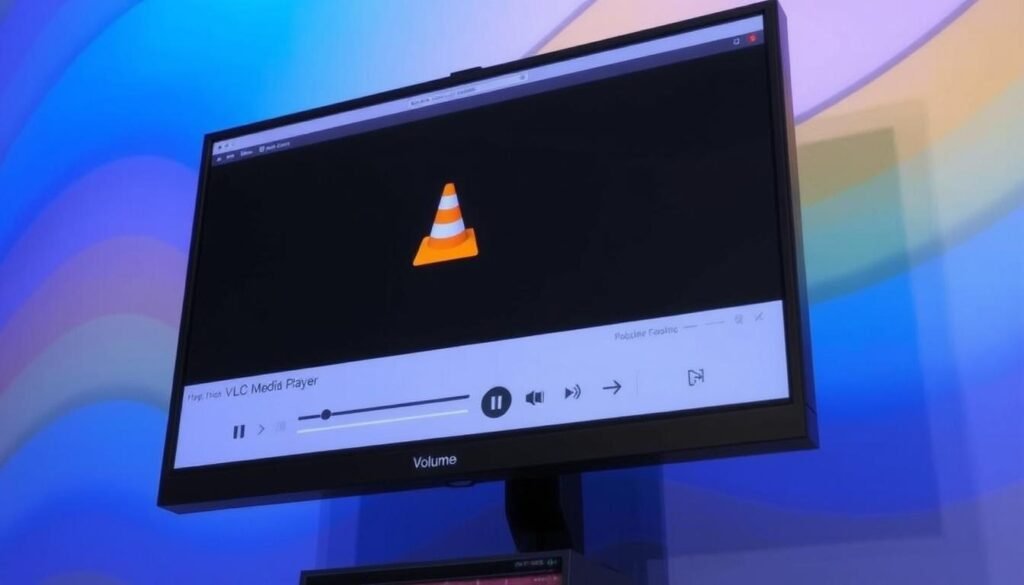
- VLC Media Player: Compatible with Windows, Mac, Linux, and mobile devices.

- IPTV Smarters Pro: Available on Android, iOS, and smart TVs. You can download IPTV Smarters Pro from the App Store.
- TiviMate: Ideal for Android TV devices.
- GSE Smart IPTV: Supports both iOS and Android platforms.
- Perfect Player: Available on Android and Windows.
- Kodi with IPTV Simple Client: Compatible with all platforms.
Compatible Devices
IPTV playlists can be enjoyed on a wide range of devices, including smart TVs, Android boxes, Fire Stick, PCs, Macs, and mobile devices. For instance, you can find a public IPTV playlist for your Fire Stick device.
When choosing a device, consider factors such as processing power, screen resolution, and connectivity options to ensure a smooth viewing experience.
Content Available Through IPTV Playlists
Content variety is a hallmark of IPTV playlists, offering something for everyone. Whether you’re a sports enthusiast, a movie buff, or someone who enjoys international programming, IPTV playlists cater to diverse viewer preferences.
Sports Streaming Options
For sports fans, IPTV playlists provide comprehensive coverage of major leagues like the NFL, NBA, Premier League, UEFA, and F1, along with premium PPV events such as boxing and UFC matches. Dedicated sports channels like ESPN, Sky Sports, and beIN Sports are also available, ensuring that you never miss a moment of the action. When looking for a sports IPTV playlist, ensure it offers stable streams in FHD/4K for the best viewing experience.

Movies and TV Shows
IPTV playlists also offer an extensive range of movies and TV shows, including live entertainment networks and on-demand content libraries that rival mainstream streaming services. You can enjoy the latest blockbusters, popular TV series, and classic films, all from the comfort of your home. Check out the best IPTV streaming services for the most comprehensive movie and TV show offerings.
International Channels
One of the standout features of IPTV playlists is their ability to provide access to international channels and content from around the world. Whether you’re interested in news from Europe, sports from Australia, or entertainment from Asia, IPTV playlists make it possible to stay connected to your cultural heritage or explore new cultures. For more information on configuring IPTV channels, visit IPTV channels menu.
Legal and Security Considerations for IPTV
As you explore IPTV options, understanding the legal and security implications is crucial for a safe streaming experience. IPTV services operate in a complex legal environment, particularly concerning copyright laws and content distribution rights.
Legal Status of IPTV Streaming
The legality of IPTV streaming largely depends on the source of the content. Legitimate IPTV services obtain necessary licenses for the content they provide, while unauthorized streams may infringe on copyright protections. It’s essential to differentiate between these when choosing an IPTV service to avoid potential legal issues. For more information on the legal status of IPTV in Canada, you can visit Netjoi’s blog.
Protecting Your Privacy While Streaming
To protect your privacy while streaming IPTV, using a VPN is highly recommended. A VPN encrypts your internet connection and masks your IP address, enhancing your security and anonymity online. Additionally, be cautious with the links you access, as some free IPTV playlists may contain malicious links or malware. Always prioritize services that respect user privacy and offer secure access to their streams.
Conclusion
With the rise of IPTV services, you’re now equipped to make informed decisions about your streaming options. Throughout this article, we’ve explored the ins and outs of IPTV playlists, including their benefits, setup processes, and the differences between free and premium services.
When choosing an IPTV service, consider the level of support you need, the features that matter most to you, and whether you require an electronic program guide (EPG) for a more traditional TV experience. An EPG can significantly enhance your viewing experience by providing a schedule of upcoming programs, making it easier to navigate your favorite channels.
For those setting up their IPTV playlist, understanding how to work with an m3u link is crucial. You can find detailed guides on setting up IPTV services, such as the one provided by G-IPTV, which offers step-by-step instructions for configuring your IPTV player.
As you move forward, whether you’re trying your first IPTV service or upgrading from a free m3u playlist to a premium option with better support and features, remember that the key to a satisfying streaming experience lies in choosing a service that meets your specific needs and budget.
For more information on IPTV and the latest developments in streaming technology, you can refer to resources like Xbox Gear and Gopher Sports Marketplace, which provide comprehensive guides and updates on m3u playlists and IPTV services.

