
The way we consume television is changing, and IPTV players are at the forefront of this revolution.
With the rise of cord-cutting, many are turning to Internet Protocol television to access live TV channels and on-demand content without the need for traditional cable subscriptions.
Various apps are available that allow users to stream thousands of channels directly to their devices, offering a flexible and personalized viewing experience.
However, it’s crucial to distinguish between official and unofficial IPTV services, understanding the benefits and potential risks associated with each.
Key Takeaways
- Discover the top IPTV player apps for cord-cutters and streamers.
- Learn how to distinguish between legitimate and unauthorized IPTV services.
- Understand the technical aspects of IPTV players, including compatibility and streaming quality.
- Explore the benefits and potential risks of using different IPTV players.
- Find the best IPTV player to suit your specific streaming needs.
Understanding IPTV: Streaming Television Over the Internet
With the increasing demand for online streaming, IPTV has become a viable option for those looking to cut the cord and move away from traditional TV services. IPTV, or Internet Protocol Television, refers to the delivery of television content over the internet, rather than through traditional terrestrial, satellite, or cable formats.
What Is IPTV and How Does It Work?
IPTV streams television content directly to your device, whether it’s a smart TV, smartphone, tablet, or streaming box. This is achieved by converting TV signals into internet protocol (IP) packets, which are then transmitted over the internet. The key advantage of IPTV is its ability to provide on-demand content and live TV streaming, all while allowing users to watch on multiple devices.
Benefits of IPTV for Cord-Cutters
IPTV offers several benefits for cord-cutters, including cost savings, flexibility, and access to a wide range of content. Some of the key advantages include:
- Cost savings by eliminating expensive cable subscriptions
- Flexibility to watch on multiple devices, including smartphones and smart TVs
- On-demand content availability, allowing viewers to watch at their convenience
- Access to international channels and diverse content libraries
- Customizable viewing experiences through personalized channel lists
| Feature | Traditional Cable | IPTV |
|---|---|---|
| Content Availability | Limited to cable packages | On-demand and live TV streaming |
| Device Compatibility | Limited to TV sets | Multiple devices, including smartphones and tablets |
| Customization | Pre-packaged channel bundles | Personalized channel lists |
By understanding how IPTV works and its benefits, cord-cutters can make informed decisions about their television viewing options. With its flexibility, cost savings, and access to diverse content, IPTV is an attractive alternative to traditional cable TV.
Official vs. Unofficial IPTV Services
As the popularity of IPTV continues to grow, the distinction between official and unofficial services becomes increasingly important. You need to understand the differences between these two categories to make informed decisions about your streaming options.
Legal Free IPTV Services
Official IPTV services are legal and offer a range of benefits, including reliable streaming and secure access to content. These services are available through official app stores and provide a curated selection of channels and content. Examples include popular services like Pluto TV and Tubi, which offer a variety of TV shows and movies. When using legal free IPTV services, you can enjoy streaming without worrying about legal or security issues.
| Service | Content Offered | Availability |
|---|---|---|
| Pluto TV | TV shows, movies, on-demand content | Official app stores |
| Tubi | TV shows, movies | Official app stores |
Third-Party IPTV Options and Considerations
Unofficial IPTV services, on the other hand, operate in a legal gray area and often provide access to a wider selection of channels and content. However, these services come with significant risks, including potential legal issues and security threats. When using unofficial IPTV players, you may need to sideload the app, which can expose your device to security risks. It’s essential to use a reliable VPN, such as ExpressVPN, to protect your privacy and security while streaming.
- Unofficial IPTV services often offer a broader range of content, including premium channels and international broadcasts.
- These services typically require sideloading, which can bypass security vetting processes.
- Using a VPN is recommended to protect your privacy and prevent ISP monitoring.
When considering unofficial IPTV services, it’s crucial to weigh the benefits against the potential risks. While these services can offer a more extensive range of content, they may also expose you to legal and security risks. Always research the reputation of the service and use a VPN to protect your privacy.
Top Official Free IPTV Players for Streaming

Streaming enthusiasts have a variety of IPTV players to choose from, with some of the best being completely free. These players offer a range of channels and content, making them ideal for cord-cutters. In this section, we will explore some of the top official free IPTV players available for streaming.
Pluto TV
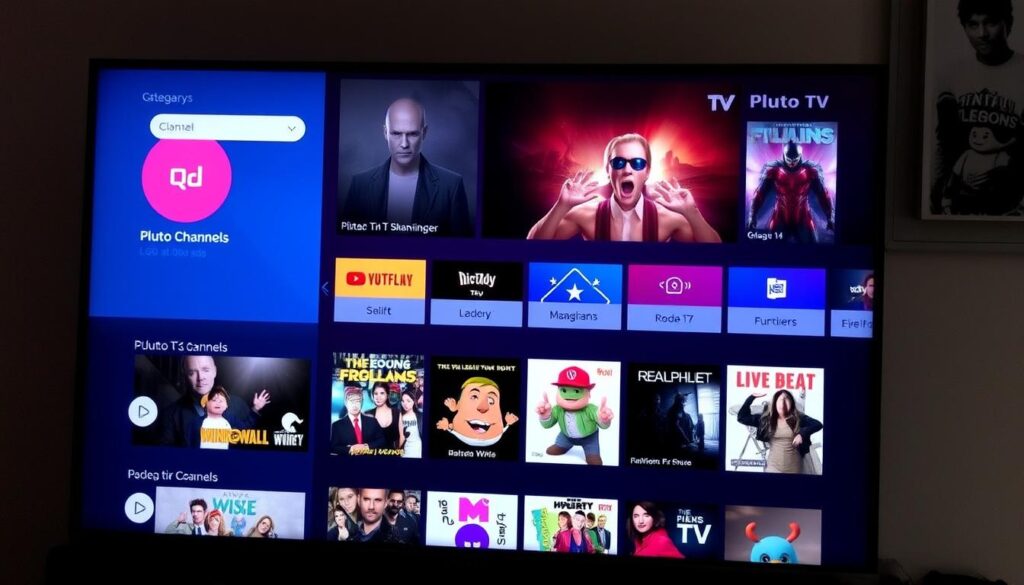
Pluto TV is a popular free IPTV service that offers a wide range of channels, including news, entertainment, and on-demand content. With its user-friendly interface, Pluto TV makes it easy to find and stream your favorite shows and movies. Pluto TV is available on various devices, including smart TVs, streaming devices, and mobile phones.
Tubi
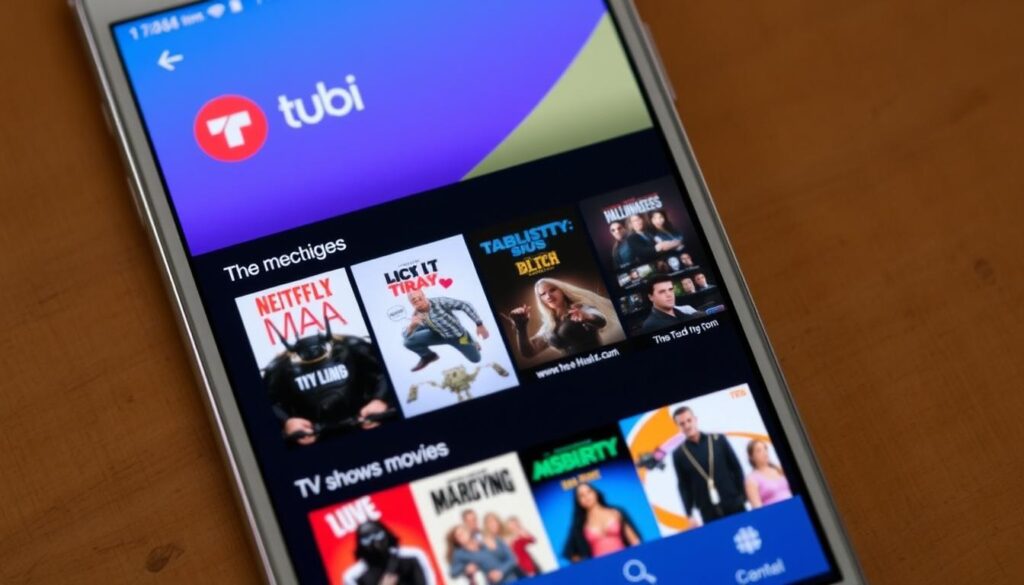
Tubi is another well-known free IPTV player that offers a vast library of TV shows and movies. With partnerships with major networks, Tubi provides a diverse range of content, including popular TV series and films. Tubi is available on multiple platforms, including smart TVs, streaming devices, and mobile devices.
Plex
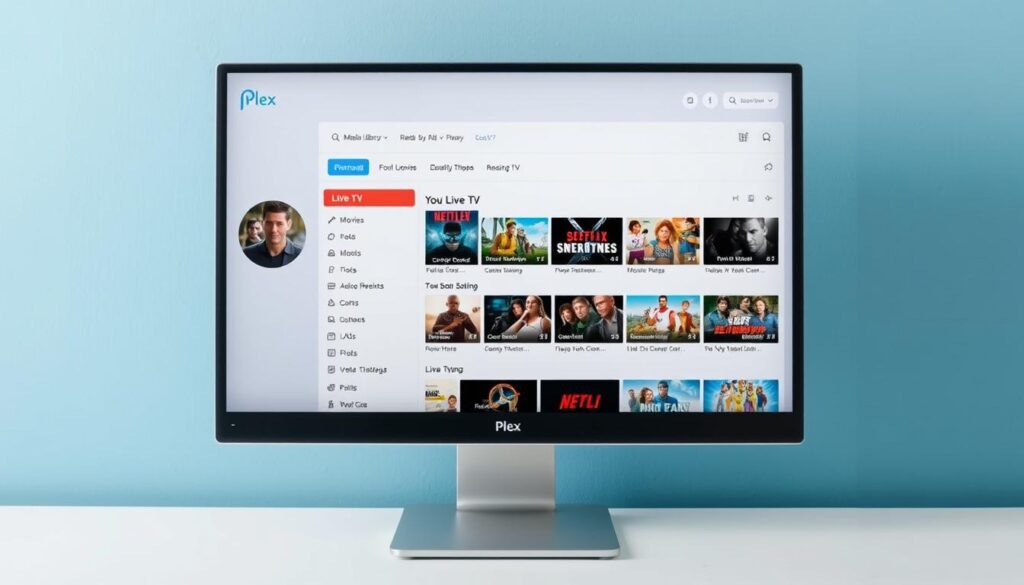
Plex is a versatile media player that also offers live TV streaming through its IPTV feature. Users can access a variety of channels, depending on their location and the content providers available. Plex is compatible with numerous devices, including smart TVs, streaming devices, and computers. For more information on setting up IPTV services, you can refer to this guide on setting up and using iMax.
Samsung TV Plus
Samsung TV Plus is a free IPTV service available on Samsung smart TVs. It offers a range of live TV channels across different categories, including news, sports, and entertainment. With its intuitive interface, Samsung TV Plus provides an easy way to access live TV and on-demand content directly on your Samsung TV.
XUMO
XUMO is a popular free IPTV player that offers over 190 channels across various categories, including movies, news, sports, and kids’ programming. It is available on multiple devices, including Amazon FireStick, Android TV boxes, and Android phones. XUMO also has an official Kodi addon, allowing users to access its content on a wide range of devices. With its extensive channel lineup and user-friendly interface, XUMO is a great option for those looking for a free IPTV solution.
Best Free IPTV Player Apps for Android Devices
For Android users seeking flexible streaming options, several free IPTV player apps have gained popularity. These apps offer a range of channels and on-demand content, catering to diverse viewer preferences.
IPTV Player by Borpas
IPTV Player by Borpas is a versatile IPTV player that supports various formats, including M3U and XML playlists. It’s designed for users who want to manage their channels and content efficiently.
HD Streamz
HD Streamz is another popular IPTV streaming app for Android devices, offering a wide range of channels, including sports, news, and entertainment. It is known for its user-friendly interface and robust channel selection.
Rapid Streamz
Rapid Streamz stands out as a comprehensive IPTV player for Android, featuring over 800 TV channels from around the globe. It includes content from various countries, making it an excellent choice for those interested in international programming. However, as with any unofficial service, users should be aware of potential legal and safety considerations.
When using these apps, especially unofficial ones like Rapid Streamz, it’s advisable to employ a VPN service to protect your privacy and potentially avoid ISP throttling of streaming traffic.
Top Unofficial IPTV Players for FireStick
The best unofficial IPTV players for FireStick provide users with an extensive array of live TV, sports, and entertainment channels. These players have become incredibly popular among cord-cutters looking for flexible streaming options.
Live Net TV
Live Net TV is a popular unofficial IPTV player for FireStick, offering a wide range of international channels and content. It allows users to stream live TV, sports, and entertainment programs.
Ola TV
Ola TV is another highly-regarded IPTV app for FireStick users. It provides access to various channels, including sports, news, and entertainment. Ola TV is known for its user-friendly interface and reliable streaming performance.
TV Tap Pro
TV Tap Pro is a versatile IPTV player that offers a diverse selection of content, including live TV, movies, and TV shows. It’s designed to work seamlessly on FireStick devices, providing a smooth streaming experience.
Ocean Streamz
Ocean Streamz is an unofficial streaming app that stands out for its comprehensive entertainment offerings. It includes live TV, sports, movies, TV series, anime, and adult content across various channels. The app is notable for its dual-section approach to live TV, separating news/sports from entertainment/lifestyle content for easier navigation.
- Offers a wide range of international channels
- Specialized sections for movies, TV series, anime, and adult content
- Minimalist design for easy navigation on FireStick devices
- Multiple interface language options
- Regular updates for current sporting events and new releases
For more information on how to access these services, you can visit https://www.g-iptv.com/free-iptv-trial-unlock-endless-entertainment/ to explore free IPTV trial options.
Specialized Free IPTV Players
For users with particular viewing preferences, specialized free IPTV players offer tailored content that caters to specific interests, providing a more personalized viewing experience.
Red Bull TV for Sports Enthusiasts
Red Bull TV is a free sports streaming service that offers a wide range of sports content, including live events, documentaries, and original series. It’s perfect for sports enthusiasts who want to stay up-to-date with the latest action.

Haystack News for News Junkies
Haystack News is a free IPTV service that aggregates news from various sources, allowing users to customize their news feed based on their interests. It’s an excellent option for those who want to stay informed about current events.

Very Local for Regional Content
Very Local is a free and legal streaming app that delivers live TV and current events from local media stations. It offers coverage on a wide range of topics, including politics, news, weather, and business, making it an excellent choice for those who want to stay connected to their local community.
- Provides region-specific news and weather updates
- Offers live TV channels from local media stations
- Produces original programming about regional issues
- Compatible with multiple streaming devices, including FireStick and Android TV
By offering hyperlocal content, Very Local addresses a significant gap in the streaming landscape, connecting viewers with their immediate communities. You can access more information on free IPTV options at https://www.firesticktricks.com/free-iptv.html.

Essential Features to Look for in a Free IPTV Player
When selecting a free IPTV player, it’s crucial to consider several key features that can significantly impact your viewing experience. A good IPTV player should offer a combination of functionality, performance, and user-friendly interface to ensure a seamless streaming experience.
User Interface and Navigation
The user interface of an IPTV player plays a crucial role in your overall viewing experience. Look for players with intuitive navigation, clear channel organization, and customizable home screens. A well-designed UI can make it easier to find and access your favorite channels and content.
Playlist Support and Format Compatibility
A versatile IPTV player should support various playlist formats, including M3U and XML. It should also be able to handle different streaming protocols, such as HTTP, HTTPS, and UDP. Ensure the player you choose can read and manage your IPTV playlist effectively.
EPG (Electronic Program Guide) Integration
An EPG is a vital feature for any IPTV service, providing viewers with a schedule of upcoming programs. Look for players that support EPG integration in formats like XMLTV and JTV. This feature allows you to plan your viewing and get detailed information about current and upcoming shows.
Video Quality and Streaming Performance
Video quality is paramount when it comes to IPTV streaming. A good IPTV player should support adaptive streaming, adjusting video quality based on your internet connection. It should also support various video codecs, such as H.264, H.265 (HEVC), and VP9, to ensure compatibility with different streams.
Some key features to look for in an IPTV player include:
- Adaptive streaming support to prevent buffering and maximize resolution
- Hardware acceleration capabilities to reduce CPU usage and extend battery life
- Buffer size configuration options for fine-tuning streaming performance
- Support for various video codecs for compatibility with different streams
- External player integration for leveraging specialized video players
- Audio track selection and synchronization controls for enhanced viewing experience
- Network optimization features for improved reliability when accessing streams
For more information on IPTV and its benefits, you can check out resources like this guide on IPTV or this overview of IPTV services.
Safety and Legal Considerations When Using IPTV Players
The convenience of IPTV streaming is accompanied by potential risks that users should be aware of to ensure a safe viewing experience. While free IPTV services can be tempting, it’s essential to understand the legal and security implications.
Understanding the Legal Landscape of IPTV
The legal landscape of IPTV is complex, with many services operating in a gray area. Users should be cautious when accessing content through unofficial IPTV applications, as they may be infringing on copyright laws. For more information on the legal aspects, you can refer to resources like FACT UK and the UK Government’s response on illicit IPTV.
Using VPNs with IPTV Services
To enhance security and privacy while streaming, using a VPN with IPTV services is highly recommended. A VPN can help protect your information and maintain your anonymity online. When choosing a VPN for IPTV streaming, look for one that offers strong encryption and a reliable connection.
Avoiding Malware and Security Risks
Unofficial IPTV applications can pose significant security risks, including malware and data harvesting. To mitigate these risks, users should research the application thoroughly, check for updates regularly, and use security software. Being cautious with the permissions granted to IPTV apps is also crucial to protect personal media and data.
Troubleshooting Common IPTV Streaming Issues
Troubleshooting IPTV streaming issues is essential for a smooth viewing experience. IPTV users often encounter problems that can be resolved by understanding the root causes and applying the right fixes.
Buffering and Playback Problems
Buffering and playback issues can be caused by internet connectivity problems or ISP throttling. To resolve these, you can try switching to a different DNS server, such as Google’s public DNS (8.8.8.8) or Cloudflare’s (1.1.1.1), or using a VPN to mask your streaming traffic.
Playlist Loading Errors
Playlist loading errors often occur due to issues with the IPTV app configuration or server connectivity. Check your app settings and ensure that your internet connection is stable. You may also need to update your IPTV app or contact your service provider for assistance.
Connection and Network Issues
Connection and network issues can arise from various factors, including router configuration problems, firewall restrictions, or IPv6 compatibility issues. Ensure your router’s firmware is up-to-date, configure your firewall to allow IPTV traffic, and consider disabling IPv6 if you’re experiencing connectivity issues.
| Issue | Cause | Solution |
|---|---|---|
| Buffering | Internet connectivity | Switch DNS or use VPN |
| Playlist loading errors | App configuration | Check app settings or update |
| Connection issues | Router configuration | Update firmware or configure firewall |
For more detailed troubleshooting guides, you can refer to resources like this comprehensive guide on IPTV buffering and freezing issues.
Conclusion: Choosing the Right Free IPTV Player for Your Needs
Choosing the ideal free IPTV player requires a nuanced understanding of your viewing preferences and technical requirements. When selecting a player, you must balance multiple factors, including content preferences, device compatibility, and legal considerations. For users prioritizing legal compliance and security, official players like Pluto TV, Tubi, and Samsung TV Plus offer substantial content libraries without the risks associated with unofficial services.
Technical users managing their own IPTV sources should consider specialized players like IPTV Player by Borpas, which offers advanced features including EPG integration and playlist management. Device-specific considerations also play a significant role, with FireStick users having different optimal choices than Android phone users or smart TV owners. To enhance your streaming experience, you can learn more about setting up your IPTV portal by visiting this guide.
Ultimately, the key to finding the perfect free IPTV player is to experiment with multiple options and identify which one best meets your specific viewing habits and technical environment. By doing so, you can enjoy a seamless streaming experience while maintaining security best practices.

