
The way we consume television is undergoing a significant transformation, driven by the rise of IPTV streaming services. Unlike traditional cable or satellite TV, IPTV delivers content over the internet, offering users greater flexibility and choice.
This shift is revolutionizing the entertainment landscape, enabling users to access thousands of live channels and on-demand content through user-friendly interfaces on various devices.
As we explore the world of IPTV streaming apps, you’ll discover how they can transform your viewing experience, providing access to a vast array of entertainment options without the need for expensive hardware or long-term contracts.
Key Takeaways
- IPTV streaming services offer greater flexibility and choice compared to traditional TV.
- Access to thousands of live channels and on-demand content through user-friendly interfaces.
- Transform your viewing experience with IPTV streaming apps on various devices.
- No need for expensive hardware or long-term contracts.
- Explore the world of IPTV streaming and discover new entertainment options.
Understanding IPTV Streaming in 2025
IPTV technology has matured, providing a robust and reliable streaming service that is changing the face of home entertainment. Unlike traditional cable or satellite television, IPTV delivers content over the internet, allowing for a more personalized and flexible viewing experience.
What is IPTV and How Does It Work?
IPTV, or Internet Protocol Television, works by breaking down video content into data packets that are transmitted over the internet and reassembled by your streaming device. This technology enables on-demand access to a wide range of channels and content, revolutionizing the way we consume television. With IPTV, you can enjoy your favorite shows and movies on multiple devices, without being tied to a traditional TV schedule.
Why IPTV is Revolutionizing Home Entertainment
IPTV is revolutionizing home entertainment by providing global content access, eliminating geographical restrictions that limit traditional television services. With IPTV, you can access a vast library of content, including international channels and on-demand movies, all from the comfort of your own home. This technology represents a significant shift in how content is monetized and distributed, creating new opportunities for niche programming and global entertainment.
| Feature | Traditional TV | IPTV |
|---|---|---|
| Content Delivery | Cable/Satellite | Internet |
| Viewing Flexibility | Limited | High |
| Content Access | Geographically restricted | Global |
Key Benefits of Using an IPTV Streaming App
Switching to an IPTV streaming app can revolutionize your viewing experience with numerous benefits. The advantages of IPTV services are multifaceted, offering improvements over traditional cable in several key areas.
Cost Savings Compared to Traditional Cable
One of the most significant benefits of IPTV streaming apps is the cost savings. Premium IPTV services often cost between $10-20 per month, a fraction of what traditional cable packages charge, which can exceed $100 monthly. This significant reduction in cost doesn’t come at the expense of content; users still gain access to a vast array of channels and on-demand movies and series.
Extensive Content Libraries and Global Access
IPTV streaming apps provide access to 20,000 live channels from around the globe, including local networks, international stations, and premium movie channels. The library of content available on demand is equally impressive, featuring thousands of movies and complete TV series. This extensive content library allows users to enjoy their favorite shows and discover new ones without the limitations of traditional cable.
Multi-Device Flexibility and Viewing Options
The flexibility of IPTV streaming apps is another key advantage. Users can watch their chosen content on multiple devices simultaneously, including TVs, smartphones, tablets, and laptops, all under a single subscription. This multi-device flexibility ensures that family members can enjoy different programs at the same time without conflict, enhancing the overall viewing experience.
As highlighted by industry experts, “The future of television lies in streaming services that offer flexibility, variety, and cost-effectiveness.” IPTV streaming apps embody these qualities, making them an attractive option for modern viewers.
Essential Features to Look for in an IPTV Streaming App
When selecting an IPTV streaming app, several key features can significantly enhance your viewing experience. The quality of the service is paramount, and certain characteristics can make a substantial difference in how you enjoy your favorite content.
Reliability and Streaming Quality
Reliability should be your top priority when evaluating IPTV streaming apps. Services with robust server infrastructure and multiple CDNs (Content Delivery Networks) will minimize buffering even during high-demand events. Look for apps that offer adaptive bitrate streaming, which automatically adjusts video quality based on your connection speed to prevent interruptions.

Electronic Program Guide (EPG) Functionality
A comprehensive Electronic Program Guide (EPG) transforms the user experience by providing detailed scheduling information and program descriptions. This feature makes navigating thousands of channels intuitive, allowing you to plan your viewing schedule with ease.
VOD Libraries and Catch-Up TV Options
Extensive VOD (Video On Demand) libraries and Catch-Up TV functionality are essential components of a quality IPTV app. These features offer thousands of movies and TV series, complementing live programming and providing flexibility in your viewing schedule.
By focusing on these essential features, you can significantly enhance your IPTV streaming experience, ensuring a high-quality, reliable, and enjoyable service.
Top IPTV Streaming Apps in the Market
The IPTV streaming landscape is dominated by several key players that offer exceptional user experiences. With numerous options available, users can choose from a variety of apps that cater to different needs and preferences.
IPTV Smarters Pro
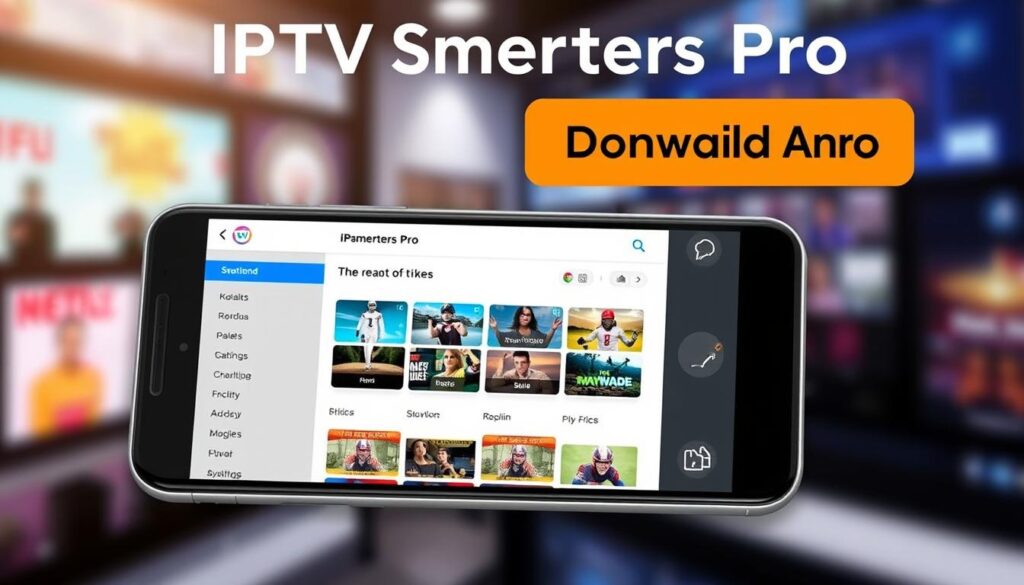
IPTV Smarters Pro stands out as one of the most versatile and user-friendly applications, offering a perfect balance between advanced functionality and accessibility. This app is available on nearly every platform, including iOS, Android, Smart TV, and Firestick, making it an ideal choice for both beginners and experienced users. Its intuitive interface organizes channels into customizable categories and supports multiple playlist formats, providing seamless integration with VOD content.
TiviMate IPTV Player
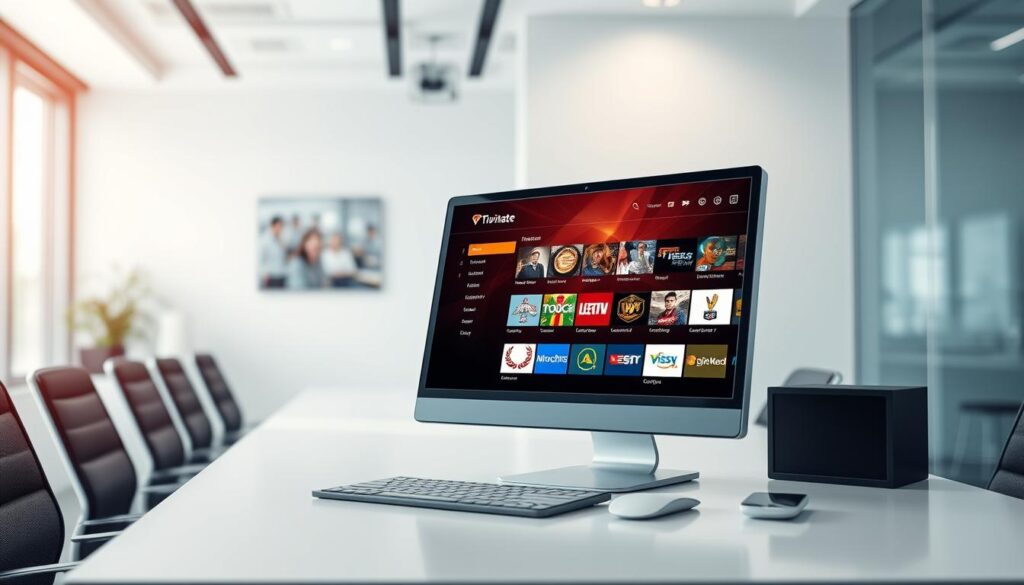
TiviMate IPTV Player is widely regarded as the premium IPTV player for Android TV and Firestick. Its clean, TV-optimized interface, powerful multi-playlist management, and highly customizable EPG make it a favorite among power users. While the companion app is paid, the experience is unmatched for organizing large channel lists. TiviMate offers superior EPG implementation, multi-screen viewing options, and recording capabilities, creating a premium cable-box-like experience.
Other Notable Contenders
Other notable IPTV streaming apps include Perfect Player, known for its lightweight performance on older devices; GSE Smart IPTV, popular among iOS users; and Kodi with IPTV add-ons, ideal for those who prefer an all-in-one media center approach. When choosing between apps, consider your primary viewing device, as platform-specific optimizations can significantly impact performance. For more information on setting up IPTV on Android devices, you can refer to this guide on how to setup IPTV on Android. To explore the best IPTV services, check out this ultimate guide to the top 10 IPTV.
Setting Up Your IPTV Streaming App
The key to a seamless IPTV streaming experience lies in the initial setup of your app and device. To get started, you’ll need to ensure that your device is compatible with the IPTV service you’ve chosen.
Device Compatibility and Requirements
Before beginning the setup process, make sure your device meets the minimum requirements for smooth IPTV streaming. This includes a stable internet connection with a speed of at least 15 Mbps for HD content, a compatible streaming device such as an Amazon Firestick, Android TV box, or smart TV, and sufficient storage for the app installation.
Step-by-Step Installation Guide
To install your IPTV streaming app, start by subscribing to a reputable IPTV service. Your provider will supply you with essential connection details, including a playlist URL or API credentials. For Amazon Firestick users, you can download the app directly from the Amazon App Store or sideload it using the downloader app. Follow the setup instructions provided by your service provider to complete the installation.
Configuring Your IPTV Service
After installing the app, you’ll need to input your service provider’s connection details. This typically involves selecting either “Add M3U Playlist” or “Xtream Codes API” depending on the format your provider uses. You can find more information on configuring IPTV on your smart TV without a set-top box in this practical guide. Configure the Electronic Program Guide (EPG), adjust video player settings, and organize channels into favorites or custom groups to optimize your viewing experience.
Optimizing Your IPTV Streaming Experience
For a seamless IPTV streaming experience, it’s crucial to fine-tune your network and device configurations. A well-optimized setup can significantly reduce buffering and enhance overall performance.
Network Optimization Tips
To optimize your network for IPTV streaming, start by using a wired Ethernet connection instead of Wi-Fi whenever possible. This eliminates wireless interference and provides stable bandwidth for high-definition streams. If Wi-Fi is your only option, position your streaming device close to your router and use the 5GHz band for faster speeds. Consider a mesh network system for larger homes to eliminate dead zones. Implementing Quality of Service (QoS) settings on your router can also prioritize video streaming traffic, reducing buffering during peak usage times.
Using VPNs for Enhanced Security and Performance
A reliable VPN service can prevent ISP throttling, protecting your privacy and potentially unlocking geo-restricted content. When selecting a VPN for IPTV streaming, prioritize services with high-speed servers, unlimited bandwidth, and split tunneling features. This can improve your streaming experience by reducing buffering and enhancing overall performance.
Customization and Organization Strategies
Customizing your IPTV app’s video playback settings can dramatically improve performance. Experiment with buffer size settings and hardware acceleration options to find the optimal configuration for your device. Organizing your channels into custom groups or favorites lists can also transform a cluttered interface into a streamlined viewing experience. Regular maintenance, including clearing cache files and updating apps, will prevent technical issues and ensure access to the latest channels and features.
Conclusion: The Future of IPTV Streaming
The future of television is IP-delivered, and it’s here to stay. By 2025, IPTV has become the primary source of news, entertainment, and live sports for millions. With access to 20,000+ live channels and extensive libraries, IPTV streaming apps offer a comprehensive entertainment package at a fraction of traditional costs. As internet infrastructure improves worldwide, IPTV technology will continue to advance, providing better streaming quality and more interactive features. Users can enhance their experience by using a VPN for added security.

