
For streaming enthusiasts, finding the right app to access their favorite TV channels and media content on mobile devices is crucial. Choosing the best IPTV providers can be overwhelming, but IPTV Extreme stands out as a versatile IPTV player that transforms smartphones into pocket-sized televisions.
This multimedia application, developed by Paolo Turatti, allows users to watch TV directly from their mobile devices without needing to download media. With its comprehensive set of features, IPTV Extreme enhances the streaming experience, offering playlist management, parental controls, and customization options.
Key Takeaways
- IPTV Extreme is a versatile IPTV player for streaming enthusiasts.
- The app offers a range of features to enhance the streaming experience.
- Users can manage playlists, set parental controls, and customize options.
- IPTV Extreme is available in both free and Pro versions.
- The application is compatible with mobile devices.
Understanding IPTV Extreme
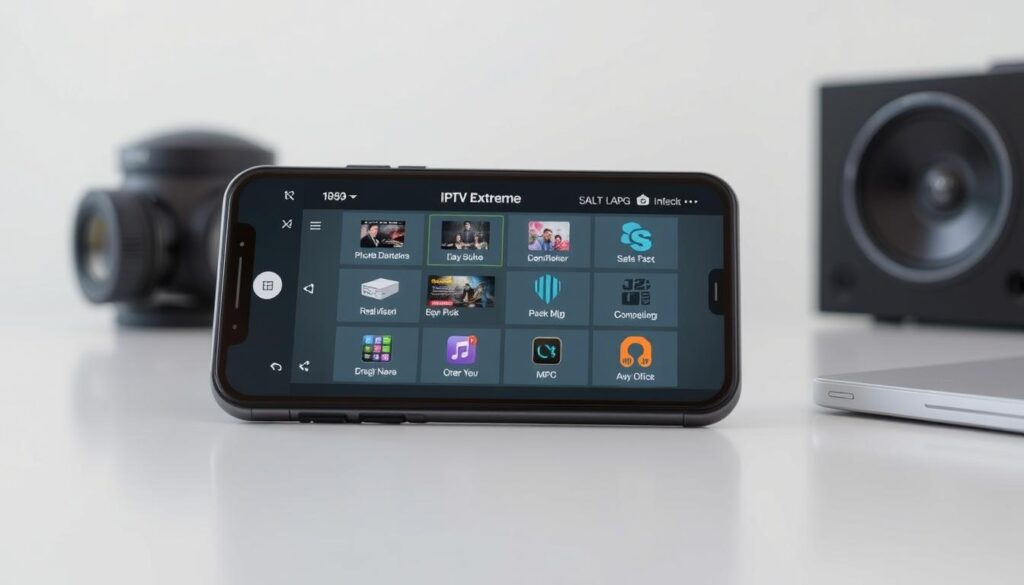
The IPTV Extreme app is designed to bridge the gap between traditional TV viewing and modern streaming services. IPTV Extreme functions as a multimedia application that serves as an intermediary between your device and IPTV content, allowing you to access television channels through internet protocols.
It’s essential to understand that the app itself doesn’t provide any channels or content; it’s an empty player that requires users to add their own playlists and subscriptions to access media content. IPTV Extreme supports various playlist formats, most notably M3U, which is the standard format used by most IPTV service providers.
- IPTV Extreme allows users to load different playlists with channel selections.
- The application focuses on providing a robust platform for managing and playing external IPTV sources.
- Understanding the distinction between the player (IPTV Extreme) and the content (your subscription) is crucial.
By using IPTV Extreme, you’re able to enjoy a flexible viewing experience, making it particularly appealing to cord-cutters looking for flexible viewing options.
Key Features of IPTV Extreme
IPTV Extreme offers a comprehensive suite of features that enhance the streaming experience. This makes it a preferred choice for many streaming enthusiasts.
Built-in Media Player Options
The IPTV Extreme app comes with a versatile built-in media player that offers both advanced and light modes. This allows users to choose between a feature-rich interface or a streamlined experience based on their preferences and device capabilities. You can also opt to use external video players of your choice, providing flexibility in playback options.
M3U Playlist Support
IPTV Extreme provides comprehensive M3U playlist support, enabling users to easily import and manage their channel lists from various providers. This ensures compatibility and ease of use, making it simple to access your favorite channels.
Electronic Program Guide (EPG) Functionality
The application features a robust Electronic Program Guide (EPG) system, which includes auto-updates and displays program schedules across multiple channels. This helps users navigate content efficiently and plan their viewing schedules with ease. The EPG system supports multiple sources simultaneously, allowing for a unified viewing experience.
With these key features, IPTV Extreme enhances your streaming experience by providing flexibility, compatibility, and ease of use.
IPTV Extreme Pro vs Free Version
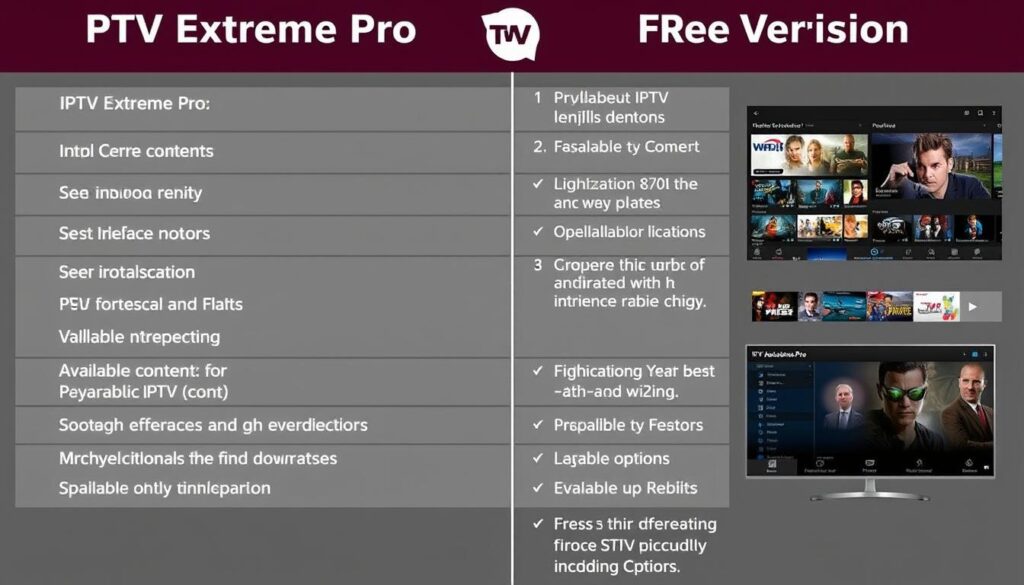
When considering IPTV Extreme, users have two primary options: the free version or the Pro version. The Pro version of IPTV Extreme includes additional features, such as an ad-free experience and recognition from the developer, enhancing user satisfaction.
IPTV Extreme offers both a free version with core functionality and a Pro version that unlocks premium features, giving users flexibility based on their needs and budget. The Pro version delivers an ad-free experience, eliminating interruptions during browsing and enhancing the overall user interface for a cleaner, more professional feel.
- While the free version provides essential playback capabilities and basic playlist management, the Pro subscription removes limitations on the number of playlists and channels you can add to the application.
- Pro users gain access to enhanced backup and restore functionality, making it easier to transfer settings between devices or recover configurations after reinstallation.
- The subscription model supports continued development of the application, with Pro users typically receiving priority access to new features and improvements before they reach the free version.
Many power users find the Pro version worthwhile for its quality-of-life improvements, particularly the removal of advertisements and expanded customization options. The developer provides recognition to Pro users, acknowledging their support for the application’s ongoing development and maintenance.
Setting Up Your IPTV Extreme Experience
Setting up IPTV Extreme is an easy task that requires minimal technical knowledge, making it accessible to everyone. To start, you’ll need to download the IPTV Extreme application from your device’s app store and complete the installation process.
Adding and Managing Playlists
Once installed, the first crucial step involves adding your IPTV playlists, which can be done by entering M3U URLs provided by your IPTV service or importing local playlist files stored on your device. Managing multiple playlists is streamlined through the intuitive playlist manager, allowing you to organize channels by categories, mark favorites, and quickly switch between different content sources.
Configuring EPG and Channel Settings
Configuring the Electronic Program Guide (EPG) enhances your viewing experience by providing program schedules and information, which can be set up by entering XML URLs supplied by your service provider. With EPG alias management, users can customize the display names of channels and programs, making it easier to organize their viewing experience. The application also supports channel picons in different sizes, enhancing the visual aspect of the channel listings.
The setup process includes options for customizing playback settings, such as default player selection, buffer size, and connection preferences to optimize performance based on your network conditions. By following these steps, you can enjoy a seamless IPTV Extreme experience.
Advanced Features and Security Options
The IPTV Extreme app is packed with features that provide a secure and customizable streaming experience. With a range of advanced options, you can tailor your viewing experience to suit your needs.
Parental Controls and PIN Protection
IPTV Extreme offers comprehensive parental control features, allowing you to restrict access to adult content or specific channels. You can also set a PIN protection to prevent unauthorized access to your playlists.
Recording Live Streams and Time Management
The app enables you to record live streams with a specified time limit. You can schedule recordings in advance using the timer management feature, ensuring you never miss your favorite shows.
Backup and Restore Functionality
IPTV Extreme provides robust backup and restore options, preserving your settings, playlists, and customizations. This feature allows for easy transfer to a new device or recovery after reinstallation.
| Feature | Description | Benefit |
|---|---|---|
| Parental Controls | Restrict access to adult content or specific channels | Peace of mind for families |
| Recording Live Streams | Record live streams with a specified time limit | Never miss your favorite shows |
| Backup and Restore | Preserve settings, playlists, and customizations | Easy transfer or recovery |

User Interface and Customization
IPTV Extreme offers a user-friendly interface that is both intuitive and highly customizable. This allows users to navigate through the app with ease, creating a personalized viewing experience that suits their preferences.
Navigation and Ease of Use
The IPTV Extreme app features an intuitive navigation system with clearly labeled menus and settings. This design reduces the learning curve, enabling users to quickly access their favorite content. The interface supports both touch controls and remote controller functionality, making it versatile across different devices.
- Logical navigation patterns for easy access
- Support for both touch and remote controls
- Adaptability across various device types
Theme Options and Visual Customization
The application comes with more than ten different theme options, allowing users to customize the visual appearance according to their preferences. You can switch between these modes depending on your requirements, ensuring a tailored viewing experience. For more information on enhancing your viewing experience, you can visit https://www.g-iptv.com/elevate-your-viewing-experience-with-edge-iptv/ to explore additional options.

- Over ten different theme options for personalization
- Customizable layout for channel lists
- Adaptive interface for portrait and landscape orientations
IPTV Extreme Performance Analysis
IPTV Extreme stands out for its ability to deliver high-quality streaming across various devices and network conditions. This performance is crucial for users who demand a seamless viewing experience.
Streaming Quality and Stability
The IPTV Extreme app delivers impressive streaming performance, thanks to its adaptive buffering technology. This feature helps maintain playback stability even on connections with fluctuating speeds. Users report excellent stability during extended viewing sessions, with minimal crashes or freezes.
- Handles HD and 4K content efficiently on capable devices.
- Streaming quality depends on both your internet connection and the quality of streams provided by your IPTV service.

Device Compatibility and Requirements
IPTV Extreme is compatible with a wide range of devices, including smartphones, tablets, Android TV boxes, and Fire TV devices. For more information on choosing the best IPTV service, you can check out discussions on IPTV forums.
- Requires iOS 13.0 or later for iPhone and iPod touch.
- Requires iPadOS 13.0 or later for iPad.
- Requires macOS 11.0 or later and a Mac with Apple M1 chip or later.
How IPTV Extreme Compares to Competitors
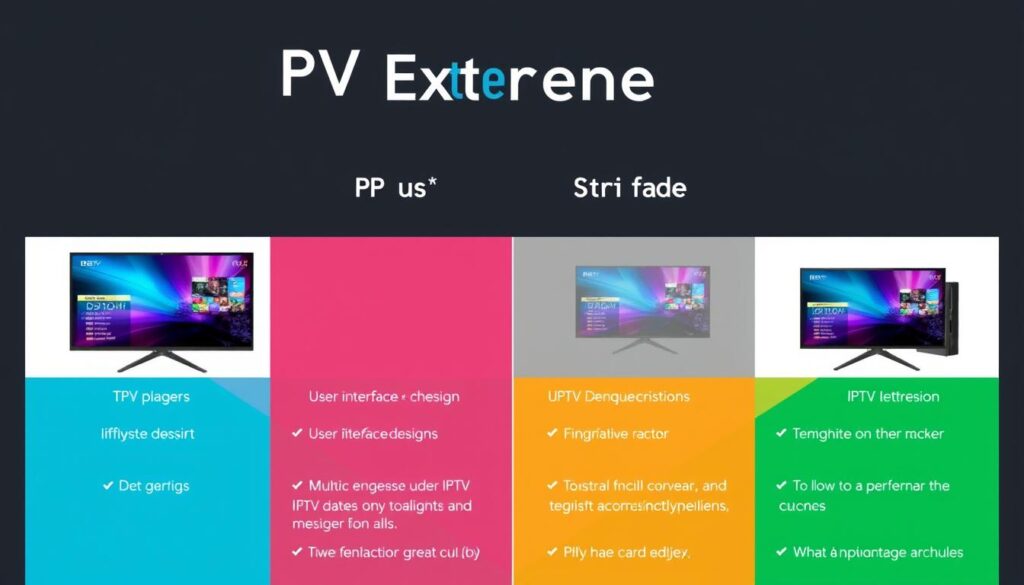
When evaluating IPTV streaming options, understanding how IPTV Extreme stacks up against its competitors is crucial. IPTV Extreme has garnered significant attention for its performance and feature set, but how does it measure up against other popular IPTV players?
IPTV Extreme vs IPTV Smarters
IPTV Extreme and IPTV Smarters are both prominent players in the IPTV space. Key differences lie in their approach to user interface and performance. IPTV Extreme offers a streamlined interface with faster navigation between channels and less resource consumption on comparable devices. In contrast, IPTV Smarters provides more visual polish and branded customization options for service providers.
- IPTV Extreme focuses on performance optimization and efficient playlist management.
- IPTV Smarters tends to offer more extensive customization options.
IPTV Extreme vs Other Popular Players
When comparing IPTV Extreme to other popular IPTV players like Perfect Player and TiviMate, several factors come into play. IPTV Extreme strikes a balance between feature richness and ease of use, making it accessible to beginners while still satisfying power users. Its playlist management system is considered superior, with better organization options and faster loading of large channel lists.
- IPTV Extreme provides robust EPG functionality with support for multiple EPG sources.
- While some competitors offer more extensive recording options, IPTV Extreme compensates with better stability and resource management.
Many users who have tried multiple IPTV players eventually settle on IPTV Extreme for its reliability and balanced approach to features versus performance. The regular update schedule of IPTV Extreme is also a significant factor in its favor, ensuring that users have access to the latest features and improvements.
User Reviews and Recent Updates
With its latest update, IPTV Extreme continues to solidify its position as a leading streaming application, thanks to its robust features and responsive developer. The app has garnered predominantly positive reviews across various platforms, with users praising its Electronic Program Guide (EPG) functionality for displaying what’s currently playing across multiple channels simultaneously.

Many users appreciate the app’s reliability compared to its competitors, highlighting the regular update schedule that addresses bugs and introduces new features. For instance, the latest version, 1.29 (released on August 19, 2024), focused on minor bug fixes, further enhancing the user experience. You can explore more about IPTV Extreme on ProvenExpert.
Some users have suggested improvements, such as enhancing the search functionality to look within categories, not just category names. The developer has been responsive to user feedback, with updates like Version 1.27 introducing a redesigned subscription screen, making the distinction between free and Pro features clearer for new users. For a comprehensive guide on setting up IPTV gear, visit G-IPTV.
- User reviews highlight the app’s reliability and EPG functionality.
- Recent updates have focused on bug fixes and UI improvements.
- The developer is responsive to user feedback, regularly updating the app.
Overall, IPTV Extreme is well-regarded by its user base, with its latest versions demonstrating a commitment to improving user experience and addressing community feedback.
Conclusion: Is IPTV Extreme Right for Your Streaming Needs?
With its array of features and user-friendly interface, IPTV Extreme emerges as a leading IPTV player. If you’re an IPTV subscriber, IPTV Extreme is a must-have for a seamless streaming experience. It offers various perks, including multi-EPG support, live streaming recording, PIN protection, and parental control.
IPTV Extreme stands out for its balanced performance, features, and ease of use, making it suitable for both new and experienced IPTV users. The application’s security features are particularly beneficial for families and shared households. While it requires external playlists, the setup process is straightforward, and the interface is intuitive.
Ultimately, IPTV Extreme delivers a reliable, feature-rich platform for accessing IPTV content across multiple devices, enhancing your overall streaming experience. Whether you’re a casual user or a power user with a large channel library, IPTV Extreme is a versatile and stable IPTV player that meets your streaming needs.

