
The way we consume television content is changing rapidly, and Internet Protocol Television (IPTV) is at the forefront of this revolution.
In 2023, cord-cutters are turning to IPTV boxes to access a wider range of streaming content without being tied to traditional cable services.
The global IPTV market size was estimated at USD 68.84 billion in 2023 and is projected to reach USD 200.22 billion by 2030, growing at a CAGR of 16.8%. This growth indicates a significant shift towards internet-based television solutions.
As we explore the top IPTV boxes of 2023, we’ll examine what makes them essential devices for streaming enthusiasts and how they connect to your existing television to deliver a personalized viewing experience.
Key Takeaways
- Discover the top IPTV boxes for cord-cutters in 2023.
- Understand the benefits of using IPTV boxes for streaming content.
- Learn how IPTV boxes connect to your television for a personalized viewing experience.
- Explore the growth of the IPTV market and its implications.
- Get an overview of what to expect from the top IPTV boxes in 2023.
Understanding IPTV: The Future of Television
The way we consume television is changing with IPTV technology. As we move away from traditional viewing methods, it’s essential to understand what IPTV is and how it differs from conventional cable television.
What is IPTV?
IPTV, or Internet Protocol Television, is a system that delivers television channels and on-demand content over an internet protocol (IP) based network. Unlike traditional TV, which relies on broadcast signals, IPTV uses a two-way communication system, allowing for a more personalized viewing experience. This means you can access a wide range of content, including live broadcasts and on-demand services, directly through your set-top box or other compatible devices.
How IPTV Differs from Traditional Cable
Traditional cable systems broadcast all channels simultaneously through a one-way transmission system, whereas IPTV delivers only the specific content you request. This fundamental difference allows IPTV to offer more flexibility and interactivity. For instance, with IPTV services, you can pause live TV, record shows remotely, and access catch-up services, giving you greater control over your viewing experience. Moreover, IPTV often provides customizable subscription models, allowing you to select specific content packages that match your viewing preferences, unlike the fixed monthly packages offered by traditional cable providers.
By adopting IPTV, you’re moving away from the rigid scheduled programming of traditional TV, embracing a more flexible and personalized viewing experience. This shift is made possible by the internet protocol based system, which enables a more interactive and engaging way to consume television.
Why Cord-Cutters Need an IPTV Box
The rise of IPTV boxes has revolutionized the way cord-cutters consume television, offering unparalleled flexibility and content variety. IPTV viewers can experience much more flexible TV viewing, as they can pause, rewind, and fast-forward the content at their own will.
Understanding the benefits and key features of IPTV boxes is crucial for cord-cutters looking to make an informed decision.
Benefits of Using an IPTV Box
One of the primary advantages of using an IPTV box is the ability to enjoy high-definition and 4K streaming, significantly improving picture quality compared to traditional TV. Additionally, many IPTV boxes offer channels and apps tailored to specific niches, providing a broader range of content options.
Key Features to Look For
When selecting an IPTV box, several key features should be considered. These include processing power and RAM specifications for smooth high-definition streaming, support for 4K and HDR for future-proofing, and the operating system for a user-friendly interface and app compatibility.
| Feature | Description | Importance |
|---|---|---|
| Processing Power & RAM | Determines the smoothness of high-definition streaming | High |
| 4K & HDR Support | Ensures future-proofing and high picture quality | High |
| Operating System | Affects user interface and app compatibility | Medium |
| Connectivity Options | Includes dual-band Wi-Fi, Ethernet, and Bluetooth for stable connections | High |
Top IPTV Boxes for 2023
With numerous IPTV boxes available in 2023, choosing the right one can be a daunting task for consumers. This section aims to simplify your decision by reviewing some of the top IPTV boxes on the market.
Formuler Z8 Android IPTV Box
Overview
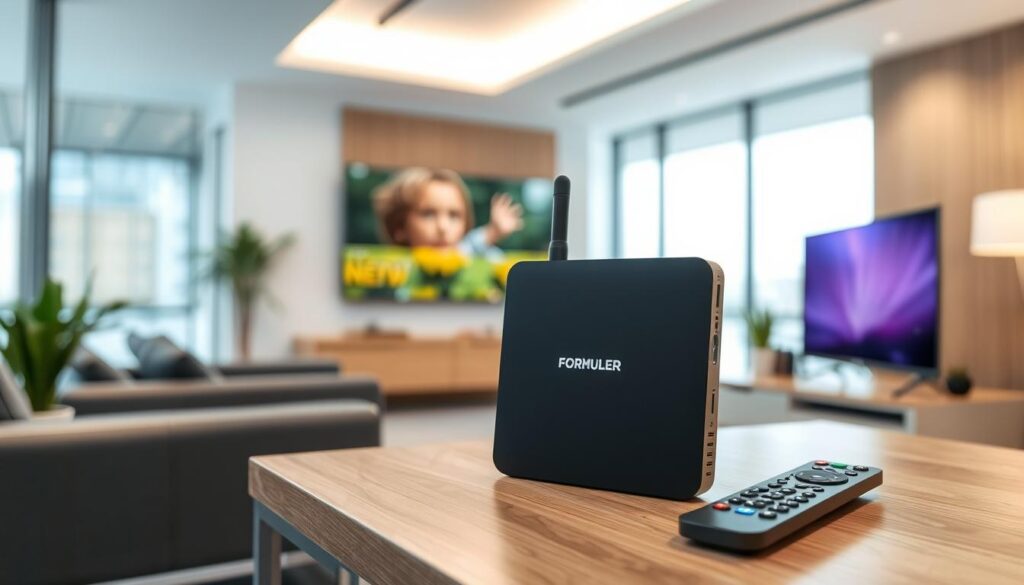
The Formuler Z8 is a powerful Android IPTV box that offers excellent performance and a wide range of features. For a detailed guide on setting up your Formuler IPTV box, you can refer to this comprehensive guide.
Pros
The Formuler Z8 boasts a user-friendly interface, supports 4K resolution, and has ample storage for apps and content.
Cons
Some users may find the price point to be on the higher side compared to other IPTV boxes.
Features
The Formuler Z8 comes with Android 9.0, ensuring a smooth and intuitive user experience. It also supports Wi-Fi connectivity and has multiple USB ports for connecting external devices.
MAG 324 IPTV Box
Overview
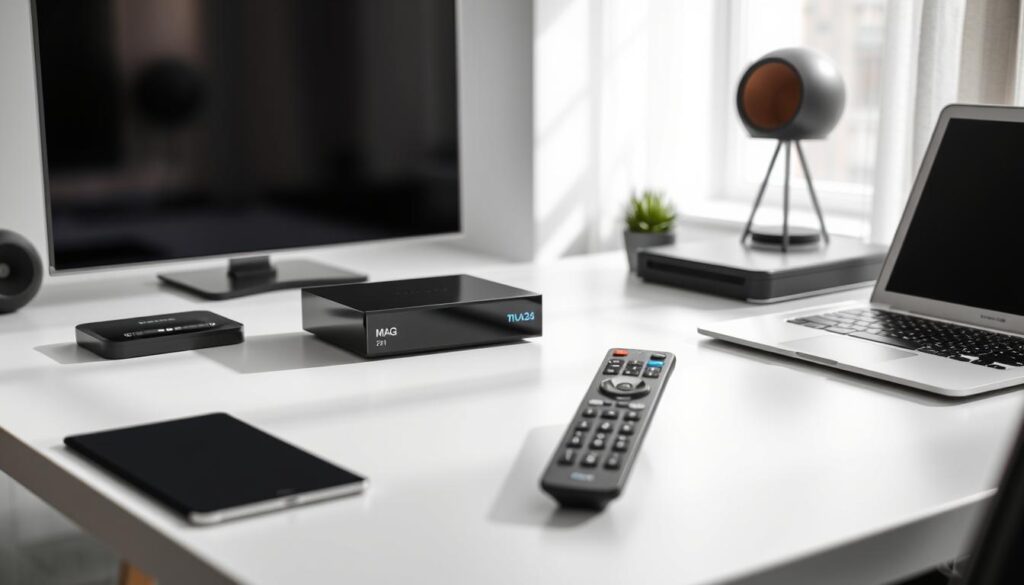
The MAG 324 is another popular IPTV box known for its reliability and feature-rich interface.
Pros
It offers stable performance and supports a wide range of streaming apps.
Cons
The MAG 324 may not support the latest Android version, which could be a drawback for some users.
Features
The device features a sleek design and comes with a comprehensive electronic program guide, making it easy to navigate through channels and content.
BuzzTV XR4000
Overview
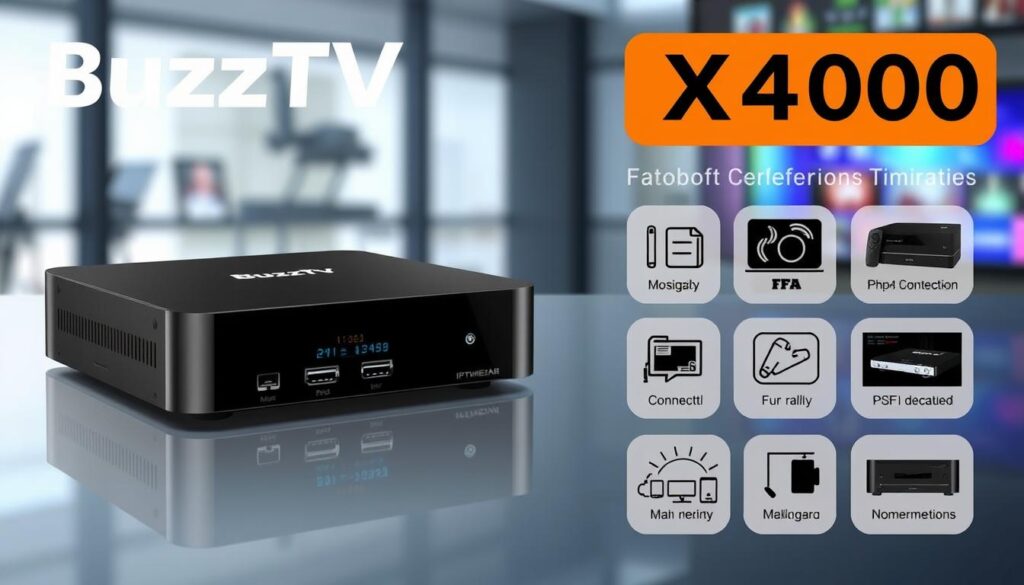
The BuzzTV XR4000 is a versatile IPTV box that supports 4K streaming and has a robust app selection.
Pros
It is known for its fast processing and user-friendly interface.
Cons
Some users have reported issues with customer support.
Features
The BuzzTV XR4000 runs on Android 9.0 and offers a range of customization options, including the ability to change the launcher and customize the home screen.
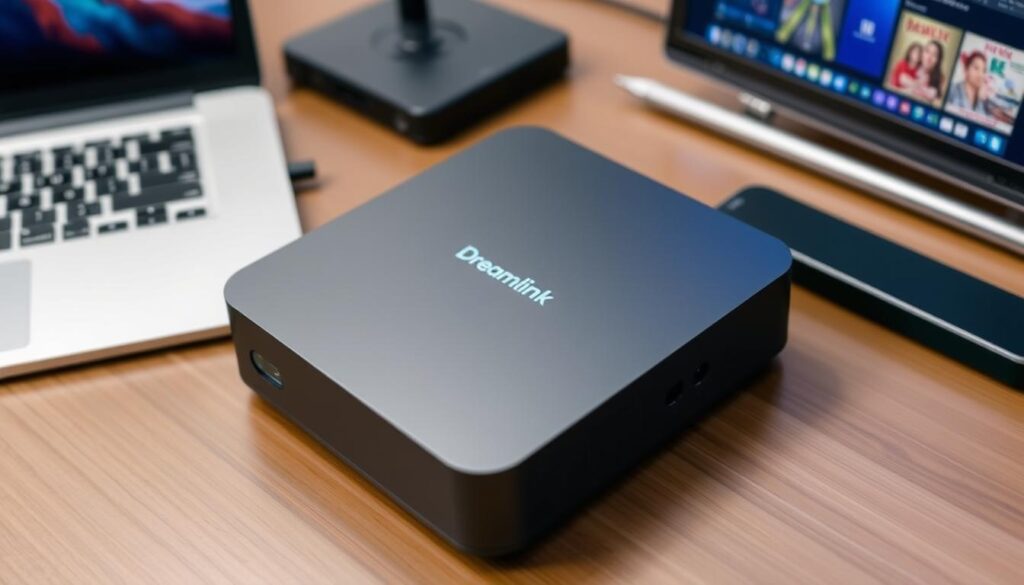
Dreamlink T2
Overview
The Dreamlink T2 is an upgraded version of the T1, offering enhanced features such as HDR and 4K support.
Pros
It features a specialized DOL2 interface designed for IPTV content, providing intuitive channel navigation and program discovery.
Cons
The Dreamlink T2 is priced higher than some of its competitors.
Features
The device runs on Android 7 Nougat, supporting a wide range of streaming apps beyond IPTV, including YouTube and Kodi. It also offers comprehensive codec support and advanced recording features.
Budget-Friendly IPTV Box Options
You don’t need to spend a fortune to enjoy high-quality IPTV streaming. Several budget-friendly IPTV boxes offer great performance without the hefty price tag.
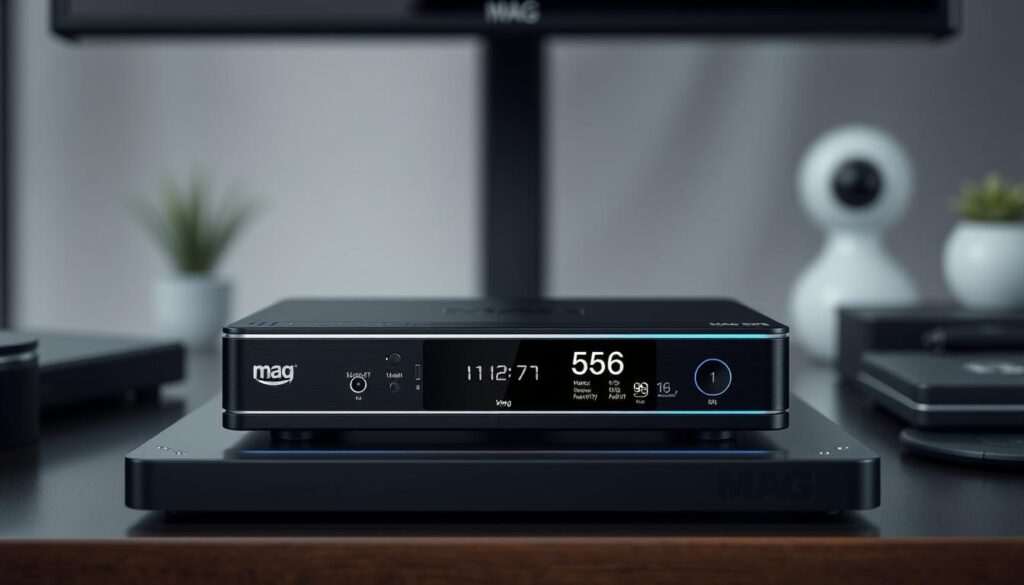
MAG 256
Overview
The MAG 256 is a cost-effective IPTV box that provides reliable performance. It’s a great option for those looking for a straightforward streaming experience.
Pros
The MAG 256 offers a simple, plug-and-play setup and is generally easy to use. Its affordability makes it an attractive option for budget-conscious consumers.
Cons
Some users may find the MAG 256’s hardware to be somewhat outdated, potentially limiting its compatibility with future IPTV services.
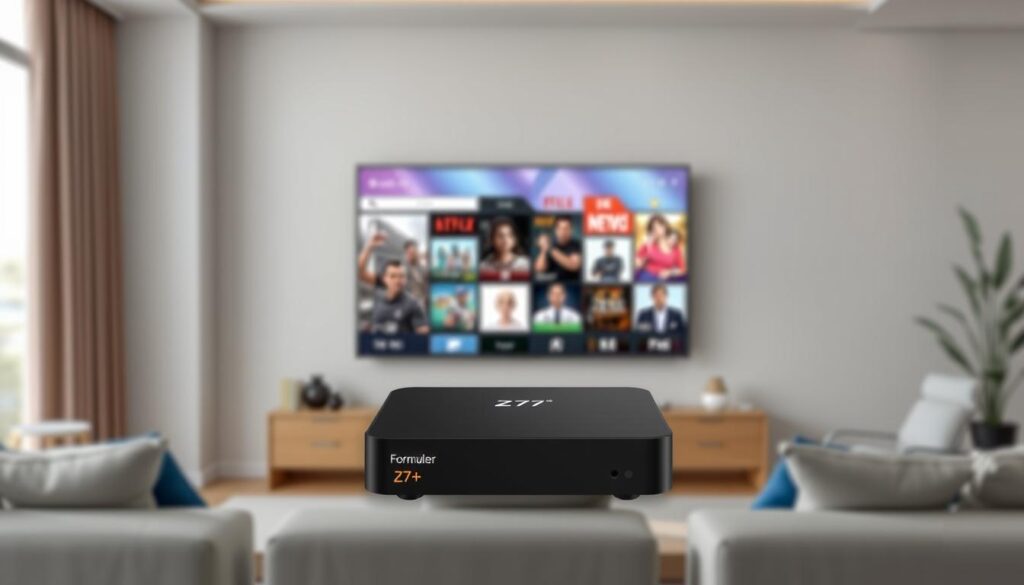
Formuler Z7+
Overview
The Formuler Z7+ is a previous-generation model that still delivers a vivid picture and has a user-friendly interface. Although it may lack some of the advanced features of newer models like the Formuler Z8, it remains a great all-rounder.
Pros
The Z7+ has a well-built remote control with all necessary buttons and shortcuts. It provides a great balance between performance and price.
Cons
As a previous-generation model, the Z7+ lacks some processing power and advanced features. It also doesn’t support 4K resolution, limiting its output to 1080p. Additionally, its older Android base may lead to compatibility issues with newer applications, and it generates more heat during operation compared to newer hardware in other box models.
IPTV Box vs. Android TV Box: What’s the Difference?
When it comes to streaming devices, two popular options are IPTV boxes and Android TV boxes, but what’s the difference between them? The choice between these devices largely depends on your specific needs and preferences regarding streaming content.
Functionality Comparison
An IPTV box is specifically designed for streaming IPTV content, offering a more streamlined and cable-like experience. In contrast, an Android TV box is more versatile, capable of handling various tasks beyond IPTV streaming, such as gaming and web browsing. As stated by a tech expert, “Android TV boxes offer a broader range of functionalities, but may lack the optimization that IPTV boxes have for streaming IPTV content.” 
- IPTV boxes are purpose-built for IPTV streaming, providing a smoother experience.
- Android TV boxes are more versatile, supporting multiple streaming services and apps.
Which One Should You Choose?
The decision between an IPTV box and an Android TV box depends on several factors, including your primary use case, technical comfort level, and budget. If you’re looking for a dedicated streaming experience with a cable-like quality, an IPTV box might be the better choice. However, if you prefer a device that can handle multiple tasks beyond IPTV streaming, an Android TV box could be more suitable. You can explore more about these devices on https://mysuperboxtv.com/iptv-box-and-android-tv-box/.
- Choose an IPTV box for a dedicated IPTV streaming experience.
- Opt for an Android TV box if you need a multi-functional device.
Setting Up Your IPTV Box
Setting up your IPTV box involves connecting the hardware and configuring the software for optimal performance. This process is crucial for accessing a wide range of streaming services and channels.
Hardware Setup
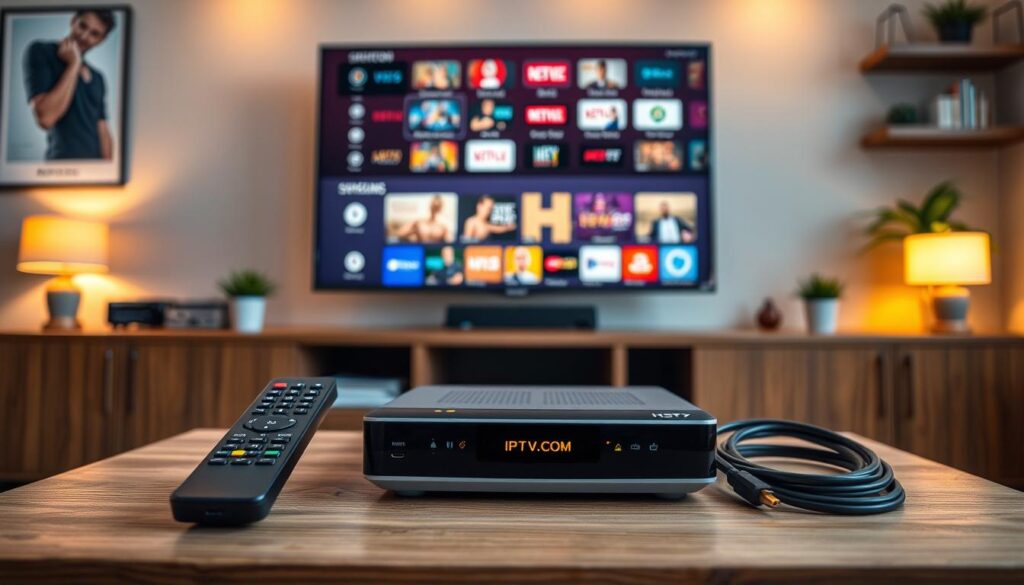
To begin, you’ll need to connect your IPTV box to your TV and ensure it’s connected to the internet. This typically involves using an HDMI cable for video output and an Ethernet cable or Wi-Fi for internet connectivity. Make sure your IPTV box is properly powered on and that all cables are securely connected.
Software Configuration
After completing the hardware connections, you’ll need to configure your IPTV box’s software settings. The initial setup wizard will guide you through language selection, time zone configuration, and network settings. The most critical step involves entering your IPTV subscription details, which typically includes a portal URL, username, and password provided by your service provider.
- Customize your electronic program guide (EPG) settings to ensure channel information displays correctly.
- Consider configuring parental controls if needed, allowing you to restrict access to certain content or channels based on ratings or categories.
- Many IPTV services offer additional customization options for streaming quality, allowing you to balance between higher resolution and stability based on your internet connection speed.
IPTV Service Providers Worth Considering
The world of IPTV is vast, with numerous service providers vying for your attention, but not all are created equal. When choosing an IPTV service, you need to consider several factors, including the range of content offered, the quality of services, and the number of channels available.
Legal IPTV Services
It’s essential to opt for legal IPTV services to ensure a safe and reliable viewing experience. Legal providers offer a range of benefits, including high-quality streams, a wide variety of channels, and reliable customer support. For a comprehensive guide on finding the best IPTV provider, you can refer to resources like The Ultimate Guide to Finding the Best IPTV.
Subscription Costs and Plans
When evaluating IPTV providers, consider the subscription costs and available plans. Here are some key points to consider:
- Legal IPTV subscription costs typically range from $25 to $65 monthly for basic packages.
- Most reputable providers offer tiered subscription plans based on your content preferences.
- Look for providers that offer flexible contract terms, including month-to-month options.
- Some providers include special features like cloud DVR capabilities and multi-device streaming in their plans.
- Consider providers that offer discounted annual payment options to reduce overall costs.
Privacy and Legal Considerations
The world of IPTV comes with its own set of privacy and legal considerations that users must be aware of. As you delve into IPTV services, understanding these aspects is crucial for a secure and compliant viewing experience.
Is IPTV Legal?
IPTV itself is not inherently illegal; however, the legality depends on the content being streamed. Some IPTV services may offer unauthorized access to copyrighted material. It’s essential to choose IPTV services that respect copyright laws.
Using a VPN with Your IPTV Box
Utilizing a VPN (Virtual Private Network) with your IPTV box can enhance your viewing experience by encrypting your internet connection, thus protecting your privacy. A VPN can help prevent bandwidth throttling by your ISP and allow access to geo-restricted content. When selecting a VPN for IPTV, prioritize services with high-speed servers and unlimited bandwidth.

For more information on IPTV and its functionalities, you can visit https://netspeedcanada.ca/what-is-iptv/ to understand how IPTV works and its benefits.
Conclusion: Choosing the Right IPTV Box for Your Needs
The key to a great streaming experience lies in choosing the right IPTV box. Your choice should balance your specific needs, technical requirements, and budget constraints against the features offered by different devices.
For premium performance, consider the Formuler Z8 or BuzzTV XR4000, which deliver exceptional streaming experiences. Budget-conscious cord-cutters may prefer the MAG 256 or Formuler Z7+, offering reliable IPTV functionality at accessible price points.
To make an informed choice, factor in your television’s capabilities and prioritize features that matter most to your viewing habits. For more information on IPTV and related technologies, visit our guide on IPTV TV Box Explained.

