
As we dive into the world of streaming, it’s clear that Internet Protocol Television (IPTV) is revolutionizing how we consume television content. With IPTV, you can stream television channels directly through your internet connection, offering a flexible alternative to traditional cable.
For Android device users, there’s a diverse ecosystem of IPTV players available, transforming your smartphone, tablet, or TV box into a powerful streaming hub. Whether you’re looking for top-rated players or concerned about security, understanding the technical aspects and pricing structures is crucial.
Before committing to any particular IPTV solution, it’s essential to identify which features matter most for your viewing habits and device capabilities. This guide will walk you through the top picks, pricing, and security considerations to make an informed decision.
Key Takeaways
- Discover top-rated IPTV players for Android devices.
- Understand the technical aspects of IPTV streaming.
- Learn about pricing structures and legal considerations.
- Identify key features that matter for your viewing habits.
- Ensure proper security protocols for a safe streaming experience.
Understanding IPTV for Android Devices
IPTV technology is revolutionizing how we consume television content on Android devices. IPTV stands for Internet Protocol Television, allowing users to stream television content over internet connections rather than through traditional cable or satellite methods.
What Is IPTV and How Does It Work?
IPTV delivers video content using internet protocols, making it a flexible platform for accessing various channels and on-demand content. This technology works by streaming media content directly to your Android device, providing an alternative to traditional TV viewing methods.
Benefits of Using IPTV Apps on Android
Using IPTV apps on Android devices offers several benefits. You can enjoy a wide range of channels and content through various IPTV players that support multiple playlists. The advantages include:
- Greater customization options due to Android’s open ecosystem
- Flexibility in choosing content sources through multiple playlist formats
- Portability, allowing you to take your TV channel lineup anywhere
- Advanced features like recording capabilities and electronic program guides
By utilizing an IPTV player, you can enhance your viewing experience on Android devices.
Key Features to Look for in IPTV Apps
When selecting an IPTV app for your Android device, several key features can significantly enhance your viewing experience. A well-designed IPTV application should offer a combination of functionality, compatibility, and performance.
User Interface and Experience
The user interface plays a crucial role in your overall experience. Look for apps with intuitive navigation and a clean layout that makes it easy to find and play content. A good IPTV app should provide a seamless experience across various devices.
Playlist Compatibility
Playlist compatibility is essential for ensuring that your IPTV app can read and play your preferred content. Check if the app supports standard M3U playlists and offers features like playlist updating and management.
Streaming Quality Options
The ability to adjust stream quality is vital for maintaining a smooth viewing experience, especially with varying internet speeds. Key features to look for include adaptive streaming capabilities, multiple video codec support (such as H.264, H.265/HEVC, VP9), and buffer size adjustment options.
- Adaptive streaming automatically adjusts video quality based on your internet connection stability.
- Support for multiple video codecs ensures optimal compatibility with various stream sources.
- Buffer size adjustments help prevent interruptions on less stable connections.
By focusing on these key features, you can find an IPTV app that meets your needs and provides a superior streaming experience on your Android device.
TiviMate IPTV Player
TiviMate IPTV Player is designed to provide an exceptional viewing experience on a range of Android devices, including phones, tablets, and set-top boxes. This IPTV player lets you watch live TV channels from your IPTV provider.
Overview
TiviMate IPTV Player offers a comprehensive solution for streaming live channels on Android devices. With its intuitive interface, you can easily navigate through your live channels and enjoy your favorite content.
Key Features
The TiviMate IPTV Player boasts several key features, including a user-friendly interface and compatibility with various Android devices. This player is designed to work seamlessly with your device, providing a smooth viewing experience.
Pros and Cons
TiviMate IPTV Player offers both a free version with limited functionality and a premium version with the complete feature set. While the free version is a good starting point, the premium version unlocks additional features, enhancing your overall viewing experience.
Pricing Structure
The premium version of TiviMate IPTV Player is available through an annual subscription model, costing approximately $7.99 USD per year for up to 5 devices. You can try the premium features with a 5-day trial before committing to the subscription. Payment is processed securely through the Google Play Store.
OTT Navigator IPTV
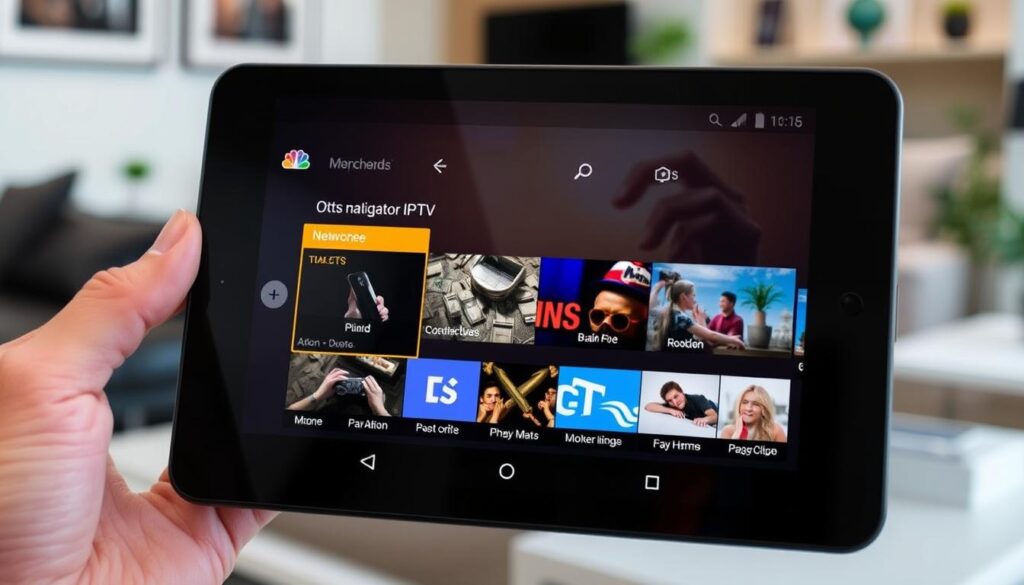
OTT Navigator IPTV is a versatile entertainment client that allows users to access IPTV content from their service providers. As a media platform, it doesn’t host the video content itself but provides a user-friendly interface to stream IPTV services.
Overview
OTT Navigator IPTV is a free-to-download app that serves as a platform for watching IPTV content. It’s designed to work with your IPTV service provider, offering a seamless streaming experience.
Key Features
The app includes several key features, such as playlist compatibility and customizable settings. These features enhance the overall IPTV streaming experience, making it more enjoyable and personalized.
Pros and Cons
The freemium model offers both advantages and disadvantages. The free version includes occasional non-intrusive ads, while the premium version removes ads and unlocks additional features.
Pricing Structure
OTT Navigator IPTV follows a freemium model, with a one-time premium upgrade available for approximately $5.99 USD. This upgrade is linked to your Google account and offers enhanced customization options and an ad-free experience.
IPTV Extreme
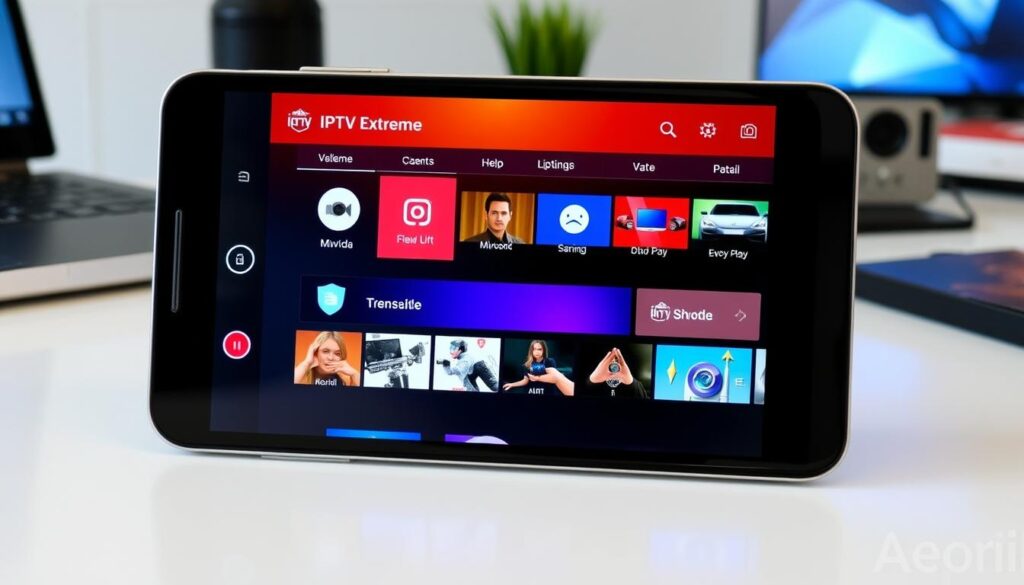
IPTV Extreme is a versatile multimedia application that offers a range of features for Android users. Developed by Paolo Turatti, this free app works as an IPTV player, allowing users to record their favourite programs and set parental controls, among other functionalities.
Overview
IPTV Extreme provides a comprehensive solution for IPTV enthusiasts. With its core features, users can enjoy a seamless viewing experience. The app is available in both a free version and a paid “Pro” version.
Key Features
The app offers several key features, including the ability to record video programs and support for various IPTV playlists. The Pro version enhances the user experience by removing advertisements and unlocking additional features.
Pros and Cons
IPTV Extreme’s free version includes ads but provides access to most core functionality. The Pro version, available for a one-time purchase of approximately $3.99 USD, removes ads and adds features like enhanced recording capabilities and support.
Pricing Structure
IPTV Extreme offers a flexible pricing structure. The Pro version is available as a permanent license without subscription requirements. Occasional sales may reduce the Pro version price by up to 50%, making it an attractive option for users seeking a reliable IPTV player.
Smarters Player Lite
Smarters Player Lite is a popular IPTV app that allows users to stream live TV, series, and movies directly to their Android devices or Smart TVs. With a good Internet connection and a playlist for the content, you can access hundreds of free TV channels.
Overview
Smarters Player Lite is designed to provide a seamless viewing experience, allowing you to watch your favorite television shows and live events on demand. This app is compatible with Android devices, making it a versatile option for users worldwide.
Key Features
The app boasts several key features, including a user-friendly interface, support for various playlist formats, and the ability to stream content without requiring in-app purchases or subscription fees. You can watch live television and access a vast library of content.
Pros and Cons
Pros: Completely free to download and use, no premium version or in-app purchases, supports various playlist formats.
Cons: Contains advertisements to support development, relies on a stable Internet connection for smooth streaming.
Pricing Structure
Smarters Player Lite is free to download and use, with no premium version available. The developer generates revenue through licensing the software to IPTV service providers, offering custom-branded versions for a fee. As an end-user, you won’t incur any direct costs for using the app.
GSE Smart IPTV PRO
GSE Smart IPTV PRO is an advanced application that transforms your Android device into a versatile television streaming platform. It serves as a comprehensive IPTV player, providing access to a wide range of television channels and on-demand content.
Overview
GSE Smart IPTV PRO is designed to offer a seamless viewing experience. It’s available in both free and paid “PRO” versions, catering to different user needs.
Key Features
The PRO version unlocks additional features such as an integrated VPN, enhancing user privacy and security. Key features include ad removal and expanded functionality.
Pros and Cons
Pros include a user-friendly interface and robust IPTV capabilities. Cons may involve occasional promotional messaging in the free version.
Pricing Structure
GSE Smart IPTV PRO is priced at approximately $9.99 USD as a one-time purchase. No subscription is required, and the license is permanent. Occasional promotional pricing may offer discounts of up to 30%.
IPTV Smart Xstream Player
IPTV Smart Xstream Player has gained popularity among Android users for its comprehensive features and ad-supported free model. As a multimedia application, it offers a robust viewing experience.
Overview
IPTV Smart Xstream Player is a free Android app that falls under the ‘Multimedia’ category. It’s designed to provide users with a versatile video player capable of handling various streaming options.
Key Features
The app boasts a user-friendly interface and supports multiple channels. Its key features include a simple navigation system and compatibility with different playlist formats.
Pros and Cons
One of the significant advantages is that it’s available completely free of charge, with no premium version or in-app purchases. However, it is supported by non-intrusive advertisements.
Pricing Structure
The developer generates revenue solely through the advertisement model, ensuring that all features are available without any payment requirement, making it an attractive player for Android device users.
SS IPTV
SS IPTV provides an exceptional streaming experience, integrating with numerous IPTV operators for a wide range of content. As a free video player, it allows for seamless streaming across local networks and the internet.
Overview
SS IPTV is designed to offer a versatile streaming experience. It is compatible with various IPTV services, making it a popular choice among users.
Key Features
The app boasts several key features, including compatibility with multiple IPTV operators and a user-friendly interface. It follows a freemium model, offering a fully functional free version with some advertisement support.
Pros and Cons
The premium version removes advertisements and unlocks additional features. While the free version is fully functional, the premium upgrade enhances the overall user experience by providing more customization options.
Pricing Structure
The premium license is available for a one-time purchase of approximately $4.99 USD. Family licensing options are also available for users with multiple devices, making it a cost-effective solution for households. For more information on choosing the best IPTV providers, you can visit this guide.
LUDIO Player
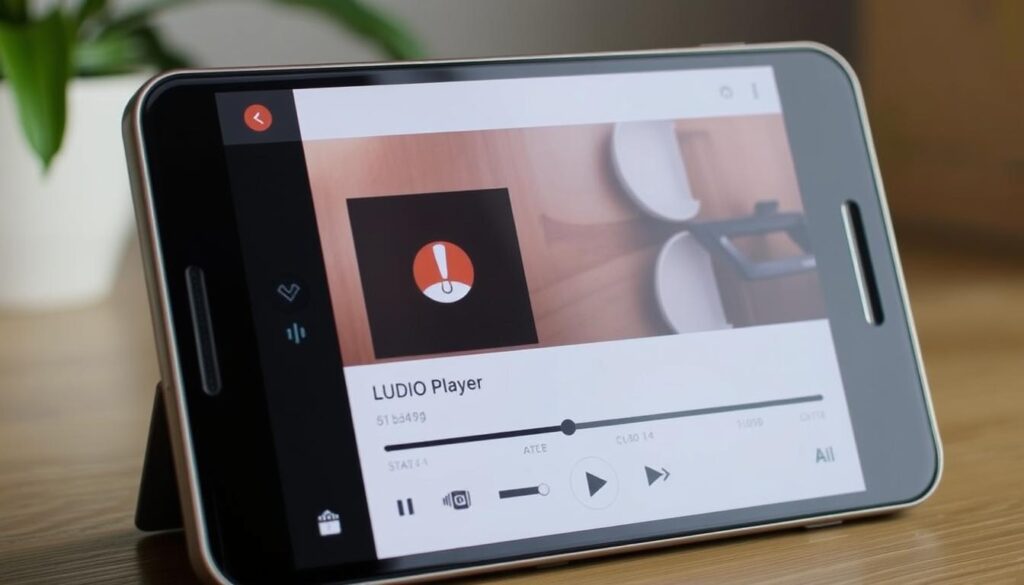
LUDIO Player is revolutionizing the way we consume live TV on Android devices. As a free multimedia application, it offers both entertainment and live streaming capabilities, making it a versatile media player.
Overview
LUDIO Player is a modern IPTV player that allows users to watch live TV. It’s available for download on platforms like Bluestacks, making it accessible to a broader audience.
Key Features
The application offers core functionality, including live streaming. The premium version unlocks additional features and removes advertisements, enhancing the user experience.
Pros and Cons
LUDIO Player’s strengths include its user-friendly interface and robust live streaming capabilities. However, the free version includes limitations and advertisements.
Pricing Structure
The premium version is available through a monthly subscription of approximately $2.99 USD or a one-time lifetime purchase of about $19.99 USD, offering users flexibility in their choice of pricing plan.
Comparing IPTV App Android Pricing Models
When exploring IPTV apps for Android, understanding the pricing models is crucial for making an informed decision. The cost structures vary, impacting both user experience and budget.
Free vs. Premium Options
Most IPTV apps offer a free version with limited features, while premium options provide additional functionalities through one-time purchases. For instance, some apps may offer enhanced streaming quality or extra channels in their premium versions. You can find more information on IPTV services online.
Subscription-Based Models
Subscription-based pricing models are less common among IPTV players, with TiviMate being a notable exception at approximately $7.99 USD per year. These models often provide regular feature updates and development support. Some apps offer both subscription options and lifetime purchases, giving users a choice based on their preferences.
When evaluating IPTV apps, consider the benefits of each pricing model. For example, subscription models may offer continuous updates, while one-time purchases provide lifetime access to current features. “The key is to choose an IPTV service that aligns with your viewing habits and budget,” as emphasized by streaming experts. Ultimately, understanding these pricing models helps you make an informed decision about which IPTV app best suits your needs.
Security Concerns with IPTV Apps
While IPTV apps offer an attractive alternative to traditional TV, their security implications must be carefully considered. As you explore various IPTV applications for your Android device, it’s essential to be aware of potential security risks.
Data Privacy Risks
Some IPTV apps may pose data privacy risks, potentially exposing your viewing habits and personal information to third parties. Be cautious when using IPTV services from unverified sources.
Protection Measures
To mitigate these risks, consider the following protection measures:
- Use reputable IPTV applications from trusted sources like the Google Play Store.
- Consider employing a VPN service to encrypt your connection and protect your viewing habits.
- Regularly update your IPTV applications to ensure you have the latest security patches.
By taking these precautions, you can significantly enhance your security while using IPTV apps on Android.
| Security Measure | Benefit |
|---|---|
| Using reputable IPTV apps | Reduces risk of malware and data theft |
| Employing a VPN service | Encrypts your connection, protecting viewing habits |
| Regular app updates | Ensures latest security patches are installed |

Legal Considerations for IPTV App Usage
As IPTV continues to grow in popularity, legal considerations become increasingly important for users around the world.
When using IPTV services, you’re not just accessing entertainment; you’re also navigating a complex legal landscape. IPTV streaming involves redistributing content across different regions, which can be subject to various legal restrictions.
Copyright Issues
Copyright laws vary by country, and IPTV services often stream content that is copyrighted. Using IPTV apps to access unauthorized streams can lead to legal consequences. For instance, in some jurisdictions, accessing pirated content can result in fines.
| Region | Copyright Law | Penalties for Infringement |
|---|---|---|
| United States | Strict copyright laws protect content creators. | Fines up to $150,000 per infringed work. |
| Europe | Varied laws across member states, but generally strict. | Fines and potential jail time. |
Regional Restrictions
Some regions restrict access to particular IPTV applications or services through app store region blocking. Using VPN services to circumvent these restrictions may violate the terms of service of content providers, potentially leading to service termination.
- Many countries have specific regulations regarding IPTV services and content redistribution.
- Certain countries have implemented strict penalties for accessing unauthorized streaming content.
- The legal landscape for IPTV is constantly evolving, with new regulations being implemented in various regions.
To stay safe, you should research the specific legal situation in your country before using IPTV services to access content not officially available in your region. This proactive step can help you avoid potential legal issues.
By being aware of these legal considerations, you can enjoy IPTV streaming while minimizing your exposure to legal risks. As the world of IPTV continues to evolve, staying informed is key to navigating this complex landscape successfully.
Setting Up Your IPTV App Android
Optimizing your IPTV app on Android involves a few straightforward steps that can significantly enhance your viewing experience. To start, you need to understand the importance of configuring your app correctly and selecting the right playlists.
Finding Reliable M3U Playlists
Finding a reliable M3U playlist is crucial for a seamless IPTV experience. You can find these links through various online sources or by contacting your IPTV service provider. Ensure that the list you choose is compatible with your device and regularly updated to avoid channel disruptions.
- Search for reputable IPTV service providers that offer M3U playlists.
- Check online forums and reviews to gauge the reliability of the playlist.
- For more information on configuring IPTV on Android TV, you can visit https://www.modeiptv.ca/iptv-on-android-tv/.
Configuration Best Practices
Once you have your M3U playlist, configuring your IPTV app is the next step. Here are some best practices to follow:
- Optimize buffer settings based on your internet connection stability.
- Configure EPG sources separately from playlists for more comprehensive program information.
- Set up automatic playlist updates at reasonable intervals.
- Organize channels into custom groups or favorites for easier navigation.
- Adjust video quality settings based on your device capabilities and internet bandwidth.
- Back up your configuration after completing setup.
Troubleshooting Common IPTV App Issues
Troubleshooting IPTV app issues can significantly enhance your streaming experience on Android devices. IPTV apps can sometimes be plagued by issues such as buffering and playlist loading errors, which can be frustrating for users.
Buffering Problems
Buffering issues can be caused by a variety of factors, including internet connectivity and app configuration. To resolve buffering problems, you can try the following steps:
- Check your internet connection to ensure it is stable and fast enough for video streaming.
- Restart your IPTV app or Android device to clear any temporary issues.
- Adjust the buffer settings within the app to optimize performance.
Playlist Loading Errors
Playlist loading errors can occur due to issues with the M3U playlist URL or the app’s compatibility with the playlist format. To troubleshoot playlist loading errors, consider the following:
- Verify that your playlist URL is correctly entered, including proper formatting and all necessary characters.
- Check if the playlist provider’s server is operational by attempting to access the M3U file directly in a web browser.
- For more detailed guidance on fixing playback errors, you can refer to resources like this guide on resolving IPTV Smarter playback issues.
By addressing these common issues, you can enjoy a smoother IPTV experience with access to your favorite IPTV channels and support for any issues that may arise.
| Issue | Troubleshooting Steps |
|---|---|
| Buffering Problems | Check internet connection, restart app/device, adjust buffer settings |
| Playlist Loading Errors | Verify playlist URL, check provider’s server status, update playlist |
Conclusion
The IPTV landscape for Android devices offers diverse solutions, catering to both novice and experienced users. Whether you’re looking for a premium experience like TiviMate or a feature-rich option like OTT Navigator, there’s an IPTV app for you.
Free options such as IPTV Extreme and Smarters Player Lite provide excellent functionality. When choosing an IPTV player, consider your viewing habits and device capabilities. Prioritize security and legal considerations to ensure a satisfying streaming experience with your chosen IPTV player.

