
The world of streaming has evolved significantly, offering users a plethora of options to access their favorite content. One such option is GSE Smart IPTV, a versatile IPTV player application available across multiple platforms, including iOS, Android, and Amazon Fire devices.
Unlike traditional IPTV services, GSE Smart IPTV doesn’t provide content itself but serves as a comprehensive management tool for organizing and accessing your existing IPTV subscriptions. This distinction is crucial for users looking to stream content legally and effectively.
As we explore GSE IPTV’s functionality, setup process, legal considerations, and potential alternatives, you’ll be better equipped to make informed decisions about your streaming options.
Key Takeaways
- GSE Smart IPTV is a versatile IPTV player application available on multiple platforms.
- It serves as a management tool for organizing and accessing existing IPTV subscriptions.
- Understanding the distinction between IPTV players and IPTV service providers is crucial.
- GSE Smart IPTV doesn’t provide content; users must provide their own.
- The application supports various formats, including RTMP.
What is GSE IPTV and How Does It Work?
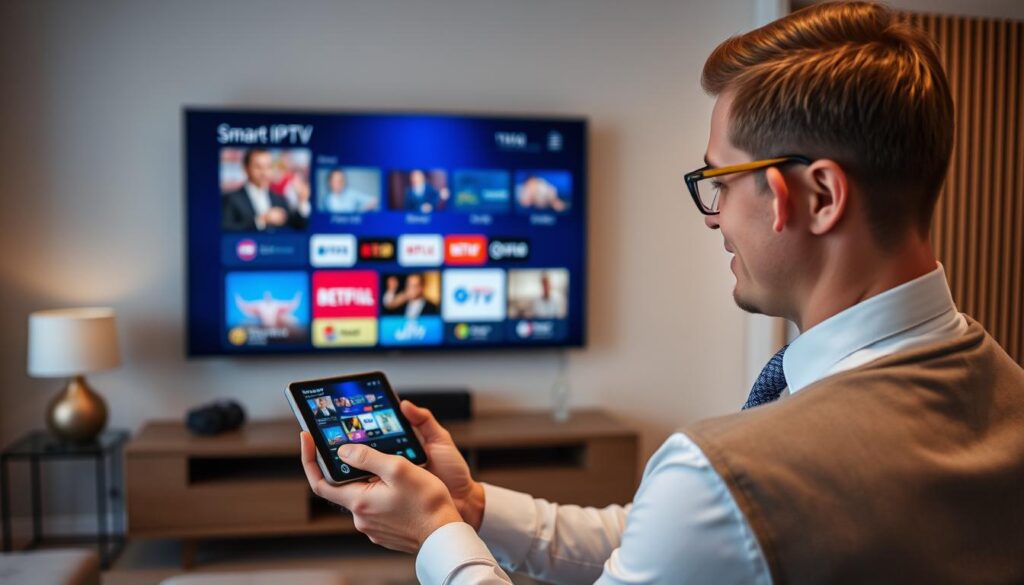
GSE Smart IPTV is an innovative IPTV management tool designed to streamline your streaming experience. This app does not provide IPTV content itself; instead, it works with subscriptions from various IPTV service providers.
The GSE Smart IPTV player application functions as a management interface, allowing users to connect their existing IPTV subscriptions through methods like M3U playlists, JSON formats, and Xtream-Codes API. At its core, it operates as a sophisticated media player that interprets and organizes streaming links from legitimate IPTV providers.
- GSE Smart IPTV functions as an advanced IPTV player application that serves as a management interface rather than a content provider.
- The app works by allowing users to connect their existing IPTV subscriptions through various methods including M3U playlists, JSON formats, and Xtream-Codes API.
- At its core, GSE Smart operates as a sophisticated media player that can interpret and organize streaming links from legitimate IPTV service providers.
- Users must first obtain a subscription from a third-party IPTV provider who will supply the necessary connection details (URLs, credentials) to input into the GSE Smart IPTV app.
- The application then processes these connection details to display organized channel lists, program guides, and streaming options through its user-friendly interface.
- GSE Smart IPTV supports multiple protocols including RTMP, HTTP, UDP, and RTP, making it compatible with most IPTV streams available on the market.
By using GSE Smart IPTV, you can enjoy a seamless and personalized streaming experience, accessing a wide range of channels and content from different providers in one place.
Key Features of GSE IPTV

GSE Smart IPTV is packed with features that elevate your IPTV viewing experience. This application offers a comprehensive suite of tools designed to enhance your viewing experience across multiple devices and platforms.
Multi-Format Playlist Support: GSE Smart IPTV supports various playlist formats, including M3U, JSON, and database formats. This allows you to import channel lists from virtually any IPTV provider, making it a versatile choice for users.
Advanced Playback Capabilities: The app includes features like recording live TV, Chromecast and AirPlay support for casting to larger screens, and automatic stream reconnection for uninterrupted viewing. These features ensure a seamless and enjoyable viewing experience.
Robust Playlist Management: GSE Smart IPTV provides efficient playlist management through both the app interface and web interface. You can organize, edit, and export your channel lists with ease, making it simple to manage your IPTV subscriptions.
Additional Features: The application also includes parental controls for family-friendly viewing, multi-language support with 31 available languages, and customizable themes to personalize your experience. With support for Xtream-Codes API, you can simplify your connection to compatible IPTV services.
Installing GSE IPTV on Different Devices
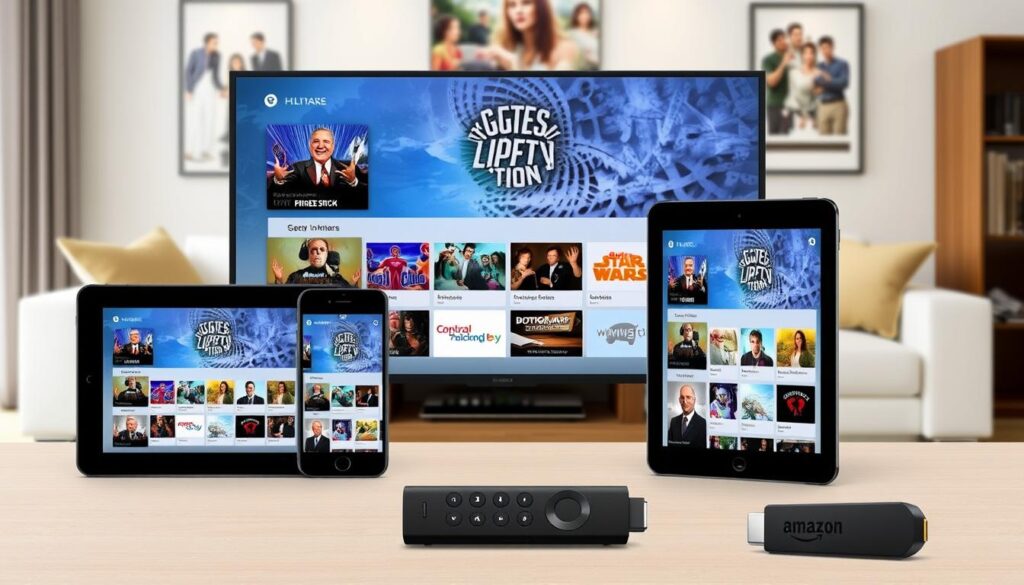
GSE IPTV is compatible with multiple devices, and the installation process varies slightly depending on whether you’re using an Android, iOS, or Amazon FireStick device. This flexibility makes it easy for you to enjoy your favourite content across different screen sizes and formats.
For iOS users (iPhone, iPad, iPod Touch), the GSE Smart IPTV app is readily available through the official Apple App Store as a direct download, making installation straightforward. Simply search for “GSE Smart IPTV” in the App Store, and click “Get” to begin the installation process.
Android device users can easily install GSE Smart IPTV through the Google Play Store, which covers Android TV boxes, smart TVs with Android OS, and mobile devices. Just like with iOS, searching for “GSE Smart IPTV” in the Play Store and clicking “Install” will get you up and running.
However, Amazon FireStick users face a slightly more complex installation process as the app isn’t available in the Amazon App Store and requires sideloading through the Downloader app. To do this, you’ll need to enable installation from unknown sources in your device settings, use the Downloader app to access the GSE Smart IPTV website, and download the APK file.
While the core functionality remains consistent across platforms, the user interface may be optimized differently for TV-based installations versus mobile devices. The app includes a “Mode” setting that allows you to toggle between mobile and TV interfaces if the automatic detection doesn’t correctly identify your device type.
Setting Up GSE IPTV for First-Time Use
Setting up GSE IPTV for the first time involves several straightforward steps. When you launch GSE Smart IPTV for the first time, you’ll need to navigate through initial permission requests and agree to the terms of service before reaching the main interface.
Adding and Managing IPTV Playlists
To add IPTV playlists, you can choose between several methods, including Remote Playlists for web-based M3U/JSON URLs, Xtream-Codes API for services supporting this protocol, or Local Playlists for files stored on the device. The playlist addition process typically involves clicking the “+” button in the appropriate section and entering the URL or credentials provided by your IPTV service provider.
| Playlist Type | Description | Requirements |
|---|---|---|
| Remote Playlists | Import M3U/JSON playlists from the web | Playlist URL |
| Xtream-Codes API | For services supporting Xtream-Codes protocol | API credentials |
| Local Playlists | For files stored on the device | M3U/JSON file |
Configuring EPG and Program Guides
EPG (Electronic Program Guide) configuration is essential for viewing program schedules and information. You can import the EPG either from a local file or a URL using the EPG Program Guide option in the menu. Most IPTV service providers offer a dedicated EPG URL that complements their channel playlists, ensuring proper synchronization between playlists and EPG sources.
Using GSE IPTV Effectively
With GSE Smart IPTV, you can customize your streaming experience to suit your preferences. The GSE Smart IPTV app allows you to navigate through various categories and groups as defined by your playlists, making it easier to find your favorite content.
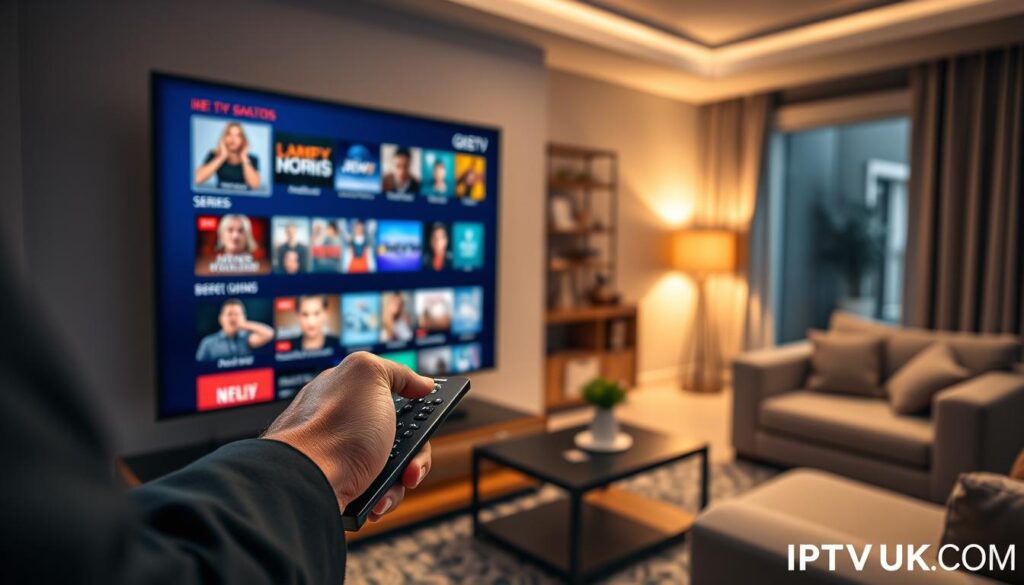
The app’s main viewing screen provides playback controls, channel information, and access to additional features like favorites, EPG timeline, and settings. You can enhance your viewing experience by utilizing the built-in player’s capabilities or integrating external video players like MX Player for potentially improved performance with certain stream types.
- Adding channels to favorites allows for quick access to frequently watched content.
- The app supports various viewing modes and aspect ratios to optimize content display across different screen sizes and orientations.
- Advanced users can take advantage of features like recording capabilities, subtitle support, and audio track selection when available in the stream.
By understanding and utilizing these features, you can significantly enhance your GSE IPTV experience.
Benefits of Using GSE IPTV
Utilizing GSE Smart IPTV provides users with a flexible and customizable IPTV solution. One of the primary advantages is its ability to consolidate multiple IPTV subscriptions into a single, unified interface, eliminating the need to switch between different apps.
The app supports both M3U and JSON playlists formats and allows users to import EPG Program guides. Both local and remote (URL-based) playlists and EPG are supported, making it a versatile IPTV service. The GSE Smart IPTV app is available across iOS, Android, and Amazon devices, ensuring consistent access to content with synchronized favorites and settings.
| Feature | Benefit |
|---|---|
| Multi-Subscription Support | Consolidates multiple IPTV subscriptions into one interface |
| Cross-Platform Availability | Access content across different devices with synchronized settings |
| Customizable Interface | Organize channels according to personal preferences |
| External Player Integration | Optimize playback performance based on device capabilities |
For more information on IPTV and its benefits, you can visit this guide on IPTV. The GSE Smart IPTV enhances the viewing experience with features that may not be available in the provider’s native application, making it a valuable tool for IPTV users.

Understanding the Legal and Security Risks of IPTV
When using GSE IPTV, it’s crucial to understand the legal landscape surrounding IPTV services. While GSE IPTV itself is a legitimate application, the content accessed through it may not always be authorized. As stated in their disclaimer, “GSE SMART IPTV does not supply or include any media or content except some sample dummy link with Sintel.”
Users must be aware of the legal implications of the content they access. The app explicitly disclaims responsibility for the content accessed, placing the legal burden on users to ensure they’re streaming from authorized sources. Many unauthorized IPTV services provide access to copyrighted content without proper licensing, exposing users to legal risks, including potential copyright infringement claims.
From a security perspective, connecting to unverified IPTV services may expose users to malicious streams, data collection, or other privacy concerns. The application’s privacy policy indicates that certain data may be collected, including identifiers and location information. To mitigate these risks, using a VPN while streaming can provide an additional layer of security and privacy. For more information on IPTV apps and their legal considerations, visit our ultimate guide to IPTV apps.
To avoid both legal and security complications, users should prioritize legitimate IPTV services that have proper licensing agreements for the content they distribute. As the saying goes, “Knowledge is power.” Being informed about the potential risks and taking steps to mitigate them is crucial for a safe and enjoyable IPTV experience.
Common Issues and Troubleshooting

GSE Smart IPTV users often encounter several issues that can be resolved through simple troubleshooting steps. Common problems include playlist loading failures, buffering, and EPG synchronization issues.
Playlist loading failures often result from incorrect URL entry, expired credentials, or service provider changes. To resolve this, ensure your connection details are up-to-date and correctly entered. For more information on configuring your IPTV settings, you can check this guide on GSE IPTV setup for Apple.
Buffering problems typically stem from insufficient internet bandwidth or server overload at the provider’s end. You can troubleshoot this by checking your internet connection and ensuring it’s stable. For additional tips, visit this resource on solving IPTV buffering.
Some users also report challenges with customer support responsiveness. If you’re experiencing difficulties reaching the developer, try alternative contact channels or check for updates within the app.
By understanding these common issues and applying the appropriate troubleshooting steps, you can significantly improve your GSE Smart IPTV experience.
Top Alternatives to GSE IPTV
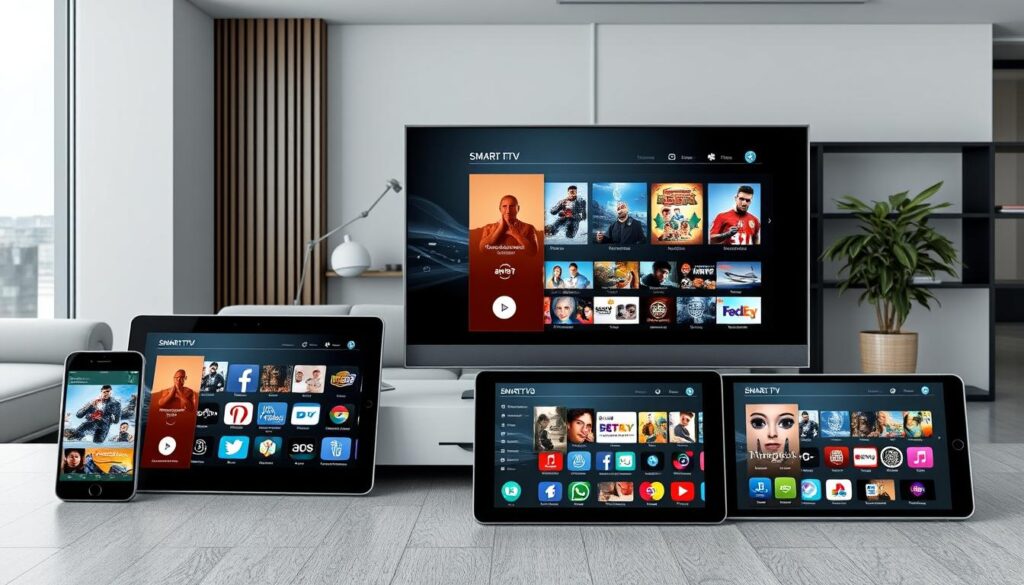
Exploring alternatives to GSE IPTV can help you find a better fit for your streaming needs. While GSE Smart IPTV offers comprehensive features, several alternatives exist that may better suit specific user needs or device ecosystems.
Some notable alternatives include IPTV Smarters Pro, which provides a similar feature set to GSE with a potentially more intuitive interface for beginners and strong multi-device synchronization capabilities. Perfect Player is favored by technical users for its lightweight design and extensive customization options.
Other options like TiviMate for Android TV and FireStick, and IPTV Player by Lola for iOS, offer polished interfaces and advanced features. For a more general-purpose media player, VLC Media Player is a versatile alternative with robust playlist support.
When choosing an alternative, consider factors like device compatibility, playlist format support, and EPG integration. You can find more information on the best IPTV providers in this guide. For a detailed review of GSE Smart IPTV, visit this page.
Conclusion
As we wrap up our exploration of GSE IPTV, it’s clear that this app offers a robust solution for managing multiple IPTV subscriptions. With its support for various playlist formats, including M3U and JSON, and features like EPG guides, GSE IPTV provides a comprehensive viewing experience. The app is available on multiple platforms, including FireStick, and offers a free version with optional premium upgrades. While it’s a powerful player, users must be aware of the legal considerations surrounding IPTV content. Overall, GSE IPTV is a great choice for those seeking a unified IPTV service with a user-friendly interface. You can explore more features and download the app from the App Store.
GSE IPTV’s flexibility and feature set make it an attractive option in the IPTV landscape. As the streaming world continues to evolve, GSE IPTV’s commitment to updates and user experience will be crucial. With its screen-friendly design and customizable options, it enhances your viewing experience over time. The developer‘s approach to supporting various channels and formats makes it a versatile choice. In conclusion, GSE IPTV is a solid way to manage your IPTV subscriptions efficiently.

