
Accessing television content has never been more flexible, thanks to Internet Protocol Television (IPTV). IPTV offers thousands of live channels through internet protocols, revolutionizing how we consume entertainment. At the heart of this technology is the M3U playlist, a text-based file format that contains a list of multimedia streams.
An IPTV URL serves as a digital address that connects users to vast libraries of entertainment content, including live sports, international channels, movies, and on-demand programming. Understanding how to use these URLs is essential for a seamless streaming experience. As we transition to more flexible, cost-effective streaming options, the importance of secure and reliable IPTV services cannot be overstated.
Key Takeaways
- IPTV revolutionizes television content access with thousands of live channels via internet protocols.
- M3U playlists are crucial for organizing and accessing IPTV channels.
- Secure IPTV URLs are essential for reliable streaming experiences.
- Modern IPTV services offer extensive content libraries, including live sports and on-demand programming.
- Understanding IPTV URLs is key to transitioning from traditional TV services to streaming.
Understanding IPTV URLs and M3U Playlists
The world of IPTV streaming relies heavily on two crucial components: IPTV URLs and M3U playlists. To appreciate the complexity and functionality of modern IPTV services, it’s essential to understand these elements.
What is an IPTV URL?
An IPTV URL serves as the address that connects your device to the IPTV server, allowing you to access a vast library of channels and content. Think of it as the gateway to your streaming world. A reliable IPTV URL ensures stable and secure connections, providing a seamless viewing experience. When selecting an IPTV service, the quality of the URL is paramount, as it directly impacts the performance and accessibility of the service.
The Importance of M3U Playlists
M3U playlists are the backbone of IPTV services, providing a standardized way to organize and access thousands of channels across different categories and regions. A well-structured M3U playlist categorizes channels by type, country, or language, making navigation intuitive. Modern M3U playlists support advanced features like catch-up TV, video-on-demand content, and multi-language support. For more information on setting up and using IPTV playlists, you can visit this guide.
As the IPTV landscape continues to mature, the importance of M3U playlists cannot be overstated. They offer a flexible and efficient way to manage content, allowing providers to update and maintain their services easily. This results in a better experience for users, with access to a wide range of content and features.
Benefits of Using Secure IPTV URL Services
Using a secure IPTV URL service can revolutionize your viewing experience with numerous benefits. As you explore the world of IPTV, you’ll discover that these services offer more than just a simple alternative to traditional TV viewing.
Access to Extensive Content Libraries
One of the primary advantages of using a secure IPTV URL service is the access to extensive content libraries. With a vast array of channels, movies, and TV shows at your fingertips, you’ll never run out of entertainment options. According to a recent statement by a prominent IPTV provider, “Our service offers over 10,000 channels and thousands of on-demand titles, ensuring that there’s something for everyone.” This vast content library is a significant draw for many users.
Cost-Effectiveness Compared to Traditional Cable
Another significant benefit is the cost-effectiveness of IPTV services compared to traditional cable. By cutting the cord and switching to IPTV, you can save money on your monthly entertainment expenses. For instance, a basic IPTV subscription can cost as low as $15 per month, whereas traditional cable packages often exceed $50 per month. To learn more about choosing the best IPTV provider, you can visit this guide.
Device Compatibility and Flexibility
Secure IPTV URL services also offer remarkable device compatibility and flexibility. You can stream content on various devices, including smart TVs, Android boxes, Fire Stick, PCs, Macs, and mobile devices. This flexibility allows you to watch your favorite shows and movies anywhere, anytime. As highlighted by the device-agnostic nature of these services, you can enjoy seamless streaming across multiple platforms, making it an ideal choice for households with diverse device preferences.
Finding Reliable IPTV URL Providers
To enjoy uninterrupted streaming, it’s essential to choose an IPTV provider that offers high-quality services and robust support. With numerous options available, evaluating the features and quality of IPTV providers is crucial.
Free vs. Premium IPTV Services
When deciding between free and premium IPTV services, consider the trade-offs. Free services often come with limitations, such as lower stream quality, fewer channels, and potential legal risks. In contrast, premium services offer superior quality, a broader range of channels, and reliable support. They also typically include features like EPG (Electronic Program Guide) and multi-device streams.
Key Features to Look for in 2023
When selecting an IPTV provider, several key features are worth considering:
- True 4K & 60 FPS Streams: Look for providers that specify HEVC/H.265 codec support for efficient 4K streaming.
- 99.9% Uptime Guarantee: Premium services now offer SLA-like guarantees, ensuring your M3U playlist always works.
- Integrated EPG (XMLTV): A comprehensive EPG transforms your IPTV experience into a true TV service.
- Multi-Connection Support: The ability to use multiple streams simultaneously on different devices under one subscription.
- VOD & Catch-Up TV: Extensive libraries of movies, series, and the ability to watch recently aired content.
Setting Up Your IPTV URL on Different Devices
Setting up your IPTV URL on various devices is a straightforward process that enhances your streaming experience. You can enjoy your favourite channels and content on a range of devices, from smart TVs and Android boxes to mobile devices, tablets, and computers.
Smart TVs and Android Boxes
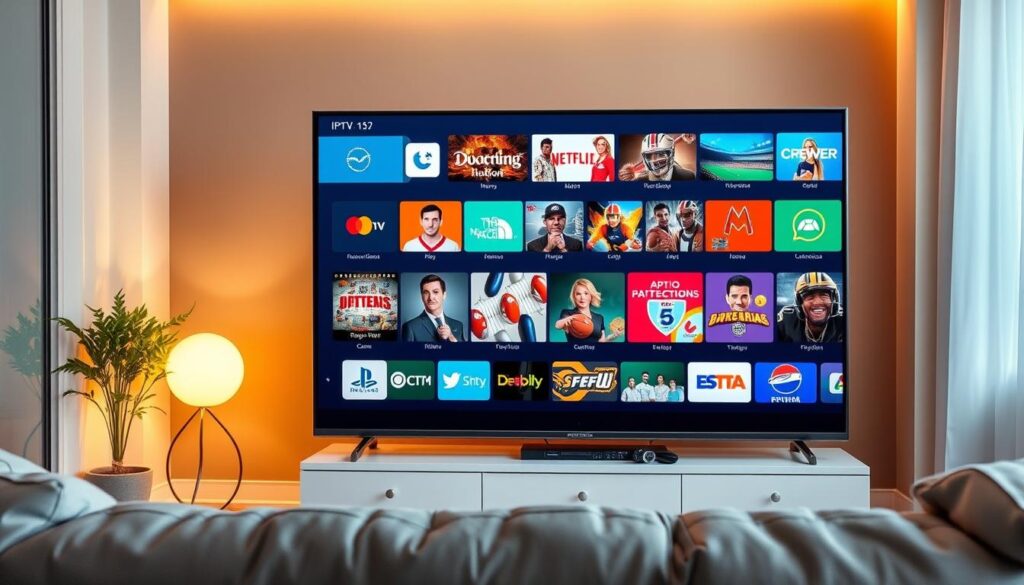
For smart TVs and Android boxes, you can use an IPTV player to stream your content. Simply download and install an IPTV app, enter your IPTV URL, and start watching your favourite shows.
Mobile Devices and Tablets

On mobile devices and tablets, you can use IPTV apps to stream your IPTV URL. These apps are available for both iOS and Android devices, making it easy to watch your favourite content on the go.
Computers and Media Players
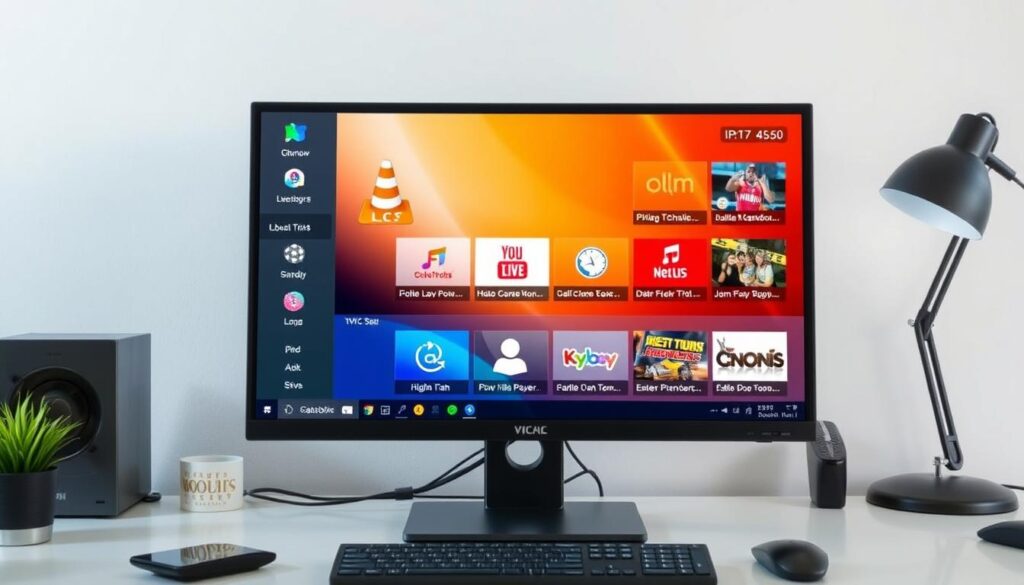
For computers, VLC Media Player is a popular choice for IPTV streaming. To set it up, open VLC, go to Media > Open Network Stream, and paste your M3U URL. You can also use Kodi media centre with add-ons like PVR IPTV Simple Client for a more comprehensive IPTV experience. For detailed instructions on setting up IPTV on various devices, visit our guide on IPTV setup.
- VLC Media Player supports Windows, macOS, and Linux, making it a versatile option.
- Kodi offers a TV-like interface with EPG integration through add-ons.
- Windows users can also use specialized IPTV applications like MyIPTV Player.
- Mac users can utilize VLC or IPTV-specific apps from the Mac App Store.
Optimizing Your IPTV URL Streaming Experience
To get the most out of your IPTV URL, optimizing your streaming experience is crucial. A well-optimized setup ensures a seamless and enjoyable viewing experience.
Network Configuration Tips
A stable and fast internet connection is vital for uninterrupted IPTV streaming. Ensure your network is configured to prioritize IPTV traffic. For more detailed guidance, you can refer to resources like IPTVDoor’s optimization guide.
Reducing Buffering Issues
Buffering can be frustrating. To minimize it, check your internet speed and consider using a VPN to stabilize your connection. Astrill’s VPN settings guide offers valuable insights on this topic.
Using EPG for Enhanced Navigation
The Electronic Program Guide (EPG) transforms your IPTV experience into a comprehensive TV guide system. Most premium IPTV providers include EPG data, which displays program schedules and show descriptions. To enable EPG, you’ll need to enter an XML TV URL in your IPTV player’s settings. Advanced IPTV applications like TiviMate and IPTV Smarters Pro offer enhanced EPG features, including category filtering and search functionality. For a detailed setup guide, visit G-IPTV’s setup guide.
Security Considerations When Using IPTV URLs
Ensuring the security of your IPTV URL is vital in today’s digital landscape. As you enjoy your favourite shows and sports events, it’s crucial to safeguard your personal information and maintain a secure connection.
Protecting Your Personal Information
To protect your personal data while using IPTV services, it’s essential to understand the potential risks. For more information on the privacy and security risks associated with IPTV, visit https://programminginsider.com/what-are-the-privacy-and-security-risks-of-using-iptv/. Using a reputable VPN can help encrypt your streaming traffic, preventing your Internet Service Provider (ISP) from monitoring your IPTV usage.
Using VPN Services with IPTV
A Virtual Private Network (VPN) creates an encrypted tunnel for your internet traffic, ensuring your privacy and security. Key benefits include:
- Bypassing ISP-level throttling that might affect stream quality
- Hiding your real IP address from IPTV services and potential malicious actors
- Accessing geo-restricted content by connecting through servers in different countries
When selecting a VPN for IPTV, prioritize services with high-speed servers, unlimited bandwidth, and strong encryption. Popular VPN services for IPTV streaming include ExpressVPN, NordVPN, and Surfshark.
Conclusion
IPTV URL services are revolutionizing how we consume television, providing access to a vast array of channels and content. As highlighted in The Ultimate Guide to IPTV M3U, the shift in 2025 is towards quality, with top M3U IPTV services focusing on stream stability and integrated EPG. By understanding M3U playlists and choosing reliable providers, you can create a superior entertainment experience. For setting up IPTV on various devices, including Windows, refer to How to Set Up IPTV on. This allows for a tailored viewing experience across different devices, using players like VLC Media Player.
As streaming technology evolves, IPTV services continue to improve, offering channels with high-quality streams and an enhanced experience. With a focus on quality and user satisfaction, IPTV URL url services, including M3U playlists and electronic program guides, are set to redefine television viewing.

