
Modern viewers expect a seamless and intuitive streaming experience. An Electronic Program Guide (EPG) has revolutionized the way we navigate through various channels and programming schedules. Gone are the days of flipping through channels to find what’s on; an EPG provides a comprehensive list of available programs at your fingertips.
The evolution from traditional TV guides to interactive digital program guides has been a game-changer. With an EPG, you can easily access information about current and upcoming shows, making it simpler to plan your viewing schedule. By integrating an EPG with your streaming setup, you can enhance your overall television experience.
Key Takeaways
- Understand the basics of EPG and its role in modern streaming
- Learn how EPG simplifies channel navigation and programming schedules
- Discover the benefits of implementing an EPG system with your streaming setup
- Find out how to set up and configure EPG for an enhanced viewing experience
- Maximize your EPG experience for organized content access
Understanding IPTV EPG Basics
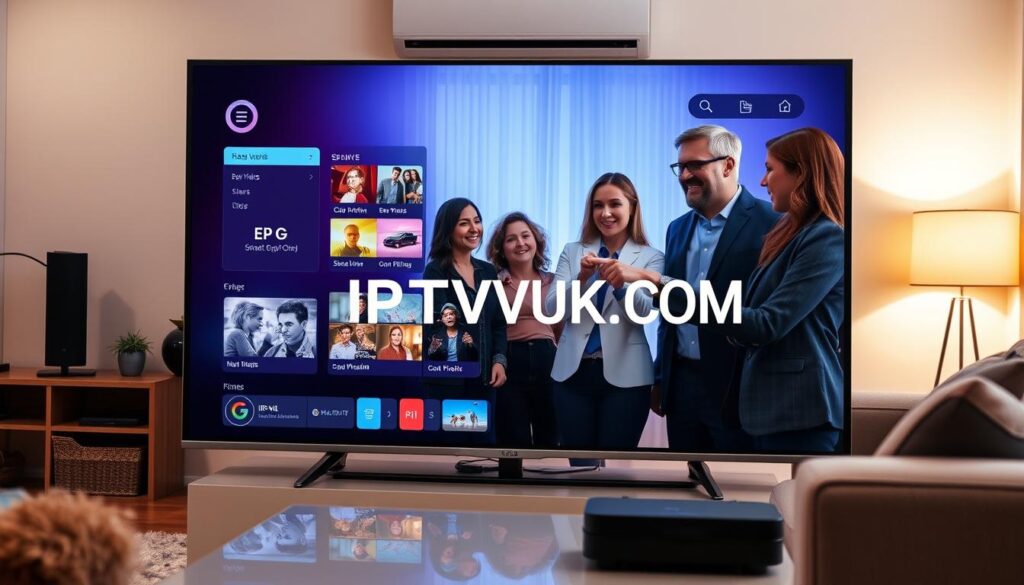
To fully appreciate the benefits of IPTV, it’s essential to understand the basics of Electronic Program Guide (EPG) and its role in enhancing your viewing experience. The EPG is a digital interface that displays scheduling information for current and upcoming programming across multiple channels, making it easier for viewers to plan their watching schedule.
What is an Electronic Program Guide?
An Electronic Program Guide (EPG) is an electronically generated list of content broadcasted by a channel over a certain period. It serves customers by providing them with updated information on programming schedules, thus enhancing their viewing experience. EPGs have become an indispensable tool for navigating the vast array of channels and content available on modern television platforms.
How EPG Works with IPTV Systems
EPG works with IPTV systems by retrieving and displaying program data from various sources. This data is then presented in a user-friendly format, allowing viewers to browse through different channels and programs with ease. The integration of EPG with IPTV enables a more interactive and personalized viewing experience.
| Feature | Traditional TV | IPTV with EPG |
|---|---|---|
| Program Guide | Static listings | Dynamic, interactive guide |
| Channel Navigation | Manual channel surfing | Easy browsing with EPG |
| Content Discovery | Limited information | Detailed program information |
Evolution of EPG Technology
The EPG technology has evolved significantly since its inception. From simple television listings to interactive digital guides, EPG has come a long way. The first EPG services were launched in North America by United Video Satellite Group, marking the beginning of a new era in television viewing. Today, EPG is an integral part of modern IPTV systems, offering a range of features that enhance the viewing experience. For more information on how to elevate your viewing experience with advanced IPTV solutions, visit Edge IPTV.
By understanding the basics of EPG and its integration with IPTV, you can unlock a more enjoyable and personalized viewing experience. Whether you’re a cord-cutter or a streaming enthusiast, the EPG is an essential tool that helps you navigate the world of television with ease.
Benefits of Using EPG for Your IPTV Experience
The integration of Electronic Program Guide (EPG) with IPTV services revolutionizes the way we consume television content. By providing a comprehensive and organized view of available programs, EPG significantly enhances the overall IPTV experience.
Enhanced Content Discovery
EPG transforms content discovery by offering organized and searchable program listings across all channels. This feature allows viewers to easily find new shows and movies that match their interests. With EPG, users can browse through detailed program information, including descriptions, ratings, and additional metadata, making it simpler to choose what to watch.
Time-Shifting Capabilities
One of the key benefits of EPG integration with IPTV is the ability to pause, rewind, and fast-forward live content. This time-shifting capability gives viewers the flexibility to manage their viewing experience according to their schedule. Whether you need to step away from the screen or want to rewatch a missed segment, EPG makes it possible.
Personalized Viewing Experience
Modern EPGs offer personalization features that learn from your viewing habits to recommend relevant content. By providing tailored suggestions, EPG enhances your IPTV experience, making it more enjoyable and user-friendly. Additionally, EPG allows for better planning of viewing schedules by showing what’s currently airing and what’s coming up next.
Essential EPG Tools and Resources
Access to accurate and up-to-date EPG data is vital for a seamless IPTV viewing experience. To help you navigate the complex world of IPTV, we’ve compiled a list of essential EPG tools and resources.
Popular EPG Providers and Services
Several popular EPG providers offer reliable program guide data for IPTV systems. These services vary in terms of data quality, update frequency, and channel coverage. Some notable providers include iptv-org/epg, which offers a comprehensive program guide for thousands of channels.
Open-Source EPG Solutions
Open-source EPG solutions like iptv-org/epg repository provide users with the ability to download program guides for thousands of channels. These solutions are often community-driven and offer a cost-effective alternative to commercial EPG services.
Paid vs. Free EPG Services
When choosing an EPG service, you must decide between paid and free options. Paid services typically offer more accurate and up-to-date data, while free services may have limitations in terms of channel coverage and update frequency. It’s essential to evaluate EPG services based on factors like data accuracy, channel support, and integration capabilities.
Setting Up IPTV EPG on Your Device
IPTV EPG setup is a simple yet crucial step in enjoying a comprehensive streaming experience. To configure EPG IPTV on your device, you need to ensure compatibility and follow the right configuration steps.
Compatible Devices and Systems
Various devices support IPTV EPG integration, including smart TVs, set-top boxes, IPTV players, and mobile applications. Before setting up EPG, verify that your device is compatible.
Required Software and Prerequisites
The application and software prerequisites vary across different systems like Windows, macOS, Linux, and Android. Ensure you have the necessary software installed to support EPG data processing.
Basic Configuration Steps
To configure EPG, follow these steps: access your IPTV application’s settings, navigate to the EPG section, and input the required data source. This will enable you to view channels and their schedules on your device’s interface. For detailed instructions, you can refer to guides like setting up IPTV on smart TVs.

Step-by-Step Guide to Downloading EPG Data
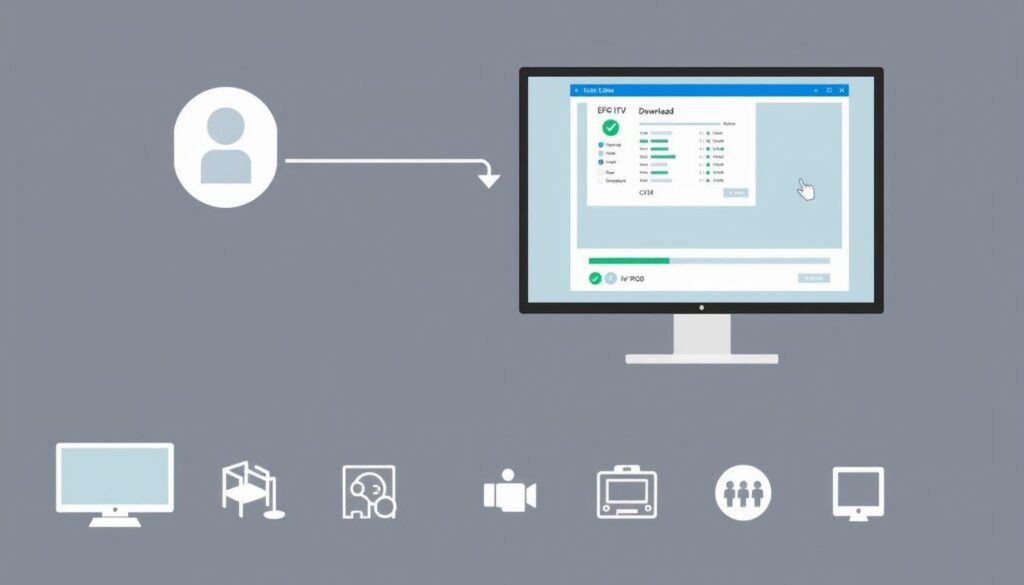
Downloading EPG data is a crucial step in enhancing your IPTV experience. IPTV users can significantly enhance their viewing experience by learning how to download EPG data effectively. This process involves several steps, including installing required dependencies, selecting appropriate EPG data sources, and automating EPG updates.
Installing Required Dependencies
To start downloading EPG data, you need to install the necessary dependencies. This includes Node.js and Git. Ensure you have the latest versions installed to avoid compatibility issues.
Selecting EPG Data Sources
Choosing the right EPG data source is critical. You need to select sources that match your channel lineup and regional requirements. You can explore various EPG providers and services, including open-source solutions like the one available on GitHub.
Automating EPG Updates
To keep your EPG data up-to-date, you need to automate the update process. This can be done using scheduling tools like cron or chronos. You can also customize the update frequency based on your needs. For more information on automating EPG updates, you can refer to this LinkedIn article.
By following these steps, you can ensure that your IPTV service has the most current EPG data, enhancing your overall viewing experience.
Configuring Your IPTV Player with EPG
Configuring your IPTV player with EPG is a crucial step in enhancing your streaming experience. This process involves linking your EPG data to your channel lineup, customizing display settings, and troubleshooting any issues that may arise.
Linking EPG Data to Your Channels
To link EPG data to your channels, you need to ensure that your IPTV player is configured to read the EPG data correctly. This involves specifying the correct EPG data source and mapping it to your channel lineup. For instance, you can use the EPG guide to understand how to configure EPG data sources. Most IPTV players allow you to import EPG data via an XML file or URL.
- Identify your EPG data source
- Configure your IPTV player to read the EPG data
- Map the EPG data to your channel lineup
Customizing EPG Display Settings
Customizing EPG display settings allows you to personalize your viewing experience. You can adjust settings such as grid view, timeline display, and information detail level to suit your preferences. For example, you can choose to display more detailed program information or simplify the grid view for easier navigation.
Troubleshooting Common EPG Issues
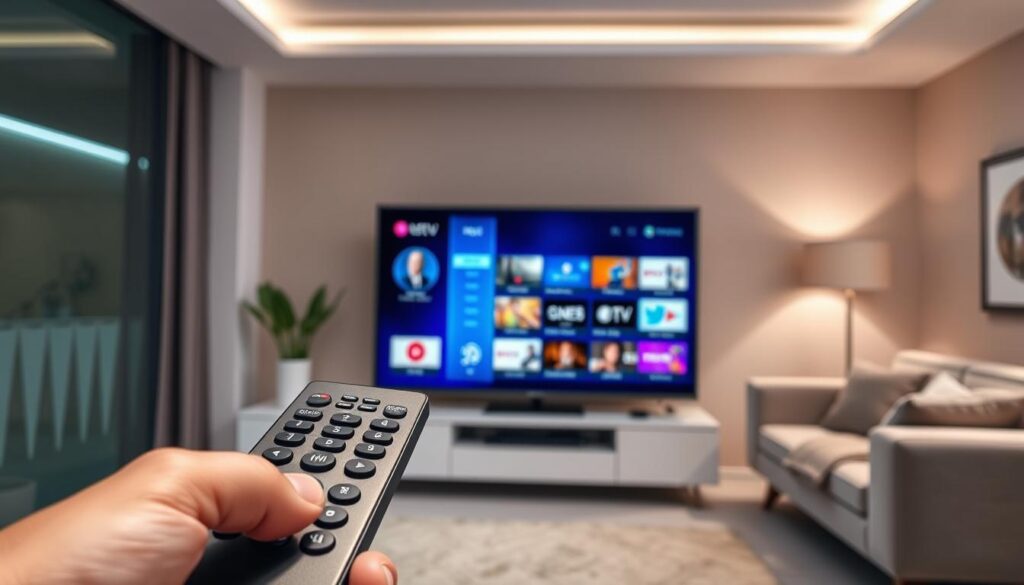
Common EPG issues include mismatched channel IDs, missing data, or display problems. To troubleshoot these issues, you can check your EPG data source for updates, verify your channel mappings, or adjust your IPTV player’s settings. Ensuring that your EPG data is up-to-date and correctly configured can resolve most issues.
- Check for EPG data updates
- Verify channel mappings
- Adjust IPTV player settings
Advanced EPG Features and Customization
With the advent of advanced EPG features, users can now enjoy a more interactive and engaging streaming experience. Modern EPGs often use advanced algorithms and machine learning techniques to provide personalized recommendations. By analyzing viewing habits and preferences, these systems can suggest content that is likely to be of interest to the viewer, enhancing the overall user experience.
Creating Custom Channel Groups
One of the key features of advanced EPG is the ability to create custom channel groups. This allows users to organize content by genre, language, or personal preference, making it easier to find what they’re looking for. For example, you can create a group for sports channels, another for movie channels, and so on.
| Channel Group | Description | Example Channels |
|---|---|---|
| Sports | Channels dedicated to sports coverage | ESPN, Fox Sports, Sky Sports |
| Movies | Channels showing movies and film content | HBO, Showtime, Star Movies |
| News | Channels providing news coverage | CNN, BBC News, Al Jazeera |
Setting Up Recording with EPG
Advanced EPG features also enable users to set up recording functionality through integration with compatible devices and software. This allows you to schedule recordings of your favorite shows and events, ensuring that you never miss a moment. For more information on how EPG works, you can visit Muvi’s EPG guide or Vodlix’s EPG blog.
Integrating EPG with Multiple Devices
Another significant advantage of advanced EPG is the ability to synchronize EPG data across multiple devices. This ensures a consistent viewing experience throughout your home, whether you’re using a set-top box, a smart TV, or a mobile device. By integrating EPG with multiple devices, you can access your personalized channel lineup and schedules from anywhere.
Conclusion
As we’ve explored throughout this guide, integrating an IPTV EPG system can revolutionize your streaming experience. By understanding the basics of EPG and its benefits, you’re now equipped to enhance your IPTV viewing. The key benefits of implementing an EPG include enhanced content discovery, personalized viewing experiences, and organized channel listings.
To recap, setting up and configuring your IPTV EPG involves selecting the right tools, downloading EPG data, and customizing the display settings. For a more detailed guide on setting up EPG, you can refer to resources like https://www.enveu.com/blog/what-is-epg-and-how-does-it-work, which provide comprehensive insights into EPG functionality.
Looking ahead, future trends in EPG technology, such as AI-driven recommendations and cross-platform integration, promise to further enhance your viewing experience. Regular updates to your EPG will ensure you have access to accurate program information. We encourage you to explore advanced features as you become more comfortable with the basics, transforming your IPTV service into a professional, cable-like experience.
By embracing IPTV EPG technology, you’re taking a significant step towards a more enjoyable and user-friendly streaming experience. Whether you’re a cord-cutter or a streaming enthusiast, the benefits of EPG are undeniable, offering a more organized and engaging way to enjoy your favorite channels and content.

