
The way we consume media has undergone a significant transformation with the advent of Internet Protocol Television (IPTV), offering a flexible alternative to traditional cable and satellite services. This technology allows users to stream content over the internet, providing a more personalized viewing experience.
With IPTV services, you can access a wide range of content, including live television, movies, and on-demand programs. This comprehensive guide will explore the technical aspects of internet protocol television and provide practical setup instructions for different devices, helping you make informed decisions about adopting this technology.
Key Takeaways
- Understand the basics of IPTV and its benefits over traditional television services.
- Learn how to access IPTV streaming services on various devices.
- Discover the factors to consider when choosing an IPTV service provider.
- Get insights into the technical requirements for a seamless IPTV streaming experience.
- Find out how to ensure the legality and quality of IPTV services.
What is IPTV and How Does It Work?
IPTV stands for Internet Protocol Television, a technology that enables the delivery of TV content over the internet. This modern approach to television viewing is becoming increasingly popular due to its flexibility and wide range of content offerings.
Definition and Basic Concept
IPTV is a service that allows users to stream television programs and videos directly to their devices via an internet connection. Unlike traditional TV broadcasting methods, IPTV uses the internet protocol network to deliver content. This means that when you request a specific program, your device sends a signal to the IPTV server, which then streams the requested content back to you.
The basic concept revolves around breaking down video content into data packets and transmitting them over an IP network. Your device then reassembles these packets, allowing you to watch your chosen content. This method is highly efficient and allows for a more personalized viewing experience.
How IPTV Technology Delivers Content
When you select a TV program or video on demand, your request is sent to the IPTV service provider’s server. The server then processes your request, and the content is streamed to your device through your internet protocol connection. This process relies on a robust network infrastructure to ensure smooth and uninterrupted streaming.
The IPTV technology works through a client-server model. Here’s a simplified overview:
- The IPTV service maintains content on centralized or distributed servers.
- When you make a request, it is sent to the nearest server.
- The server then streams the content directly to your device.
- This method allows for efficient content delivery and reduces buffering.
Modern IPTV systems employ various compression technologies to optimize data transmission while maintaining high-quality video streaming. The network architecture can be either centralized or distributed, depending on the service provider’s needs and the scale of their operation.
| Feature | IPTV | Traditional TV |
|---|---|---|
| Content Delivery | Over internet protocol network | Through broadcast or cable |
| Content Access | On-demand and live | Primarily live |
| Device Compatibility | Multiple devices supported | Limited to TV and specific devices |
Types of IPTV Services and Content
With IPTV, users can access a variety of content types, from live TV to on-demand videos. This flexibility is one of the key advantages of IPTV technology, catering to different viewer preferences and viewing habits.
Live TV Streaming
Live TV streaming via IPTV allows users to watch their favorite channels in real-time, just like traditional TV. This service is ideal for events like sports, news, and live concerts. When searching for the best live IPTV services, consider the quality of the stream, the variety of channels offered, and the reliability of the service.
Video-on-Demand (VOD)
Video-on-Demand (VOD) services provided by IPTV allow users to watch content at their convenience. This includes movies, TV shows, and other video content that can be accessed at any time. For those looking for the best video on demand IPTV, consider the breadth of the content library and the ease of navigation.
Time-Shifted Media and Catch-Up TV
Time-shifted IPTV, or catch-up TV, enables viewers to watch previously broadcasted shows at a later time. Key features include:
- Watching recently broadcast shows for a limited period after their original air date.
- Bridging the gap between live broadcasting and on-demand content.
- Services like BBC iPlayer offering content for 30 days after the original broadcast.
- The technology automatically recording broadcasts and storing them temporarily for later access.
- Unlike true VOD, time-shifted content has an expiration date.
This service provides flexibility, allowing viewers to catch up on their favorite shows without being tied to a traditional broadcast schedule.
IPTV vs. Traditional Cable and Satellite TV
The way we consume television is changing, with IPTV emerging as a significant alternative to conventional cable and satellite services. To understand the shift, it’s crucial to compare IPTV with traditional television methods.
Technical Differences
Traditional cable and satellite TV operate by allowing users to tune into specific channels within a signal. The primary difference between the two is that cable TV uses a wired connection, whereas satellite TV is wireless until it reaches the user’s premises. In contrast, IPTV systems utilize an Internet Protocol (IP) based network to deliver TV channels to users’ set-top boxes. This fundamental difference in technology affects the viewing experience and the range of options available to viewers.
For more information on how IPTV services like QQTV work, you can visit https://www.g-iptv.com/iptv-like-qqtv-stream-live-tv-on-your-devices/ to explore the benefits of IPTV.
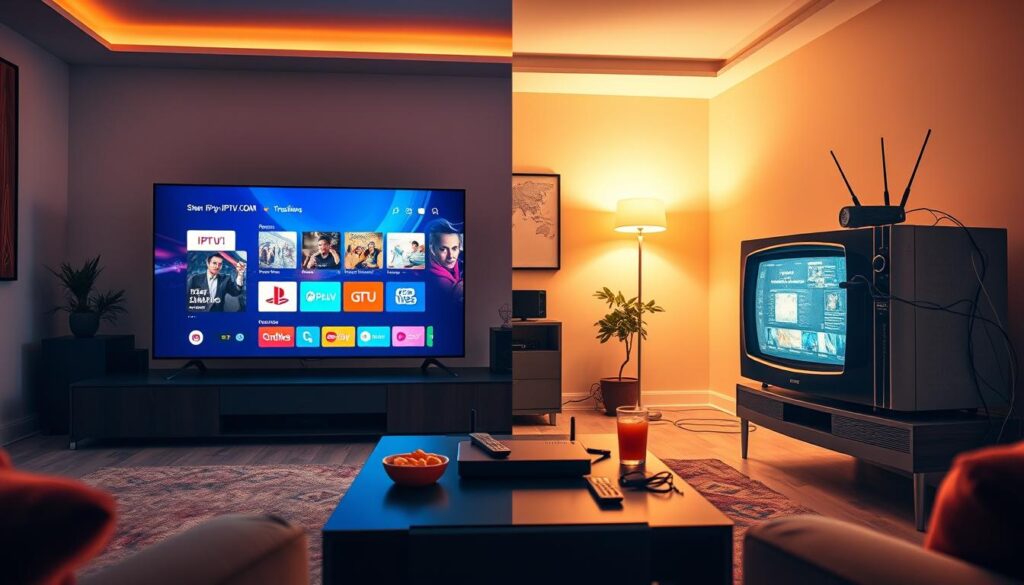
User Experience Comparison
The user experience with IPTV offers significantly more control and interactivity compared to traditional television. IPTV provides viewers with the ability to pause, rewind, and fast-forward content, features that were previously only available with DVR technology in conventional cable and satellite systems. Moreover, IPTV allows viewers to create personalized viewing schedules, unlike traditional TV, which follows rigid programming schedules.
- IPTV platforms typically include searchable content libraries, personalized recommendations, and user profiles, enhancing the viewing experience.
- IPTV offers a consistent way to access content across multiple devices, including TVs, phones, tablets, and computers.
- The transition between different types of content, such as live, recorded, and on-demand, is seamless with IPTV.
By understanding these differences, viewers can make informed decisions about their television viewing options.
Benefits and Drawbacks of IPTV
As we explore the world of IPTV, it’s essential to weigh its advantages and disadvantages to make an informed decision. IPTV has gained popularity as a modern alternative to traditional TV viewing methods, offering a range of benefits and challenges that users should consider.
Advantages of Switching to IPTV
One of the primary advantages of IPTV is its flexibility and customization options. Unlike traditional cable or satellite TV, IPTV allows users to choose from a variety of channels and content providers, tailoring their viewing experience to their preferences. Additionally, IPTV services often provide on-demand content and catch-up TV features, enhancing user convenience. IPTV’s reliance on an internet connection enables streaming on various devices, including smart TVs, computers, and mobile devices, making it a versatile option for modern viewers.
IPTV services can also offer more cost-effective solutions compared to traditional TV packages. Users can select specific channels or content services, potentially reducing their monthly expenses. Furthermore, IPTV providers often operate with lower infrastructure costs, which can translate into savings for consumers.

Potential Limitations and Challenges
Despite its advantages, IPTV faces several challenges. A significant limitation is its dependence on a high-quality internet connection. Users in areas with limited broadband access may experience buffering, pixelation, or service interruptions. The technical requirements for optimal IPTV performance, such as a minimum of 20 Mbps for HD streaming, can be a barrier for those with slower connection speeds.
Other potential drawbacks include the risk of service instability due to legal or regulatory issues affecting some IPTV providers. Additionally, the fragmentation of content across multiple IPTV services can lead to higher combined costs, potentially exceeding the cost of a single traditional cable package.
| Aspect | IPTV | Traditional TV |
|---|---|---|
| Internet Dependency | High | Low |
| Content Customization | High | Limited |
| Cost Structure | Variable | Fixed |
In conclusion, while IPTV offers numerous benefits, including flexibility and potential cost savings, it also presents challenges related to internet connectivity and service stability. By understanding these factors, users can make informed decisions about whether IPTV is the right choice for their viewing needs.
Popular IPTV Services and Providers
When it comes to IPTV, consumers have a wide array of choices, from mainstream streaming services to specialized providers. The variety can be overwhelming, but understanding the different options is key to finding the best IPTV service for your needs.
Mainstream Streaming Services
Mainstream streaming services have become household names, offering a range of channels and content. For instance, Hulu + Live TV provides a wide range of live channels and on-demand content, making it a popular choice. YouTube TV is another option, offering numerous live TV channels along with unlimited DVR storage. Sling TV is known for its budget-friendly subscription plans, catering to cost-conscious viewers. AT&T TV offers live TV and on-demand content that can be streamed on up to 20 devices simultaneously.
Specialized IPTV Providers
Specialized IPTV providers focus on specific niches, such as international channels, sports packages, or regional programming. Services like Fubo TV specialize in sports programming, offering comprehensive coverage of various leagues and events. International IPTV services like YuppTV cater to diaspora communities by providing content from their home countries. When choosing a specialized provider, it’s crucial to verify their legitimacy, as some may redistribute content without proper licensing. You can find more information on choosing the best IPTV provider in The Ultimate Guide to Finding the Best IPTV Provider in and How to Choose the Best IPTV Premium.
Many of these specialized providers operate on a subscription model, offering monthly or annual payment options without long-term contracts. This flexibility is a significant advantage for viewers looking to tailor their viewing experience. Some services also offer unique features like catch-up capabilities for channels that don’t normally provide this option.
How to Set Up IPTV on Different Devices
IPTV setup on various devices is a simple process that requires a few straightforward steps. To enjoy IPTV, you can use a range of devices, from smart TVs and streaming devices to computers, mobile devices, and gaming consoles.
Smart TVs and Streaming Devices
Smart TVs and streaming devices are popular choices for IPTV streaming. To set up IPTV on these devices, you’ll typically need to download and install an IPTV app. Some popular streaming devices for IPTV include Roku, Amazon Fire TV, and Google Chromecast.
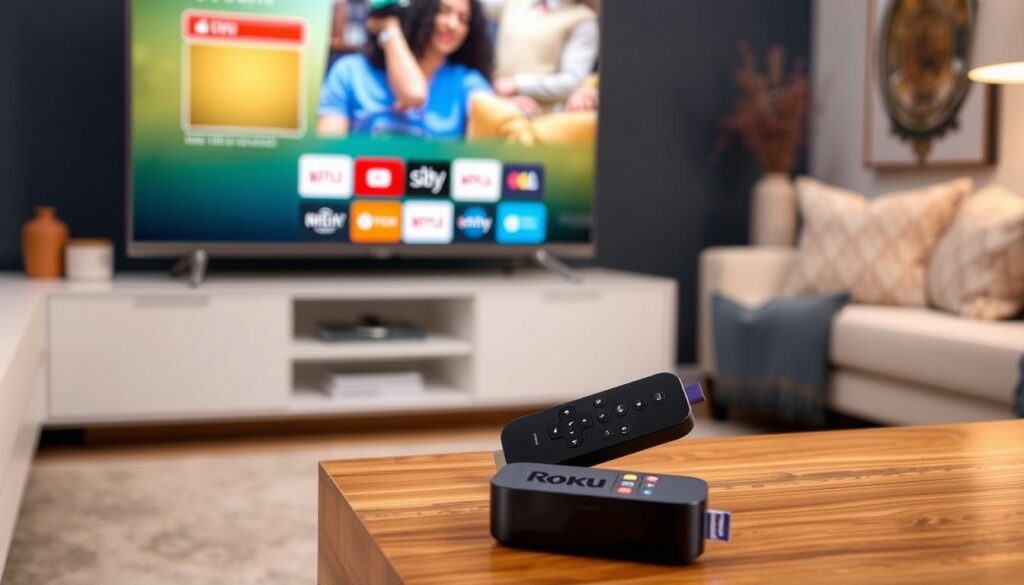
These devices offer a range of IPTV apps, making it easy to access your favorite content. When choosing a streaming device, consider factors such as compatibility, user interface, and available IPTV apps.
Computers and Mobile Devices
You can also enjoy IPTV on your computers and mobile devices. Most IPTV services offer web-based apps or mobile apps for iOS and Android devices. To set up IPTV on these devices, simply download the app, log in with your subscription credentials, and start streaming.
Using a computer or mobile device eliminates the need for a separate streaming box or device, making it a convenient option.
Gaming Consoles
If you use your game console as your main entertainment hub, you can add your IPTV platform to it as well. Modern gaming consoles like PlayStation and Xbox function as complete entertainment hubs, supporting many popular IPTV services through dedicated apps.
- Modern gaming consoles support many popular IPTV services through dedicated apps.
- The setup process on gaming consoles typically involves downloading the IPTV app from the console’s store and logging in with your subscription credentials.
- Using a gaming console eliminates the need for a separate streaming device, streamlining your entertainment system.
By following these simple steps, you can enjoy IPTV on a range of devices, enhancing your streaming experience.
Using IPTV Media Players and Apps
IPTV media players simplify managing multiple streaming services. They act as a central hub, allowing you to access various IPTV channels and streamers from one app. Popular IPTV players like Kodi, Smarters, and MyIPTV Player don’t host content themselves but provide a gateway to different services, making it easier to navigate your streaming options.
Popular IPTV Players Explained
Several IPTV players stand out for their features and user experience. Kodi is known for its customization options, allowing you to add your own content. Smarters and MyIPTV Player offer user-friendly interfaces and support for multiple IPTV subscriptions. When choosing an IPTV player, consider the features that matter most to you, such as EPG (Electronic Program Guide) support, which provides data on current and upcoming programs.
For those looking for more information on IPTV services, you can explore options for free IPTV or learn how to set up IPTV on Windows.
Setting Up and Managing Playlists
IPTV playlists are organized collections of streaming links, typically stored in M3U format, pointing to specific channels or video content. To set up a playlist, you usually need to enter a URL provided by your IPTV service into your media player. Many IPTV players allow you to organize content by categories, countries, or custom groups, making navigation easier. Advanced players also support EPG data integration, showing you what’s currently playing and upcoming programs for each channel.
Regularly updating your playlists is crucial as streaming links can change. Some players offer features like favorites lists, allowing you to bookmark preferred channels for quicker access. For users with multiple IPTV subscriptions, players that support multiple playlists enable you to combine content from different providers into one interface, streamlining your viewing experience.
Troubleshooting Common IPTV Issues
IPTV services can be prone to certain technical issues, but these can often be easily resolved. Understanding how to troubleshoot these problems can significantly enhance your viewing experience.
Buffering and Connection Problems
Buffering and connection issues are common problems faced by IPTV users. These issues often stem from problems with your internet connection or the IPTV provider’s server. Ensuring a stable internet connection and checking your provider’s status page for known outages can help resolve these issues.
- Check your internet connection speed to ensure it meets the IPTV provider’s recommendations.
- Restart your router to refresh your connection.
- For persistent issues, contact your IPTV provider’s support team.
Channel and Playback Issues
Channel and playback issues can be frustrating, but they are often related to outdated playlist information or corrupted data in your IPTV application. Regularly updating your playlist URL and clearing the app’s cache can resolve many of these issues.
- Update your IPTV playlist URL to ensure you have the latest channel links.
- Clear the cache in your IPTV application to remove corrupted temporary data.
- For geo-restricted content, consider using a VPN service.
For more detailed guidance on setting up and using IPTV services, you can refer to resources like this comprehensive guide. Additionally, checking the provider’s support pages, such as this support document, can provide specific solutions to common issues.
Conclusion: Is IPTV Right for You?
As we explore the world of IPTV, it’s essential to consider whether this modern way of consuming television content is the right fit for you. IPTV represents a flexible and personalized viewing experience that gives you control over what you watch.
For those with reliable high-speed internet, IPTV offers a cost-effective alternative to traditional cable, allowing you to watch your favorite shows and movies on any device. With a growing market of IPTV service options, there’s likely a package that fits your specific needs, whether you’re interested in sports, international IPTV channels, or on-demand libraries.
Before committing to a subscription, consider starting with a free trial of a reputable IPTV service to experience the benefits firsthand. As content delivery over the internet continues to evolve, IPTV is poised to become the dominant form of television consumption.
