
The way we consume television content has undergone a significant transformation with the advent of Internet Protocol Television (IPTV). Instead of relying on traditional cable or satellite TV, IPTV delivers television content through the internet, allowing viewers to enjoy thousands of channels, movies, and shows with just a few clicks on their Android devices.
Modern Android devices provide an ideal platform for IPTV applications, combining powerful hardware capabilities with user-friendly interfaces. This has revolutionized how we consume media content, offering a flexible alternative to traditional cable and satellite services. With legal IPTV solutions, you can access thousands of channels and on-demand content while respecting copyright laws and content licensing agreements.
Key Takeaways
- Discover the best legal IPTV apps available for Android devices.
- Understand the technology behind IPTV and its benefits.
- Learn how to maximize your streaming experience with IPTV.
- Explore the standout features of popular IPTV applications.
- Get insights into troubleshooting common IPTV issues.
Understanding IPTV Technology
To fully appreciate IPTV apps for Android, it’s essential to understand the underlying technology that powers them. IPTV, or Internet Protocol Television, is a method of delivering television content over the internet.
What Is IPTV and How Does It Work?
IPTV uses private, dedicated networks to stream content directly to your device. This is different from traditional TV broadcasting, which relies on satellite or cable transmissions. IPTV services often require a subscription and login credentials to access the content.
The Difference Between OTT and IPTV
While both IPTV and OTT (Over-the-Top) services stream content over the internet, there are key differences between them. OTT services like Netflix and YouTube deliver content over the open internet without needing specialized hardware. In contrast, IPTV typically uses managed networks for more stable streaming quality. For more information on choosing the best IPTV providers, you can visit this guide.
| Feature | IPTV | OTT |
|---|---|---|
| Network | Private, dedicated networks | Open internet |
| Content Focus | Live TV channels and on-demand content | Primarily on-demand content |
| Streaming Quality | Generally more stable | Can be affected by internet traffic |
Benefits of Using IPTV Apps for Android
IPTV apps for Android offer numerous benefits that enhance your viewing experience. These advantages make IPTV apps an attractive alternative to traditional cable TV.
Wide Channel Access and Content Variety
IPTV apps provide users with access to a wide range of channels and content, catering to diverse viewing preferences. You can enjoy various genres, including sports, news, entertainment, and more, all from the comfort of your Android device.
Cost-Effectiveness Compared to Cable
One of the significant benefits of IPTV apps is their cost-effectiveness. By opting for IPTV services, you can avoid the high costs associated with traditional cable subscriptions. Many IPTV apps offer flexible pricing plans, allowing you to choose a package that suits your budget.
Customizable Viewing Experience
Many IPTV apps allow you to personalize your viewing experience. You can create customized playlists, adjust video quality settings, and even schedule recordings. This level of customization enhances your overall viewing experience, making it more enjoyable and convenient.
| Feature | Description | Benefit |
|---|---|---|
| Personalized Playlists | Create custom channel lists based on genre, language, or preference | Easier navigation and content discovery |
| Video Quality Adjustment | Optimize video quality based on internet connection speed | Smooth playback and reduced buffering |
| Scheduled Recordings | Record your favorite shows and movies at a convenient time | Never miss your favorite content |
By leveraging these features, you can enjoy a more tailored and satisfying viewing experience with IPTV apps on your Android device.
Legal Considerations for IPTV Streaming
When exploring IPTV streaming, it’s crucial to understand the legal landscape to ensure a safe and compliant viewing experience. As you navigate the world of IPTV, you must be aware of the legal distinctions between licensed content and pirated streams.
Licensed Content vs. Pirated Streams
Licensed content is provided by IPTV services that have obtained the necessary permissions from content creators or owners. In contrast, pirated streams distribute copyrighted material without authorization, posing legal risks to users.
How to Ensure Your IPTV Service Is Legal
To ensure your IPTV service is legal, you should research the provider thoroughly. Check for a legitimate business presence, proper licensing agreements, and transparent subscription processes.
- Research the IPTV provider thoroughly, checking for a professional website, clear contact information, and transparent terms of service.
- Verify that the service has proper licensing agreements with content providers and networks they claim to offer.
- Be cautious of services advertising “unlimited channels” at unusually low prices, as legitimate content licensing is reflected in reasonable subscription costs.
- Look for providers that require formal subscription processes rather than operating through informal channels.
- Check user reviews on reputable platforms to gauge the legitimacy and reliability of the service.
| Feature | Licensed IPTV Services | Pirated IPTV Services |
|---|---|---|
| Content Legality | Content is licensed from creators/owners | Content is distributed without authorization |
| Subscription Process | Formal subscription process | Often informal, through social media or direct messages |
| Pricing | Reasonable, reflecting legitimate licensing costs | Unusually low, often “unlimited channels” at suspicious prices |
Essential Features to Look for in IPTV Apps
When selecting an IPTV app for your Android device, there are several key features to consider for an optimal viewing experience. The right IPTV app can significantly enhance your streaming experience.
User Interface and Navigation
A well-designed user interface is crucial for easy navigation through the app’s features and channels. Look for an app that offers an intuitive layout.
EPG (Electronic Program Guide) Support
An EPG provides a comprehensive guide to the TV schedule, making it easier to plan your viewing. Ensure the app you choose supports EPG.
Multi-Screen and Catch-Up TV Options
The ability to watch on multiple screens and access catch-up TV is essential for flexibility. Check if the app offers these features for a better viewing experience.
Playlist Management Capabilities
Effective playlist management is vital for organizing your content. The app should allow you to manage playlists efficiently, including creating custom categories and supporting multiple playlist formats.
Here are some key aspects of playlist management to look for:
- Advanced organization options for custom categories
- Support for various playlist formats like M3U and XSPF
- Easy import and export features for channel lists
- Automatic updates for current channel information
- Parental controls for restricted content access
For more information on setting up IPTV on your device, you can refer to this guide on IPTV setup.
| Feature | Description | Importance |
|---|---|---|
| User Interface | Intuitive design for easy navigation | High |
| EPG Support | Comprehensive TV schedule guide | High |
| Multi-Screen | Ability to watch on multiple devices | Medium |
| Catch-Up TV | Access to previously aired content | Medium |
| Playlist Management | Efficient organization of content and channels | High |
Top IPTV App for Android: TiviMate IPTV Player
For Android users seeking a robust IPTV experience, TiviMate IPTV Player stands out. This app offers a comprehensive solution for streaming IPTV content.
Overview
TiviMate IPTV Player is a feature-rich app with advanced EPG support and recording capabilities.
Key Features
The app boasts advanced features, including catch-up TV and customizable EPG.
Pros
Advanced features and a user-friendly interface make TiviMate IPTV Player a popular choice among users. The app’s subscription model offers flexibility.
Cons
Some users may find the free version’s limitations and the annual subscription fee restrictive. Additionally, compatibility issues with certain IPTV providers can occur.
The TiviMate IPTV Player offers a robust IPTV experience for Android users, with features like advanced EPG support and catch-up TV. While the free version has limitations, the premium version unlocks the full potential of the app.
IPTV Smarters Pro: Comprehensive Streaming Solution
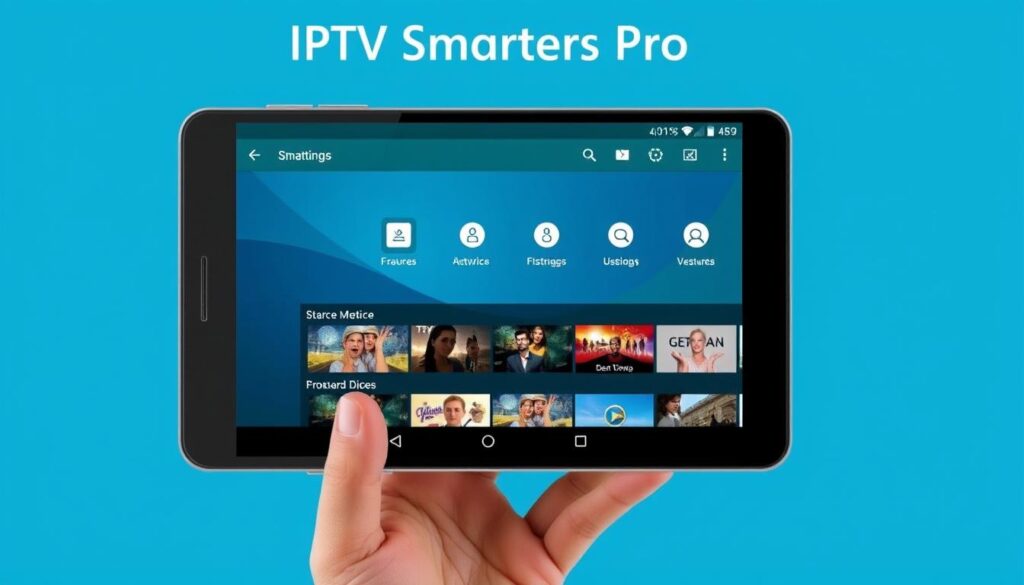
IPTV Smarters Pro is a robust streaming solution designed for Android users seeking a comprehensive entertainment experience. This app supports various formats, including Xtream Codes API, M3U URLs, and local playlists, making it a versatile choice for users.
Overview
IPTV Smarters Pro offers a wide range of features, including multi-screen support, parental controls, and external player compatibility, enhancing the overall viewing experience.
Key Features
The app’s key features include support for Xtream Codes API, M3U URLs, and local playlists, as well as multi-screen functionality, allowing users to watch different channels simultaneously.
Pros
The app boasts a customizable interface, although the default design appears somewhat dated. It also offers robust features like parental controls and external player support.
Cons
Some users report occasional stability issues, particularly with larger playlists. The EPG implementation, while functional, lacks advanced features found in specialized IPTV players like TiviMate. For more information on setting up IPTV Smarters Pro, you can refer to our guide on how to set up IPTV Smarters Pro on.
Overall, IPTV Smarters Pro is a feature-rich app that offers a comprehensive streaming solution for Android users, despite some limitations in its interface and EPG implementation.
OTT Navigator IPTV: Advanced Customization
With OTT Navigator IPTV, Android users can enjoy a tailored viewing experience thanks to its extensive customization options. This app is designed for users who value flexibility and control over their IPTV experience.
Overview
OTT Navigator IPTV is a feature-rich app that offers a highly customizable interface, making it perfect for users with multiple IPTV subscriptions. It provides an efficient navigation system for large playlists.
Key Features
The app includes favorites, quick channel search, and PiP (Picture-in-Picture) mode, enhancing the user experience. Its features cater to users seeking a personalized IPTV experience.
Pros
Advanced Customization: Users can tailor their viewing experience. The app’s efficient navigation is ideal for managing large playlists. It’s a great choice for those with multiple IPTV subscriptions.
Cons
The numerous customization options can overwhelm new users. Some users report that the interface lacks visual polish compared to premium apps like TiviMate. Compatibility issues with certain IPTV providers may occur.
Perfect Player IPTV: Minimalist Approach
Perfect Player IPTV is a minimalist IPTV application designed for Android devices, focusing on essential features. This app provides a straightforward and efficient viewing experience, making it an excellent choice for users who prefer simplicity.
Overview
The app boasts a clean interface and concentrates on delivering core IPTV functionality. With Perfect Player IPTV, users can enjoy a clutter-free viewing experience.
Key Features
Some of the key features include support for M3U and XSPF playlists, playlists history, and the ability to play multicast streams with UDP proxy. The app also offers grid, list, or tile views of TV channels and EPG support in XMLTV and JTV formats.
Pros
Advantages of using Perfect Player IPTV include its minimalist design, which contributes to smooth performance, and the inclusion of essential features like parental control and support for both internal and external video players.
Cons
However, the app has some drawbacks, such as a lack of advanced features like multi-view and recording capabilities. Some users have also reported issues with playlist refresh and EPG synchronization.
XCIPTV Player: Lightweight Performance
XCIPTV Player is a lightweight IPTV solution designed for Android devices, offering a streamlined viewing experience. This app is ideal for users who prioritize simplicity and performance over advanced features.
Overview
XCIPTV Player is a straightforward IPTV app that focuses on delivering a seamless streaming experience. It supports built-in EPG and VOD.
Key Features
The features of XCIPTV Player include cloud synchronization across devices, making it convenient for users to access their content from multiple platforms.
Pros
One of the advantages of XCIPTV Player is its lightweight design, which ensures smooth performance even on lower-end devices. It also offers a simple, intuitive interface.
Cons
While XCIPTV Player excels in performance, it lacks some advanced customization options available in other IPTV apps. Users can download the XCIPTV Player from https://xciptv-player-pro-ssiptv-family.en.aptoide.com/app.
Televizo: Versatile Multi-Device Support
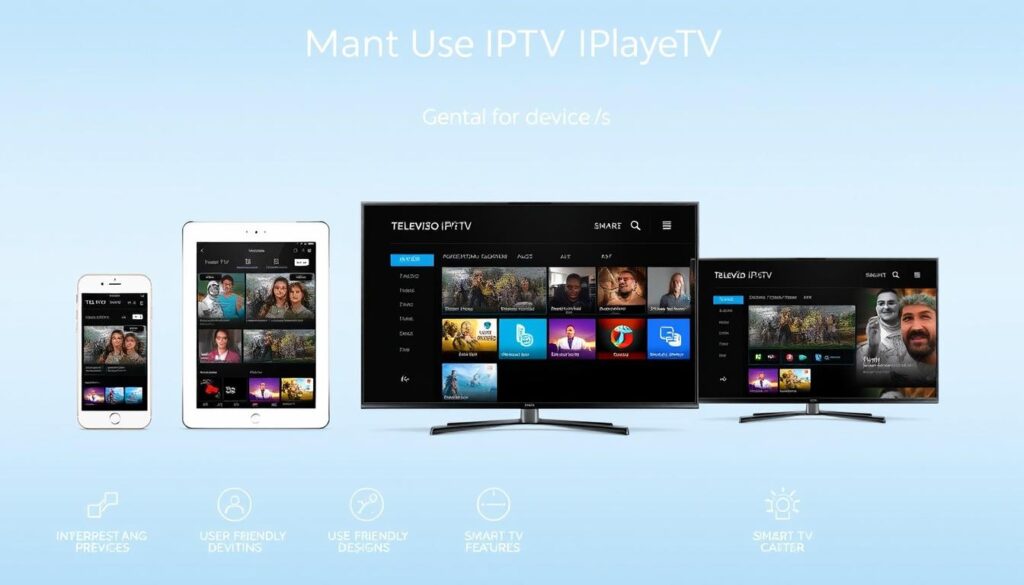
The Televizo IPTV Player stands out for its cross-device compatibility, allowing users to enjoy their IPTV subscriptions across various devices, including phones, tablets, TVs, and TV boxes.
Overview
Televizo IPTV Player is a multimedia application designed to provide a seamless viewing experience across different devices. Its adaptable interface ensures that controls and layouts work equally well with touchscreens and remote controls.
Key Features
Televizo excels in providing consistent performance across various Android implementations and screen sizes. It strikes a balance between feature richness and resource efficiency, making it suitable for both high-end and entry-level devices. The free version includes most essential features, with reasonable premium upgrade pricing for advanced functionality.
Pros and Cons
While Televizo offers a robust viewing experience with its adaptable interface, some users report occasional EPG synchronization issues and playlist refresh problems that require manual intervention to resolve. For more information on alternative IPTV solutions, you can visit OTTplay on Aptoide.
Best IPTV Apps for Specific Needs
IPTV apps cater to various interests, and selecting the best one depends on your specific viewing preferences. Whether you’re a sports enthusiast, a movie buff, or looking for a free option, there’s an IPTV app tailored to your needs.
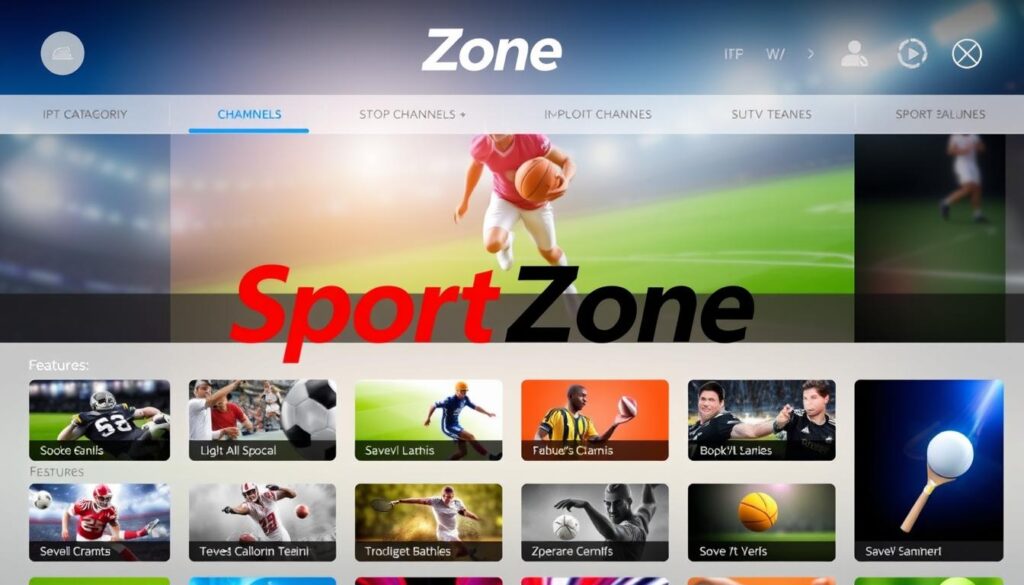
Best for Sports Enthusiasts: SportZone
The SportZone IPTV app is ideal for sports fans, offering a wide range of sports channels and events. With its user-friendly interface, you can easily access your favorite sports content.
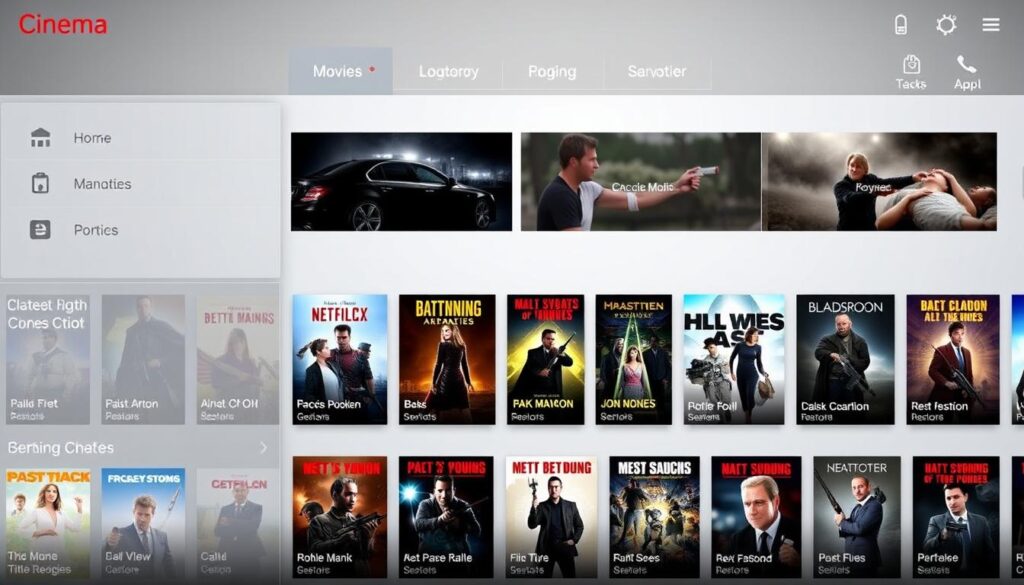
Best for Movie Buffs: Cinema
The Cinema IPTV app is perfect for movie enthusiasts, providing access to a vast library of films and TV shows. Its intuitive navigation makes it easy to find and watch your favorite movies.
Best Free Option: SS IPTV
SS IPTV stands out as a top free IPTV app, offering a wide range of content without any subscription fees. It features EPG support, favorites management, and playlist organization, making it a robust free video player.
- SS IPTV is one of the most feature-complete free IPTV applications available.
- It provides access to numerous free and legal IPTV channels.
- The app maintains a clean interface without intrusive advertisements.
- It includes essential features like EPG support and playlist organization.
- Regular updates ensure compatibility with evolving IPTV standards.
Setting Up Your IPTV App on Android
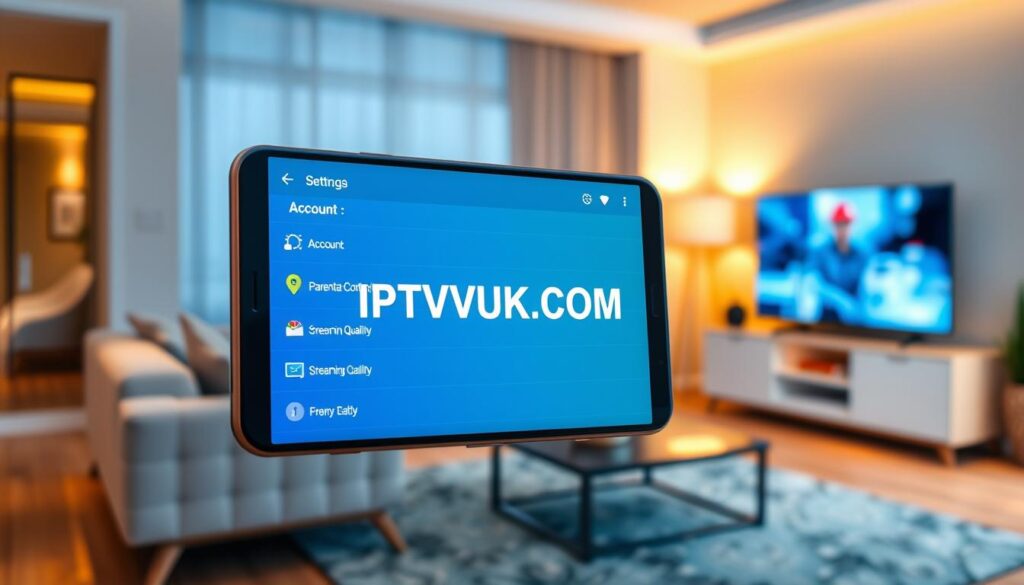
Setting up an IPTV app on your Android device is a straightforward process. To begin, you’ll need to install the app, add your IPTV playlist, and configure the settings for optimal performance.
Installation
To install your IPTV app, navigate to the Google Play Store, search for the app name, and click “Install.” You can find more detailed instructions on how to set up an IPTV on an Android TV box here.
Adding Channels
After installation, add your IPTV playlist by accessing the app’s settings and entering the URL provided by your IPTV service. You can then browse through the available channels and start streaming.
EPG Configuration
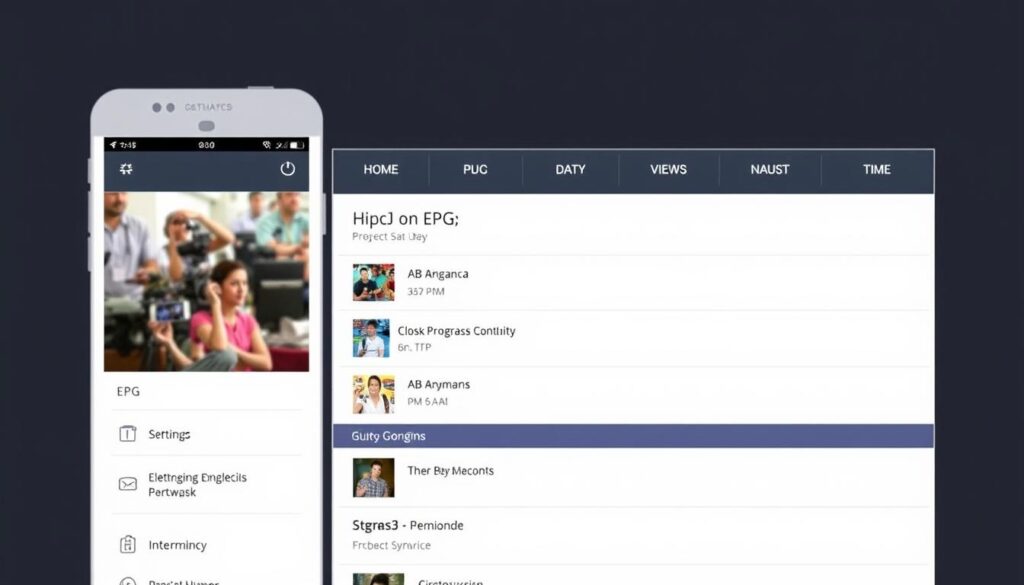
Configuring the Electronic Program Guide (EPG) involves entering a URL provided by your IPTV service or a third-party EPG provider. You can customize EPG timeframes, display formats, and update frequencies to suit your preferences. Additionally, adjust video playback settings based on your device capabilities and network connection.
Troubleshooting Common IPTV App Issues
Troubleshooting IPTV app issues is essential for maintaining a smooth viewing experience on Android devices. IPTV services can be prone to various technical issues, but understanding how to address these problems can significantly enhance your streaming experience.
Buffering and Playback Problems
Buffering and playback issues are common problems faced by IPTV users. These issues can stem from a variety of sources, including internet connectivity problems, server overload, or issues with the IPTV application itself.
To resolve buffering, check your internet speed and consider upgrading if necessary. Additionally, restarting the app or your device can often resolve playback issues.
Connection and Authentication Errors
Connection and authentication errors can be particularly frustrating. Authentication failures typically indicate expired subscriptions, incorrect credentials, or server-side issues with the IPTV service provider.
To address these issues, verify your subscription status, check your login credentials, and consider switching to a different DNS provider if you suspect network restrictions.
| Issue | Potential Cause | Solution |
|---|---|---|
| Buffering | Slow internet | Check and upgrade internet speed |
| Authentication Failure | Expired subscription or incorrect credentials | Verify subscription status and credentials |
| Connection Error | Network restrictions or ISP throttling | Switch to a different DNS provider or check with ISP |
Enhancing Your IPTV Experience
To enhance your IPTV experience, consider exploring external video players and VPN configurations. These tools can significantly improve your streaming quality and overall satisfaction.
Using External Video Players
External video players can offer enhanced features and better playback quality compared to the default IPTV app. By using an external player, you can enjoy a more customizable viewing experience, potentially improving your overall service satisfaction.
VPN Considerations for IPTV
When it comes to IPTV, VPNs play a crucial role in ensuring reliable access to your preferred content. A VPN can prevent bandwidth throttling by your internet service provider, thus maintaining a stable connection. However, it’s essential to choose a VPN that offers high-speed servers and is optimized for streaming to minimize latency.
For more information on improving your IPTV experience, you can check out 5 ways to improve IPTV picture.
Comparing Free vs. Premium IPTV Apps
Understanding the differences between free and premium IPTV apps is essential for making an informed decision about your streaming service. The choice between these options can significantly affect your viewing experience, with various factors to consider.
Limitations of Free Versions
Free IPTV apps often come with limitations that can detract from the viewing experience. These may include ads, limited channel lineups, and reduced functionality. For instance, some free IPTV apps may not support multi-screen viewing or comprehensive EPG integration. If you’re looking for a more comprehensive solution, you might want to explore options like free IPTV apps for Android.
Benefits of Paid Subscriptions
Premium IPTV applications typically offer several advantages over their free counterparts. These benefits include ad-free experiences, advanced features like recording capabilities and multi-screen viewing, and better security and privacy protections. Paid subscriptions often provide more consistent updates and maintenance, ensuring compatibility with the latest Android versions and IPTV protocols.
Some of the key benefits of premium IPTV apps include:
- Ad-free experiences that improve the overall viewing experience.
- Advanced features such as recording capabilities and multi-screen viewing.
- Regular updates and maintenance for consistent performance.
- Responsive customer support for troubleshooting assistance.
- Better security and privacy protections with clearer data policies.
To illustrate the differences between free and premium IPTV apps, consider the following comparison:
| Feature | Free IPTV Apps | Premium IPTV Apps |
|---|---|---|
| Ad Experience | Ads present | Ad-free |
| Advanced Features | Limited | Recording, multi-screen, etc. |
| Customer Support | Limited support | Responsive support |
| Security and Privacy | Variable | Enhanced protections |
In conclusion, while free IPTV apps can be a good starting point, premium IPTV apps offer a more comprehensive and secure streaming experience with advanced features.
Conclusion
The Android ecosystem offers a diverse range of IPTV applications, catering to various user needs and preferences. When choosing an IPTV app, consider your specific requirements, including device capabilities and content preferences. You can explore various options on the Google Play Store or visit IPTV setup guides for more information.
Legal IPTV services provide a cost-effective alternative to traditional cable or satellite subscriptions. With the technology evolving rapidly, you can expect regular updates and improvements in streaming performance across various devices.

