
Streaming services have revolutionized how we consume television content, allowing users to access their favorite channels directly on their Android device. The rise of IPTV APK applications has provided an alternative to traditional cable subscriptions, offering a more flexible streaming experience.
However, navigating the legal landscape of IPTV streaming can be challenging. As consumers seek affordable alternatives to expensive cable packages, it’s crucial to understand the legitimate options available. This guide will explore the essential features to look for in IPTV APK applications, ensuring a high-quality experience while staying within legal boundaries.
For more information on choosing the best IPTV providers, you can visit this resource to learn more about making an informed decision for your streaming needs.
Key Takeaways
- Understand the legal implications of using IPTV APK applications for streaming.
- Identify essential features for a high-quality IPTV experience.
- Learn how to safely download and install IPTV APK applications.
- Compare free and premium IPTV service options.
- Make informed decisions based on your entertainment needs.
Understanding IPTV APK Applications
Understanding IPTV APKs is crucial for anyone looking to stream content legally on their Android devices. IPTV APK applications have revolutionized the way we consume television content, offering a flexible alternative to traditional TV viewing.
What Is IPTV Technology?
IPTV, or Internet Protocol Television, is a technology that delivers television content over the internet rather than through traditional terrestrial, satellite, or cable formats. This allows for a more personalized and interactive viewing experience. IPTV Pro, for instance, makes watching TV simple and is maintained on different platforms that users have besides traditional TV, such as smartphones or work PCs/laptops.
How IPTV APKs Work on Android Devices
IPTV APK applications function as specialized media players designed for Android devices. They work by interpreting and processing M3U or XSPF playlists that contain links to streaming sources. When installed on an Android device, IPTV APKs leverage the device’s hardware capabilities to decode various video formats and protocols. Most IPTV APKs don’t provide content themselves but serve as platforms where users can input their legally obtained playlists from legitimate service providers.
| Feature | Description | Benefit |
|---|---|---|
| Playlist Interpretation | Processes M3U or XSPF playlists | Access to multiple channels |
| Video Decoding | Decodes HLS, RTSP, and RTMP streams | Smooth playback |
| User Interface | Channel categorization and EPG integration | Enhanced navigation |
By understanding how IPTV APKs work and their features, users can make informed decisions about their streaming options.
Top Legal IPTV APK Options
Exploring the world of IPTV APKs reveals a range of legal options that cater to different user needs. When selecting an IPTV APK, it’s essential to consider factors such as channel variety, video quality, and user interface.
IPTV Extreme
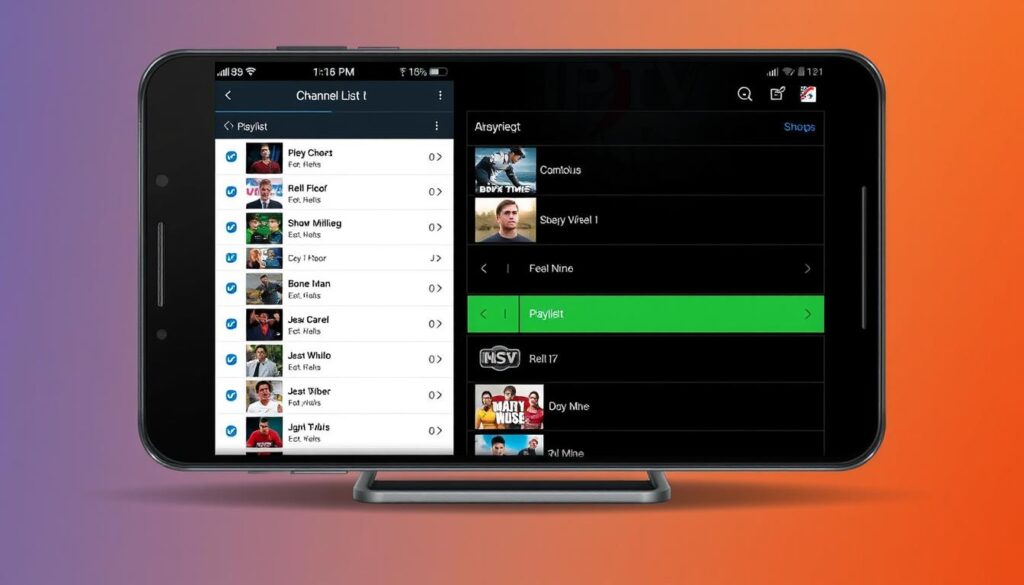
IPTV Extreme is a popular choice among users, offering a wide range of channels and support for M3U and XSPF playlists. To get started, you can download IPTV Extreme app and explore its features.
IPTV Pro
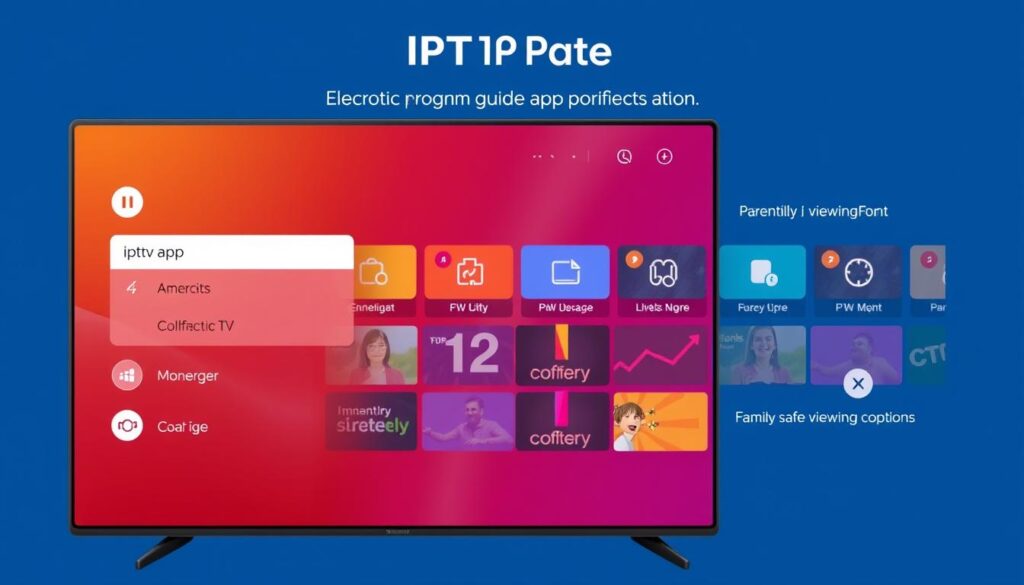
IPTV Pro is another highly-regarded option, offering advanced features such as EPG support and parental control. The Pro version provides additional benefits, including an ad-free experience and auto-play last channel option. You can download IPTV Pro application to experience its full range of features.
Other Reliable IPTV Applications
Beyond IPTV Extreme and IPTV Pro, other notable IPTV applications include GSE Smart IPTV, Perfect Player, TiviMate, and OTT Navigator. These apps offer unique features such as multi-screen viewing, recording capabilities, and customizable channel lists, catering to diverse user preferences.
Essential Features of Quality IPTV APK
To ensure a seamless streaming experience, it’s crucial to understand the fundamental features of a quality IPTV APK. A superior IPTV experience hinges on several key elements that work together to provide users with a smooth and enjoyable viewing experience.
Playlist Format Support
A quality IPTV APK should support various playlist formats, allowing users to access different types of content. This flexibility is essential for a diverse viewing experience, enabling users to access their preferred channels and content.
Electronic Program Guide (EPG) Functionality
The EPG functionality is another critical feature, providing users with a comprehensive guide to upcoming shows and events. This feature helps users plan their viewing schedule and stay up-to-date with their favorite programs.
Streaming Quality and Stability
Streaming quality and stability are vital for an uninterrupted viewing experience. A quality IPTV APK should offer stable streams with minimal buffering, ensuring that users can enjoy their chosen content without interruptions.
User Interface and Navigation
An intuitive user interface significantly impacts the overall IPTV experience. The best applications offer customizable layouts that adapt to different device screen sizes and orientations. For instance, you can create a favorite playlist to make access faster and more convenient.
- Channel organization features like favorites lists and categories help users quickly navigate to their preferred content.
- Search functionality with filtering options enables users to find specific shows or channels based on genre, language, or content type.
- Visual elements like channel logos and thumbnail previews enhance navigation by making content instantly recognizable.

Safety and Legal Considerations
When exploring IPTV options, it’s crucial to consider both the legal implications and the safety features that various apps offer. Ensuring that you’re using a legal IPTV service is not only about avoiding potential legal issues, but also about accessing content that is appropriately licensed and regulated.
Understanding Legal vs. Illegal Content
Legal IPTV services provide access to content that is licensed and authorized for distribution. For more information on legal IPTV services, you can visit this resource. In contrast, illegal IPTV services often stream copyrighted material without permission, posing risks to users and content creators alike.
Parental Controls and Content Filtering
For families, IPTV apps with robust parental controls are essential. These features allow parents to restrict access to certain channels or content, creating a safer viewing environment. Some key features include:
- PIN-protected settings to restrict mature content
- Advanced filtering systems to block content based on ratings or categories
- Multi-profile functionality to create separate user accounts with different restriction levels
- Monitoring features to track viewing habits and attempted access to restricted content
To learn more about setting up your IPTV service, including configuring parental controls, you can refer to this guide. Ensuring that your IPTV app is equipped with these features can provide peace of mind and help maintain a safe viewing experience for all users.
How to Download and Install IPTV APKs Safely
With the right guidance, you can easily download and install IPTV APKs on your Android device and start enjoying your favorite content. Ensuring a safe installation process is crucial to protect your device from potential risks.
Verifying App Sources
To safely download IPTV APKs, it’s essential to verify the source of the app. Look for reputable websites and forums where users share their experiences with different IPTV applications. For instance, you can check out IPTV installation guides for additional insights.
Setting Up Your First Playlist
After installing your IPTV APK, setting up your first playlist is a straightforward process. Most IPTV apps allow you to import playlists via M3U links or files. Ensure you enter the correct details to access your content.
Configuring for Optimal Performance
To optimize your IPTV streaming experience, consider a few key settings. For multicast streams, using a UDP proxy can significantly improve stability. You can optimize buffering settings based on your network capabilities and configure video output to match your device’s display capabilities.
- Optimize buffering settings for your network.
- Configure video output to match your device’s capabilities.
- Use a UDP proxy for multicast streams.
- Disable unnecessary background applications.
- Experiment with different external players if supported.
Free vs. Premium IPTV APK Options
Understanding the differences between free and premium IPTV APKs is crucial for selecting the right service. When choosing an IPTV APK, users must consider their viewing needs and the level of service required.
Limitations of Free Versions
Free IPTV APK versions often come with limitations, such as interruptions from ads and restricted access to premium content. These versions may also have reduced streaming quality or limited channel lineups. For users seeking a more comprehensive viewing experience, free versions may not be sufficient.

Benefits of Premium Subscriptions
Premium IPTV APK subscriptions offer several benefits, including an ad-free viewing experience, enhanced streaming quality, and access to a broader range of channels. Premium services also often include advanced features like DVR functionality and cross-device synchronization. For a seamless and high-quality streaming experience, consider a premium IPTV APK subscription. You can explore options like free IPTV alternatives or visit premium IPTV services for more information.
Conclusion: Making the Right Choice for Your Streaming Needs
To enjoy a superior streaming experience, it’s crucial to pick an IPTV APK that aligns with your device and viewing preferences. When selecting an IPTV service, balance features, device compatibility, and budget considerations. Casual viewers can opt for free applications like IPTV Extreme, while power users may prefer premium services for enhanced features and ad-free experiences. For more insights on IPTV benefits, visit this resource. Prioritize applications that separate content provision from playback functionality, ensuring a seamless and legal streaming experience.
For the best results, combine a quality IPTV application with legal content sources, as highlighted in reviews of top IPTV service providers. This approach ensures both technical reliability and peace of mind regarding copyright compliance, ultimately enhancing your overall experience.

