
IPTV, or Internet Protocol Television, is revolutionizing the way we consume television content by delivering it through internet connections rather than traditional broadcasting methods.
This technology allows for a more personalized streaming experience, giving you control over what you watch and when. With IPTV, you can access a vast library of channels and on-demand content across multiple devices, enhancing your overall viewing experience.
To get the most out of IPTV, it’s essential to understand the basics and follow a comprehensive guide to setting it up. You can find detailed instructions on how to configure IPTV on various, ensuring a seamless viewing experience.
Key Takeaways
- Understand the basics of IPTV and its benefits over traditional TV services.
- Learn how to choose the right IPTV services for your needs.
- Discover the essential requirements for setting up IPTV.
- Follow step-by-step instructions for configuring IPTV on various devices.
- Optimize your IPTV streaming experience with our expert tips.
Understanding IPTV: The Future of Television
IPTV is revolutionizing the way we consume television content. As we explore the capabilities and features of IPTV, it becomes clear that this technology offers a more flexible and personalized viewing experience compared to traditional television.
What Is IPTV and How Does It Work?
IPTV, or Internet Protocol Television, delivers television content over the internet rather than through traditional terrestrial, satellite, or cable formats. This method allows for streaming of content directly to your device, whether it’s a smart TV, computer, or mobile device. IPTV services provide access to a wide range of channels and content, including live TV, movies, and TV shows.
Different Types of IPTV Services
There are several types of IPTV services available, catering to different viewing preferences. These include:
- Live TV: Streams broadcasts in real-time, ideal for sports events, breaking news, and live entertainment shows.
- Video-on-Demand (VOD): Offers libraries of content available at any time, giving viewers control over their viewing schedule.
- Time-shifted TV: Allows viewers to replay recently broadcast shows within a specific time window.
- Near-video-on-demand: Provides pay-per-view content like special sports events or movie premieres on set schedules.
| IPTV Service Type | Description | Example Use Cases |
|---|---|---|
| Live TV | Streams broadcasts in real-time | Sports events, news, live entertainment |
| Video-on-Demand (VOD) | Offers content available at any time | Movies, TV shows, original content |
| Time-shifted TV | Allows replay of recent broadcasts | Catch-up on missed TV shows |
| Near-video-on-demand | Pay-per-view content on set schedules | Special sports events, movie premieres |
With these various IPTV services and options, viewers can choose the type that best suits their viewing habits, enhancing their overall television experience.
Essential Requirements for IPTV Setup
A successful IPTV experience depends on fulfilling certain essential requirements that impact performance and content accessibility. To get started, you’ll need to ensure you have the right foundation in place.
Internet Connection Requirements
A stable and fast internet connection is crucial for IPTV streaming. Most providers recommend a minimum speed of 5 Mbps for standard definition (SD) content, 10 Mbps for high definition (HD), and 25 Mbps or more for 4K streaming. Ensure your internet plan can support these speeds to avoid buffering and playback issues.
Compatible Devices for IPTV
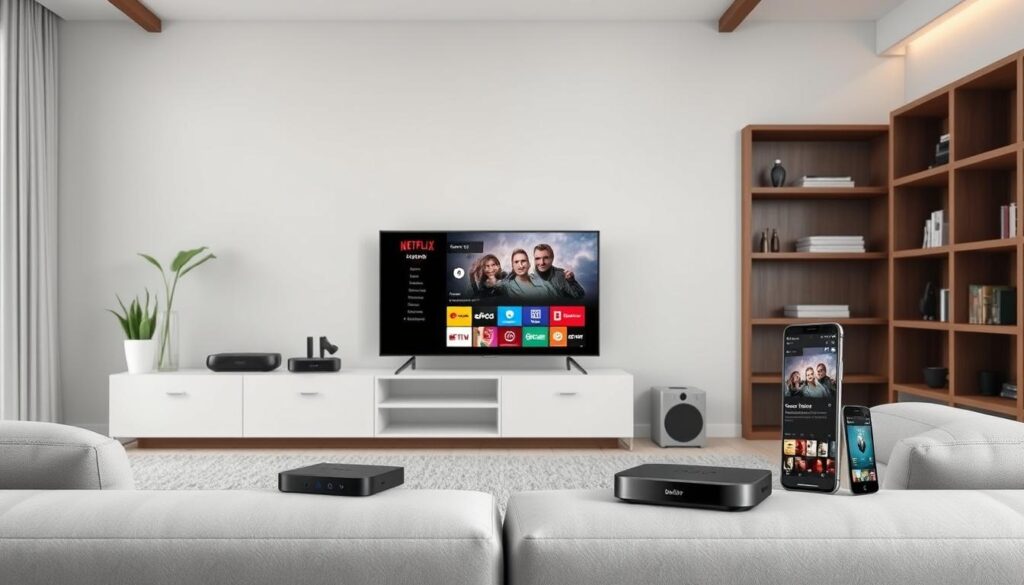
IPTV can be streamed on a variety of devices, including smart TVs, streaming devices like Roku or Amazon Fire TV, and mobile devices. When choosing an IPTV service, verify that it supports your preferred devices to ensure compatibility and smooth playback. For more information on IPTV services and compatible devices, you can visit IPTV like QQTV.
Choosing an IPTV Service Provider
Selecting the right IPTV service provider is crucial for your streaming experience. Research different providers, comparing their channel offerings, on-demand content, pricing, and device compatibility. Consider factors such as:
- Content offerings: Look for providers that offer a wide range of channels and on-demand content that aligns with your viewing preferences.
- Pricing structures: IPTV services can vary significantly in price, with most reputable US-based services starting around $15/month. Premium packages with extensive channel lineups may cost $50 or more per month.
- Device compatibility: Ensure the provider supports your preferred streaming devices to avoid any compatibility issues.
By carefully evaluating these factors, you can choose an IPTV service that meets your needs and enhances your streaming experience.
How to Set Up IPTV on Different Devices
To get the most out of IPTV, understanding how to set it up on different devices is crucial. IPTV offers flexibility and convenience, allowing you to enjoy your favourite content across various platforms.
Setting Up IPTV on Smart TVs
Setting up IPTV on smart TVs is relatively straightforward. First, ensure your TV is connected to the internet. Then, navigate to the app store on your TV, search for your IPTV service provider’s app, and download it. Once installed, launch the app, log in with your credentials, and you’re ready to start streaming.
Key steps: Connect to the internet, download the IPTV app, log in, and start streaming.
IPTV Configuration on Streaming Devices
Streaming devices like Amazon Fire Stick are popular for IPTV streaming. To set up IPTV on an Amazon Fire Stick, go to the app store, search for your IPTV service’s app (e.g., “IPTV Smarters”), and install it. After installation, launch the app, enter your login details, and you’re ready to stream.
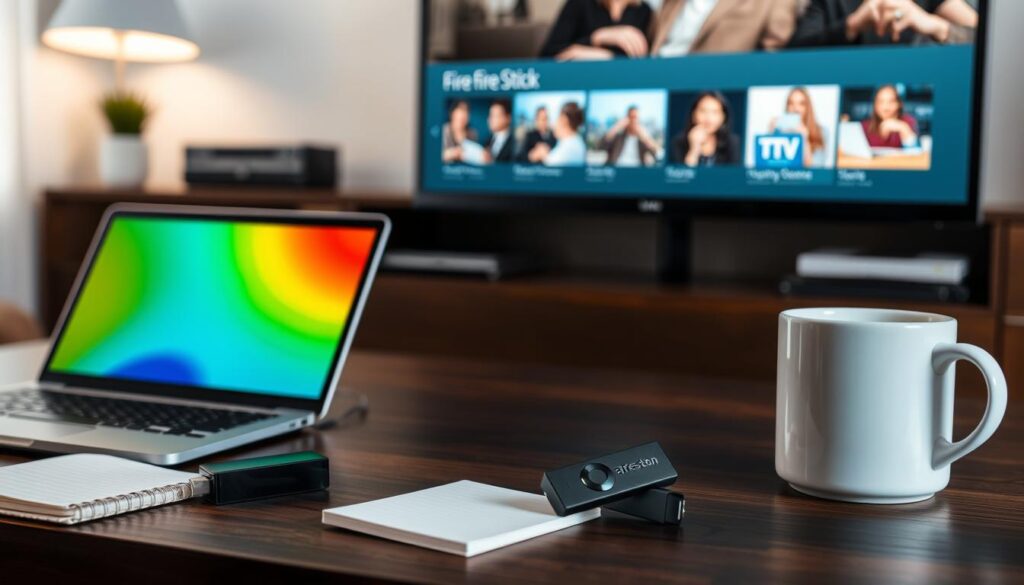
Tip: Ensure you download the official IPTV app or a compatible media player to avoid any issues.
Installing IPTV on Computers and Mobile Devices
IPTV can also be enjoyed on computers and mobile devices. Most IPTV services offer web-based players or dedicated apps for mobile devices. To set up IPTV on these devices, visit your IPTV provider’s website, download the necessary app or software, and follow the login and setup instructions.
Benefits: Enjoy IPTV on-the-go or from the comfort of your computer.
Setting Up IPTV on Gaming Consoles
Gaming consoles like PlayStation and Xbox can be used for IPTV streaming. To set up IPTV on these devices, navigate to their respective app stores, search for your IPTV service’s app or a compatible media player like Kodi or VLC, and download it. After installation, configure the app with your IPTV details to start streaming.
Note: Not all IPTV services have dedicated apps for gaming consoles, but many support media players that can be used for IPTV streaming.
Step-by-Step Guide: How to Set Up IPTV
IPTV setup involves several straightforward steps that we’ll walk you through for a seamless viewing experience. To get started, you’ll need to follow a series of steps that will have you streaming your favorite channels in no time.
Creating an Account and Activating Your Service
The first step in setting up IPTV is to create an account with your chosen IPTV service provider. This typically involves visiting the provider’s website, selecting a subscription plan, and registering with your email address and other basic information. Once you’ve completed the registration process, you’ll receive a confirmation email with instructions on how to activate your service. For more detailed information on setting up IPTV services, you can refer to guides like the one on Rapidseedbox that provide comprehensive instructions.
Installing the Required Apps or Software
After activating your IPTV service, you’ll need to install the required app or software on your device. This could be an IPTV player app on your smart TV, a streaming device like Roku or Amazon Fire TV, or a software client on your computer. For instance, you might need to install an app like IPTV Smarters or configure your device to work with your IPTV service. Ensure you download the app from a trusted source to avoid any potential security risks.

Configuring Network Settings
To ensure a smooth IPTV experience, you may need to configure your network settings. This involves checking your internet connection speed and ensuring it’s stable. You might need to adjust your router settings or use a wired connection for better stability. For users looking to set up their own IPTV server, resources like Sight on DVB offer detailed guides on configuring your network for optimal IPTV performance, including setting up the right channel configurations.
Customizing Your IPTV Experience
Once you’ve completed the basic setup, it’s time to customize your IPTV experience. Explore the app’s settings menu to optimize your viewing experience. You can adjust video quality settings based on your internet speed and preferences. Set up parental controls if needed, configure audio settings, and customize the user interface according to your preferences. You can also personalize your experience by creating favorites lists, rearranging channel orders, and setting preferred audio languages. For a more detailed guide on customizing your IPTV experience, you can check out resources like G-IPTV that offer step-by-step instructions.
| Customization Option | Description | Benefit |
|---|---|---|
| Video Quality Adjustment | Adjust video quality based on internet speed | Smooth playback, reduced buffering |
| Parental Controls | Restrict access to adult content or channels | Safe viewing for children |
| Favorites Lists | Create personalized lists of favorite channels | Quick access to preferred content |
By following these steps and customizing your IPTV experience, you’ll be able to enjoy a wide range of content tailored to your preferences. Whether you’re a cord-cutter or a streaming enthusiast, IPTV offers a flexible and user-friendly way to access your favorite channels and shows.
Troubleshooting Common IPTV Issues
Common IPTV issues can be frustrating, but understanding how to troubleshoot them can significantly enhance your streaming experience. IPTV, like any other streaming service, can be affected by various technical issues, including buffering, connection problems, and poor video quality.
Fixing Buffering and Playback Problems
Buffering and playback issues are often related to your internet connection. Ensure your connection meets the minimum speed requirements for IPTV streaming. You can also try restarting your router or switching to a wired connection for better stability. For more detailed guidance, check out this resource on fixing IPTV buffering.
Resolving Connection and Authentication Issues
Connection and authentication issues typically stem from incorrect login credentials or server problems. Double-check your username and password, and if issues persist, contact your IPTV service provider for assistance. Some users have found success by checking the community forums for known server issues or maintenance schedules.
Improving Video Quality
If you’re experiencing poor video quality despite having adequate internet speeds, check your IPTV app’s settings. Ensure they’re configured appropriately for your connection. Some apps automatically adjust quality based on network conditions, while others require manual configuration. Additionally, verify that your display device is properly configured for optimal viewing, including correct resolution settings and appropriate HDMI cable standards.
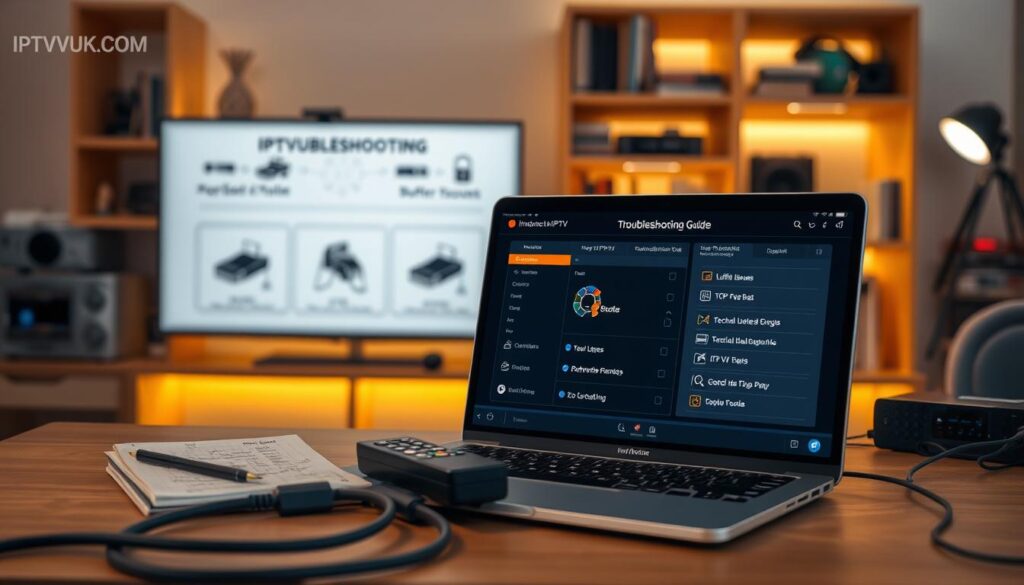
By addressing these common issues, you can significantly improve your IPTV streaming experience and enjoy high-quality content.
Optimizing Your IPTV Streaming Experience
Optimizing your IPTV streaming experience can significantly enhance your viewing pleasure. To achieve this, consider a few key strategies.
Using a VPN for Enhanced Privacy and Access
Using a VPN can enhance your IPTV streaming experience by providing a secure and private connection. This is particularly useful for accessing geo-restricted content. When choosing a VPN, consider factors such as speed, server locations, and compatibility with your IPTV app.
Tips for Maintaining Stable Streaming
To maintain stable streaming, ensure your internet connection is robust enough to handle the demands of IPTV. Regularly updating your IPTV app and checking for playlist updates can also help.
Keeping Your IPTV Setup Updated
Keeping your IPTV setup updated is crucial. This includes updating your IPTV applications and streaming device firmware to have the latest features and security patches. Stay informed about service changes through your provider’s communication channels.
By implementing these strategies, you can significantly improve your IPTV streaming experience, ensuring a smoother and more enjoyable viewing experience for all users.
Conclusion
By understanding the key components and steps involved, you can successfully set up IPTV for an enhanced viewing experience. Setting up IPTV doesn’t have to be complicated when you follow a systematic approach. This involves ensuring you have adequate internet speeds, choosing compatible devices, and selecting reputable service providers.
With proper setup and maintenance, your IPTV system can provide years of enjoyable, flexible, and cost-effective entertainment. You can customize your viewing experience by accessing content from diverse sources and watching on multiple devices at home. For more detailed information on IPTV technology, you can refer to resources like Wikipedia’s IPTV page or technical reviews from EBU Tech Review. By following this guide, you’re well on your way to enjoying a superior television experience with IPTV.

