
Internet Protocol Television (IPTV) has revolutionized the way we consume television content, offering a flexible alternative to traditional cable and satellite services through internet-based delivery. With IPTV, you can access both live and on-demand content, making it a convenient option for modern viewers.
As the global IPTV market continues to grow, reaching an estimated USD 200.22 billion by 2030, it’s essential to understand the basics of IPTV, including setup, optimization, and troubleshooting. For a comprehensive guide on setting up IPTV on smart TVs, you can refer to resources like this detailed guide. This will help you enhance your streaming quality and access a wider range of content.
Key Takeaways
- Understand the basics of IPTV and its benefits over traditional TV services.
- Learn how to set up IPTV on various devices, including smart TVs.
- Discover tips for optimizing your IPTV streaming quality.
- Explore ways to protect your privacy while using IPTV services.
- Find out how to access a broader range of content through IPTV.
What is IPTV and How Does It Work?
IPTV, or Internet Protocol Television, revolutionizes the way we consume television content by delivering it through internet protocols. Unlike traditional cable or satellite TV, IPTV uses your internet connection to stream TV programs and movies directly to your device.
Understanding how IPTV works is crucial to appreciating its benefits. Essentially, IPTV is a system where digital television service is delivered through Internet protocol technology. This means that instead of receiving TV content through broadcast signals, cable, or satellite, you receive it via the internet.
The Technology Behind IPTV
IPTV technology breaks down video content into data packets that are transmitted over the internet and reassembled on your viewing device. This process creates a seamless streaming experience, allowing for features like on-demand viewing, time-shifting, and catch-up TV that traditional broadcasting methods can’t match.
For those interested in exploring IPTV services similar to QQTV, there are various options available that allow you to stream live TV on your devices. You can learn more about these services by visiting https://www.g-iptv.com/iptv-like-qqtv-stream-live-tv-on-your-devices/.
| Feature | IPTV | Traditional TV |
|---|---|---|
| Content Delivery | Internet Protocol | Cable/Satellite |
| Streaming Experience | Seamless, on-demand | Real-time, scheduled |
| Device Compatibility | Multiple devices supported | Limited to TV sets |
Benefits and Limitations of IPTV
IPTV is revolutionizing the way we consume television, offering numerous benefits over traditional viewing methods. The flexibility and personalization it provides are transforming the television landscape.
Advantages Over Traditional Cable and Satellite TV
One of the significant advantages of IPTV is its ability to deliver greater viewing flexibility compared to traditional TV services. You can pause, rewind, and fast-forward content at your convenience. Additionally, IPTV eliminates the need for bulky hardware like satellites or antennas, streamlining your entertainment setup.
The IPTV service offers high-definition and 4K streaming capabilities, providing superior picture quality that enhances your viewing experience. With IPTV, you also gain access to a wider range of channels and content options, making it a more versatile choice.
- Enjoy greater control over your viewing experience with the ability to pause, rewind, and fast-forward content.
- Benefit from a more streamlined entertainment setup without the need for satellites or antennas.
- Experience superior picture quality with high-definition and 4K streaming capabilities.
Moreover, IPTV allows you to access your subscription across multiple devices and locations, making it ideal for viewers who travel or want to watch on different screens throughout their home. Many IPTV services also offer more competitive pricing compared to traditional cable and satellite packages, providing better value with more customizable channel selections.
Essential Equipment and Requirements for IPTV
The key to a seamless IPTV experience lies in having the essential equipment and meeting the necessary requirements. To enjoy IPTV, you’ll need a few critical components.
Internet Connection Requirements
A stable, high-speed internet connection is the foundation of any IPTV setup. For HD streaming, a minimum internet speed of 20 Mbps is recommended, while higher speeds are necessary for 4K content.
Some key requirements for IPTV include:
- A stable, high-speed internet connection, with a minimum recommended speed of 20 Mbps for HD streaming.
- A compatible device, such as a smart TV, streaming box (like Amazon Fire Stick or Roku), computer, tablet, or smartphone.
- A reliable broadband or fiber connection to prevent buffering issues and poor streaming quality.
- A well-set-up home network, with wired ethernet connections typically providing more stable streaming than Wi-Fi.
- A subscription to a premium IPTV service, although there are free options available with limited content libraries.
For more detailed information on setting up your IPTV gear, you can refer to our comprehensive guide on setting up your IPTV equipment.
How to Use IPTV on Different Devices
The flexibility of IPTV lies in its ability to be used on a range of devices, catering to different viewing preferences. This allows you to enjoy your favorite content anywhere, anytime.
Setting Up IPTV on Smart TVs
Setting up IPTV on smart TVs typically involves downloading the appropriate app from your TV’s app store, signing in with your subscription credentials, and following the on-screen setup instructions. Many smart TVs support popular IPTV services, making it easy to access your content directly on your television.
Using IPTV on Computers and Laptops
For computers and laptops, you can either use web-based IPTV services through your browser or download dedicated IPTV applications like VLC Media Player that support M3U playlists and streaming URLs. This flexibility makes it convenient to watch IPTV content on larger screens or during work hours.
IPTV on Mobile Devices
Mobile devices offer perhaps the most convenient way to access IPTV content, with dedicated apps available for both Android and iOS that allow you to stream your favorite channels on the go. Whether you’re commuting or traveling, IPTV on mobile keeps you connected to your favorite shows and news.
Streaming IPTV on Amazon Fire Stick
The Amazon Fire Stick has become one of the most popular devices for IPTV due to its portability and flexibility, allowing you to download IPTV apps directly or sideload them using the Downloader app. To install IPTV on Fire Stick, simply search for your IPTV provider’s app in the Amazon Appstore, download it, and sign in with your credentials.
Regardless of the device you choose, you’ll typically need your IPTV provider’s M3U playlist URL or file to set up IPTV. This file contains the list of channels and content available through your subscription, making it easy to navigate and enjoy your IPTV services at home or on the go.
Popular IPTV Media Players and Applications
Choosing the right IPTV media player is crucial for a seamless streaming experience. IPTV players like Kodi, Smarters, and MyIPTV Player allow you to bring different IPTV channels and streamers together in one app, acting as a gateway to various services.
VLC Media Player Setup
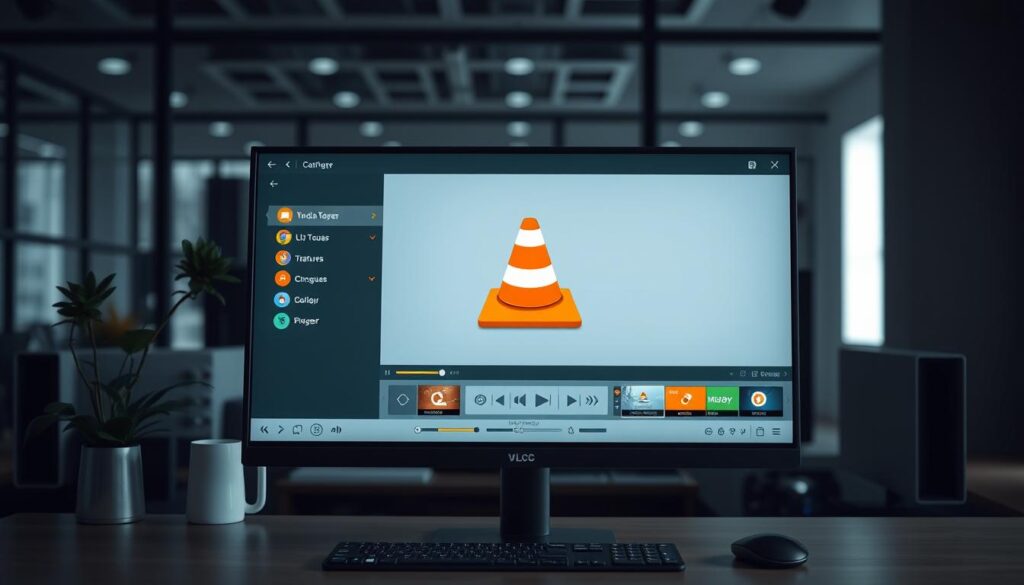
VLC Media Player is a versatile and user-friendly option for IPTV streaming, supporting M3U playlists and offering cross-platform compatibility. To set up IPTV on VLC, open the “Media” menu, select “Open Network Stream,” and enter your provider’s M3U URL or load a locally saved M3U file.
IPTV Smarters Pro and Similar Apps
IPTV Smarters Pro is a dedicated IPTV application that offers a TV-like interface with features like channel browsing, EPG integration, and favorites management. You can download IPTV Smarters Pro from your device’s app store or through third-party sources.
Kodi for IPTV Streaming
Kodi serves as a comprehensive media center that supports IPTV through add-ons, allowing you to integrate your IPTV subscription with other media sources. For a detailed guide on setting up Kodi for IPTV, you can refer to resources like this setup guide.
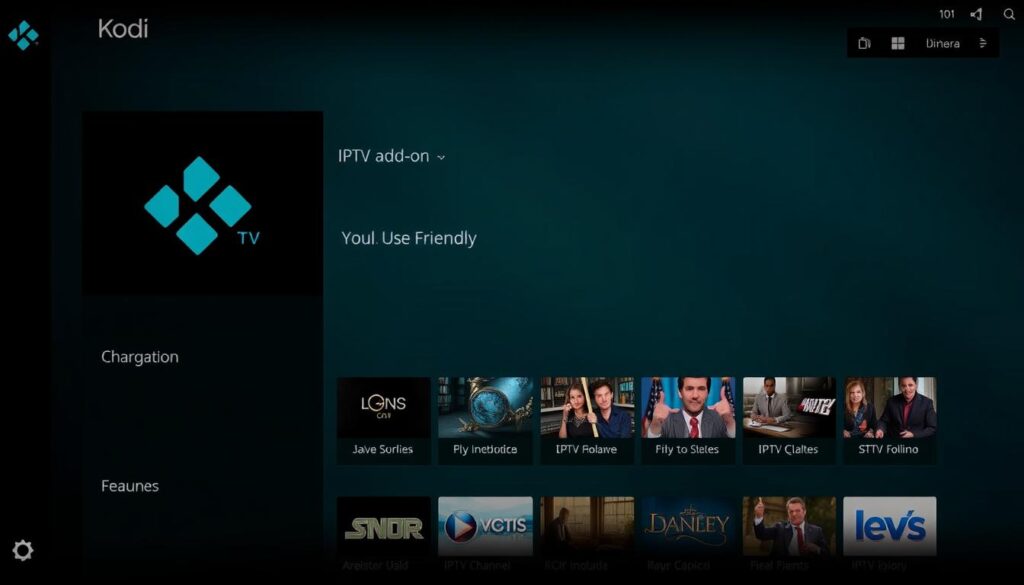
These applications typically don’t host content themselves but act as gateways to your IPTV subscription, making it essential to have a legitimate IPTV service provider for the apps to function properly.
Troubleshooting Common IPTV Issues
Common IPTV issues can be frustrating, but most can be resolved with some basic troubleshooting. IPTV services, like any other streaming technology, can sometimes be affected by problems such as buffering, playback issues, and channel loading errors. Understanding how to address these issues can significantly enhance your viewing experience.
Fixing Buffering and Playback Problems
Buffering and playback issues are among the most common problems faced by IPTV users. These issues are typically caused by insufficient internet speed, network congestion, or server-side limitations from your IPTV provider. To resolve buffering, try increasing the buffer size in your media player settings. For instance, in VLC, you can go to “Tools” > “Preferences” > “Input/Codecs” and adjust the “Network caching” to about 1000ms.
Other effective solutions include restarting your router, closing bandwidth-heavy applications, reducing the number of connected devices, or switching to a wired connection for better stability. Lowering the streaming quality in your IPTV app settings can also help ease the load on your network.
Resolving Channel and Playlist Loading Issues
If certain channels aren’t showing up or your playlist is incomplete, the issue might stem from an outdated M3U URL, server maintenance by your provider, or regional restrictions. Try refreshing or reloading your playlist URL and check your IPTV service provider’s status page or support channels for known outages.
It’s also helpful to simplify your IPTV list if it’s too extensive. For example, reducing the number of countries in your playlist or removing video-on-demand sections can improve loading times. For more detailed troubleshooting steps, you can visit https://tvonair.tv/how-to-troubleshoot-common-iptv-issues for additional guidance.
| Issue | Possible Cause | Solution |
|---|---|---|
| Buffering | Insufficient internet speed | Increase buffer size, restart router |
| Playback Issues | Network congestion | Close bandwidth-heavy apps, switch to wired connection |
| Channels not loading | Outdated M3U URL | Refresh or reload playlist URL |
By following these troubleshooting steps, you can significantly improve your IPTV service experience, ensuring smoother streams and better overall quality.
Enhancing Your IPTV Experience with VPNs and Optimization
To elevate your IPTV experience, consider integrating a VPN into your streaming setup. A VPN can help you access your usual subscriptions and content libraries from anywhere. It masks your IP address, changing your virtual location, so you can continue to watch local news, your favorite channels, and on-demand content while you’re away.
Why Use a VPN with IPTV Services
Using a VPN with IPTV services provides multiple benefits. It allows you to bypass geographical restrictions, accessing region-locked content and sports channels that might otherwise be unavailable. For more information on how VPNs work with IPTV, you can visit Surfshark’s IPTV VPN guide.
VPNs also encrypt your internet traffic, preventing your Internet Service Provider (ISP) from monitoring your streaming activities or throttling your connection based on content type.
Tips for Optimizing Streaming Quality
Optimizing your IPTV experience goes beyond using a VPN. Regular maintenance is key: clear cache files from your streaming devices, keep apps updated, and schedule system restarts to prevent memory leaks.
For the best streaming quality, consider using wired connections, closing unnecessary background applications, and viewing during off-peak hours when your provider’s servers are less congested.
Conclusion
As we conclude this comprehensive guide to IPTV, it’s clear that IPTV is revolutionizing the way we consume television content. With its flexibility and customizable subscription options, IPTV offers a viable alternative to traditional cable and satellite services.
Throughout this guide, we’ve explored the fundamental aspects of setting up and optimizing your IPTV experience. Your internet connection plays a crucial role in ensuring a smooth streaming experience. By understanding the technology and troubleshooting common issues, you can enhance your viewing experience. For more information on watching IPTV on your PC, check out our detailed guide.

