
Internet Protocol Television (IPTV) is revolutionizing the way people consume television content through internet-based delivery systems. Unlike traditional cable or satellite TV, IPTV services deliver content directly through your internet connection, offering a more flexible viewing experience.
IPTV provides a wide range of on-demand channels and gives users control over how and when they watch their favorite shows. This service is becoming increasingly popular among cord-cutters who are looking for alternatives to traditional television broadcasting methods.
As we explore the world of IPTV, you’ll learn about the different types of services available and what makes them appealing to consumers. We’ll also address common questions about IPTV accessibility, legality, and what to expect when transitioning from traditional TV services.
Key Takeaways
- IPTV delivers content through your internet connection, offering greater flexibility.
- IPTV services provide a wide range of on-demand channels.
- Users have more control over their viewing experience with IPTV.
- IPTV is becoming popular among cord-cutters.
- Understanding IPTV accessibility and legality is crucial.
What Is IPTV and How Does It Work?
Understanding IPTV begins with grasping its fundamental concept and functionality. IPTV, or Internet Protocol Television, is a service that delivers television content over the internet, rather than through traditional satellite or cable formats.
Definition and Basic Concept
IPTV uses internet protocols to deliver content directly to your device, whether it’s a smart TV, smartphone, tablet, or laptop. This method allows for a more personalized viewing experience and can offer higher video quality when the internet connection is stable.
Different Types of IPTV Formats
There are various IPTV formats, including live TV, on-demand content, and catch-up TV. Live TV allows you to watch broadcasts in real-time, while on-demand content lets you choose what you want to watch and when. Catch-up TV enables you to watch previously aired content at your convenience.
Advantages and Disadvantages of IPTV
Like any service, IPTV has its pros and cons. On the plus side, IPTV offers greater flexibility, no need for bulky hardware, and often better pricing than traditional cable. However, it requires a stable, high-speed internet connection, and video quality can vary.
Some key advantages include significant cost savings, flexibility in viewing, and simplified home entertainment setups. On the downside, IPTV quality is heavily dependent on internet speed, and some services operate in legal grey areas. Content availability can also be inconsistent across providers.
Essential Requirements for Using IPTV Services
Understanding the basic requirements for IPTV is crucial for a smooth viewing experience. To fully enjoy IPTV services, you need to ensure that your setup meets the necessary technical and hardware requirements.
Internet Connection Requirements
A stable and fast internet connection is vital for IPTV. You should have a minimum internet speed of at least 5 Mbps for HD content and 25 Mbps for 4K content. We recommend using a wired Ethernet connection for the best quality and reliability.
Compatible Devices for IPTV
IPTV can be accessed on various devices, including Smart TVs, streaming devices, and mobile devices. Consider investing in an external streaming device even if you have a Smart TV, as dedicated devices often receive more frequent updates and support a wider range of IPTV applications. For more information on setting up IPTV on different devices, you can refer to this guide.
Additional Hardware Considerations
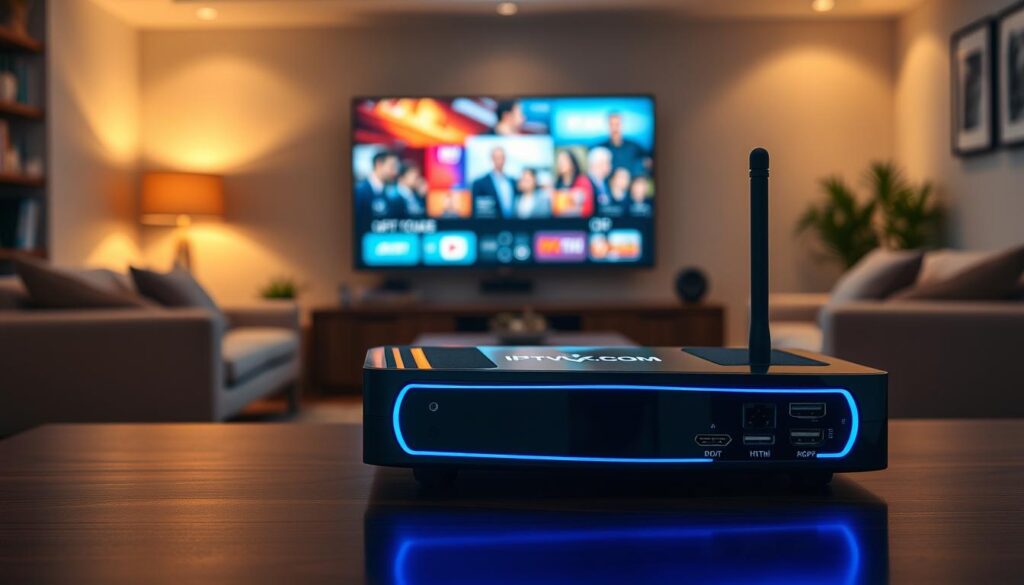
To enhance your IPTV experience, consider additional hardware. An ethernet adapter can improve streaming quality by providing a wired connection. External storage devices can expand your streaming device’s capacity, allowing you to record content or install more apps. A quality HDMI cable ensures the best signal transmission, particularly for 4K content. Furthermore, remote controls with voice search capabilities can simplify navigation within IPTV applications. For households with multiple viewing locations, IPTV-compatible network attached storage (NAS) devices can serve as central media servers.
How Do You Get IPTV Services: A Step-by-Step Guide
Getting started with IPTV services can seem daunting, but with the right guidance, you can navigate the process with ease. To begin, it’s essential to understand the steps involved in selecting and subscribing to an IPTV service that meets your needs.
Researching and Choosing an IPTV Provider
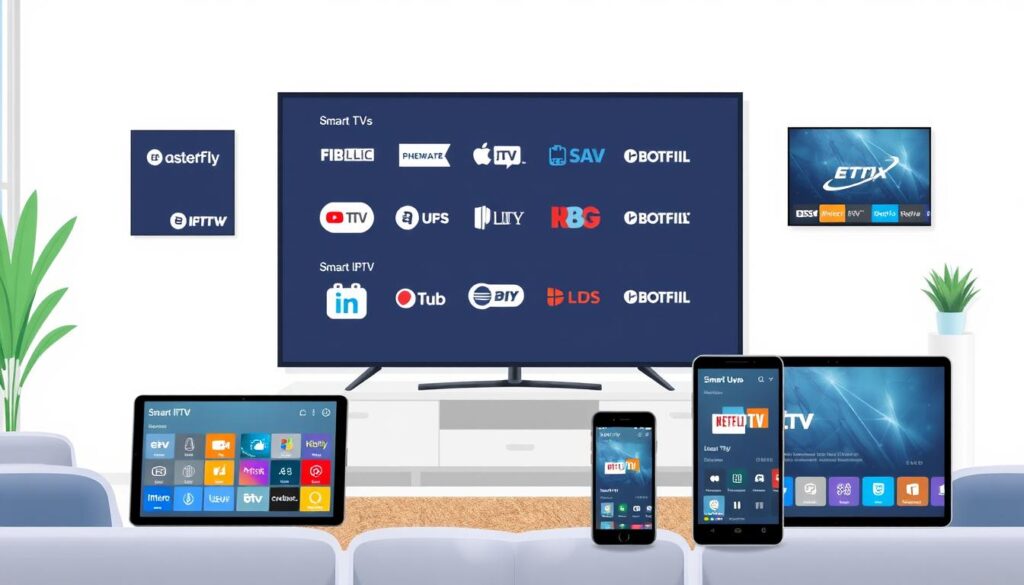
When researching IPTV providers, look for services that offer a wide range of channels and on-demand content. Some popular IPTV providers include YouTube TV, Hulu + Live TV, and Sling TV. It’s crucial to read reviews and compare the features and pricing of different services to find the one that best suits your viewing habits.
Subscription Options and Pricing
IPTV providers typically offer various subscription plans, including month-to-month options and discounted annual rates. Be sure to review the pricing and any additional fees associated with the service. Some providers may offer free trials or promotional offers, allowing you to test the service before committing.
Legal Considerations When Using IPTV
When using IPTV services, it’s vital to be aware of the legal implications. Legitimate IPTV services license their content properly, while unauthorized services may stream copyrighted material without permission. Be cautious of services that seem too good to be true or offer an unusually extensive content library.
- Understand the distinction between legitimate IPTV services and unauthorized providers.
- Be aware that using unauthorized IPTV services may expose you to legal risks.
- Read the terms of service carefully to understand the provider’s content licensing status and your rights as a user.
By being informed and choosing a reputable IPTV provider, you can enjoy a safe and satisfying viewing experience.
Setting Up IPTV on Different Devices
With IPTV, you can stream content on multiple devices with a few easy steps. Whether you’re using a smart TV, a streaming device, or a mobile device, setting up IPTV is straightforward. First, you’ll need to choose an IPTV provider and subscribe to their service. Then, you can follow the setup instructions for your specific device.
Smart TV Setup Instructions
For smart TVs, the setup process typically involves downloading and installing an IPTV app from the TV’s app store. For example, Samsung and LG smart TVs have dedicated app stores where you can find IPTV apps. Once installed, you’ll need to sign in with your IPTV provider’s credentials to start streaming. Some smart TVs may also support web-based IPTV players, offering an alternative method to access your IPTV service.
Setting Up IPTV on Streaming Devices
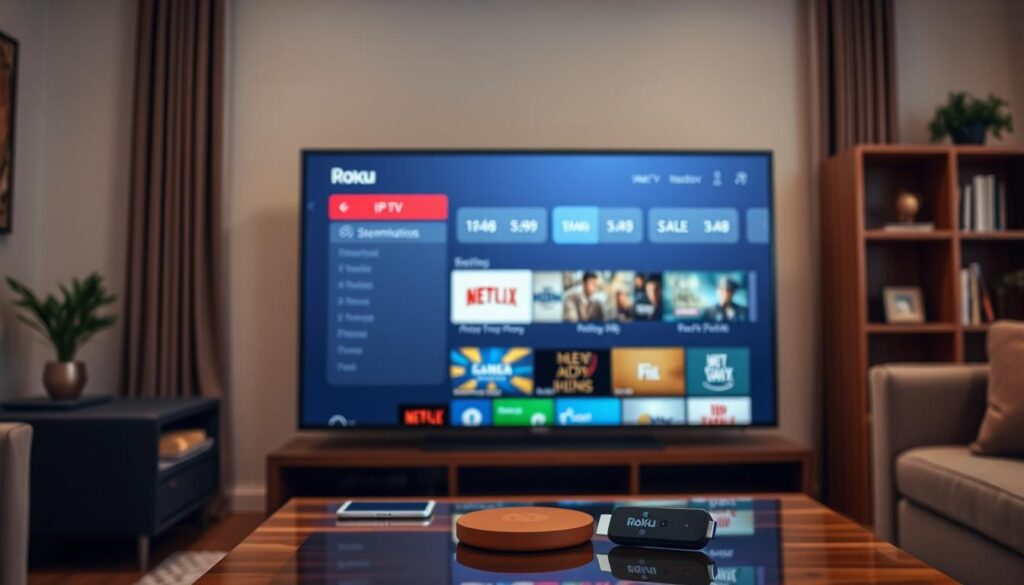
Streaming devices like Roku, Amazon Fire TV, and Google Chromecast can also be used to watch IPTV. You’ll need to install an IPTV app compatible with your streaming device. For instance, devices like the Amazon Fire TV Stick allow you to sideload IPTV apps, expanding your viewing options. After installing the app, sign in with your provider’s details to begin streaming. Some popular IPTV apps are available directly through the device’s app store, making the process even simpler.
Mobile and Computer IPTV Setup
On mobile devices and computers, setting up IPTV involves downloading an IPTV app from the respective app stores (Google Play Store for Android devices and Apple App Store for iOS devices). For computers, you can use web-based players or dedicated desktop applications like VLC Media Player or Kodi. After installing your chosen IPTV app, you’ll need to grant necessary permissions and sign in with your IPTV provider’s credentials to start watching IPTV. For detailed guides on transferring your IPTV subscription to a new device, you can refer to resources like this step-by-step guide. Additionally, exploring blogs on how to use IPTV can provide further insights into maximizing your IPTV experience.
Using IPTV Apps and Media Players
The world of IPTV is vast, with various apps available to stream your favorite channels and shows directly to your devices. To make the most of IPTV services, understanding the different apps and media players is crucial.
Popular IPTV Apps and Their Features
Several IPTV apps have gained popularity due to their features and user-friendly interfaces. Some of the top IPTV apps include those available on official app stores like Google Play and Apple App Store. For instance, IPTV Smarters Pro is a highly-regarded app known for its ease of use and robust features.
When choosing an IPTV app, consider the features that matter most to you, such as channel lineup, EPG support, and playback stability. You can find more information on setting up IPTV on various devices in our guide on how to set up IPTV on Smart.
How to Install and Configure IPTV Apps
Installing and configuring IPTV apps is a straightforward process. For apps available on official stores, simply search for the app by name, tap “Install” or “Get,” and wait for the download to complete. For third-party apps, you’ll need to enable “Unknown Sources” in your device’s security settings before downloading the APK file.
After installation, launch the app and look for configuration options like “Settings,” “Add Playlist,” or “Add Source.” Most IPTV apps require you to enter an M3U playlist URL or login credentials provided by your IPTV service provider. You can then configure video playback settings and organize your channels for a seamless viewing experience.
Troubleshooting Common IPTV Issues
Troubleshooting IPTV issues can be straightforward if you know where to start. IPTV services, like any other streaming technology, can sometimes encounter technical difficulties. Understanding how to address these issues can significantly enhance your viewing experience.
Buffering and Streaming Quality Problems
Buffering and poor streaming quality are often related to your internet connection. Ensure your connection meets the minimum speed requirements for IPTV streaming. If problems persist, try restarting your router or contacting your internet service provider for assistance. You can also try reducing the stream quality to a lower setting if your device allows it.
Channel Access and Playlist Issues
If you’re experiencing issues accessing certain channels or if your playlist isn’t updating correctly, check that your IPTV app is configured properly. Ensure you’re using the latest version of the app and that your subscription is active. If problems continue, contact your IPTV provider’s support team for help.
App Crashes and Technical Glitches
App crashes can be frustrating, but they’re often easy to resolve. Try clearing the app’s cache, restarting your device, or uninstalling and reinstalling the app. For persistent issues, visit the IPTV troubleshooting guide for more detailed assistance. Regularly updating your IPTV app can also help prevent compatibility issues and ensure smooth operation.
Conclusion
As we’ve explored the world of IPTV, it’s clear that this technology offers a flexible and personalized viewing experience. By understanding the steps involved in setting up IPTV services, you can make informed decisions about your entertainment options.
For more information on choosing the best IPTV service, you can refer to guides like The Ultimate Guide to Finding the Best IPTV or resources on how to choose the best IPTV premium. With a reliable internet connection and the right equipment, you can enjoy a wide range of channels and on-demand content.
By following the steps outlined in this article, you can create a personalized IPTV experience that meets your entertainment needs.

